Check the lookup field settings
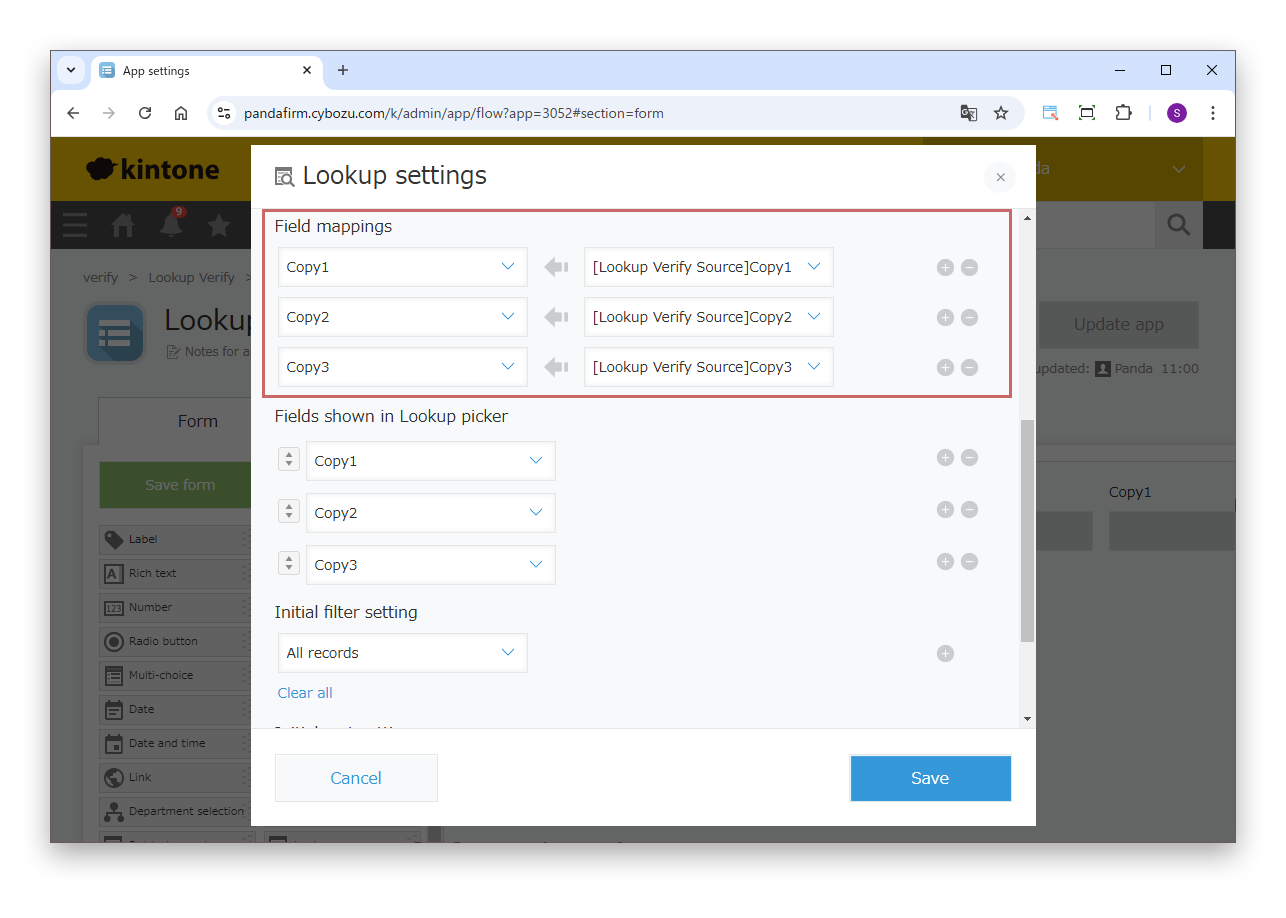
In the lookup field settings, check that mappings have been added in "Field mappings".
If there are no mappings, the event fires only once, for the lookup field.
In kintone, retrieving a value with a lookup fires an event that reports the value change. With only the lookup field, the event fires once. However, if there are destination fields, the event fires repeatedly, once for each of those fields. This page explains the order in which the events occur and how to choose the field to watch so that processing does not run many times.

In the lookup field settings, check that mappings have been added in "Field mappings".
If there are no mappings, the event fires only once, for the lookup field.
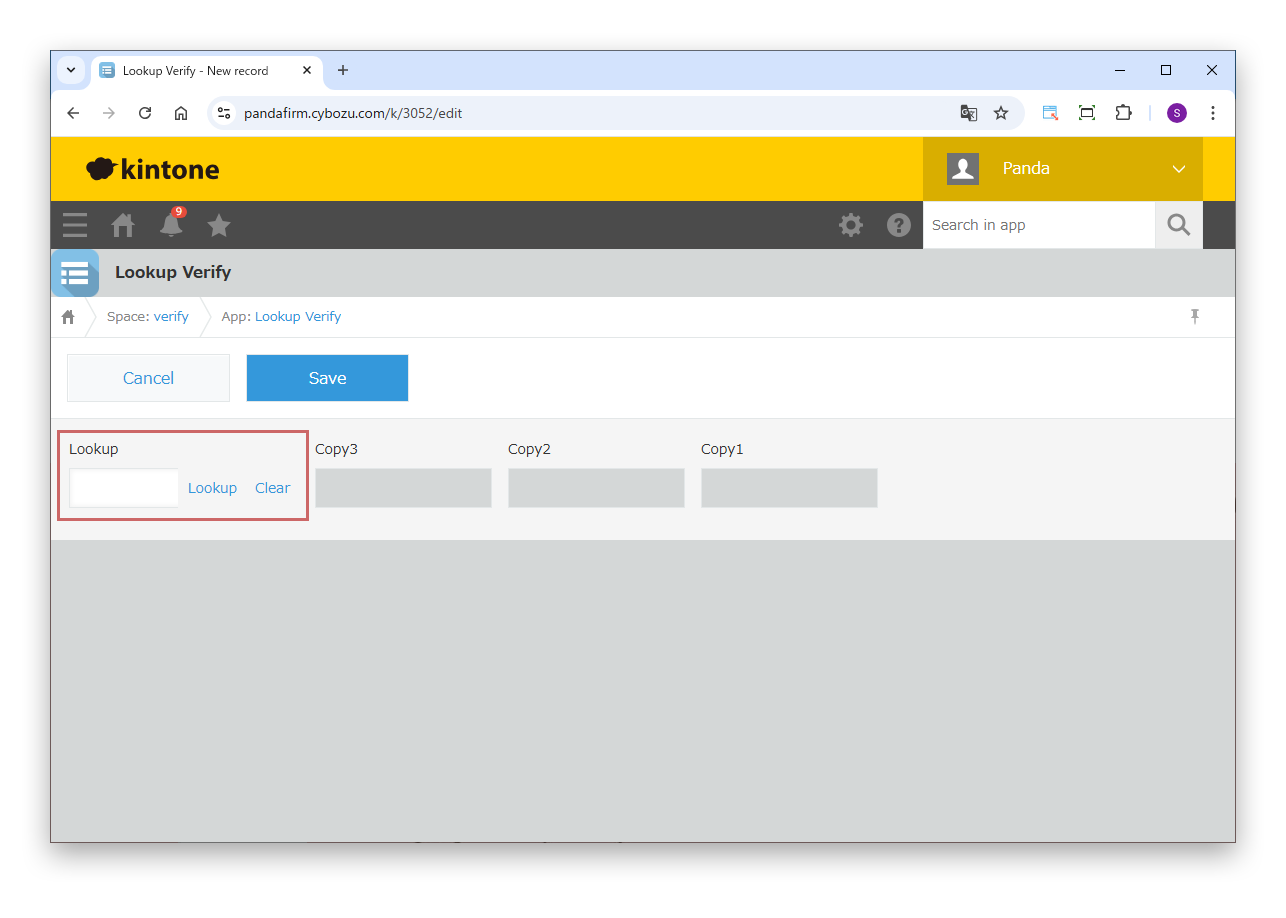
Retrieve the data to copy with the lookup field.
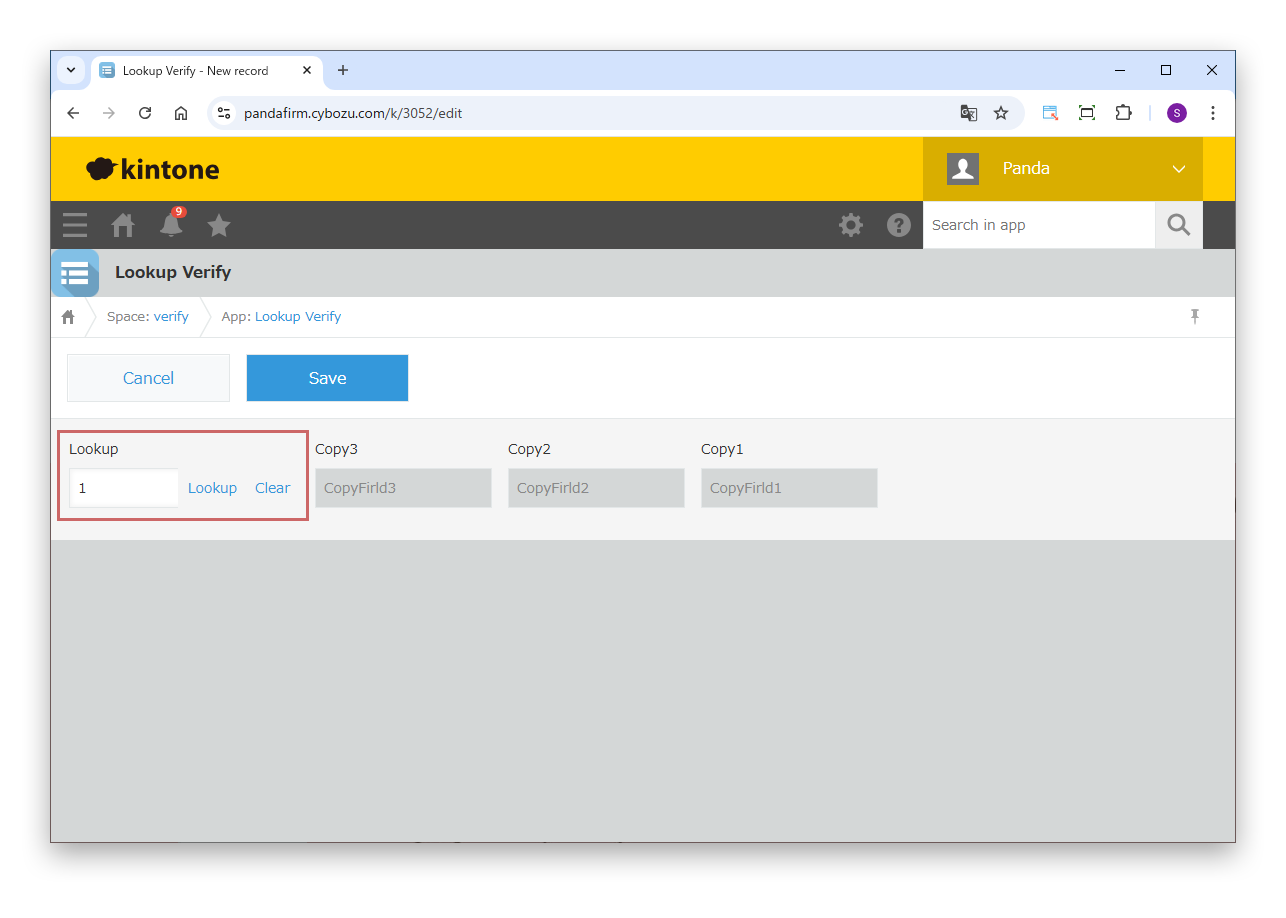
The first event fires for the lookup field. At this point, the values have already been set in the destination fields.
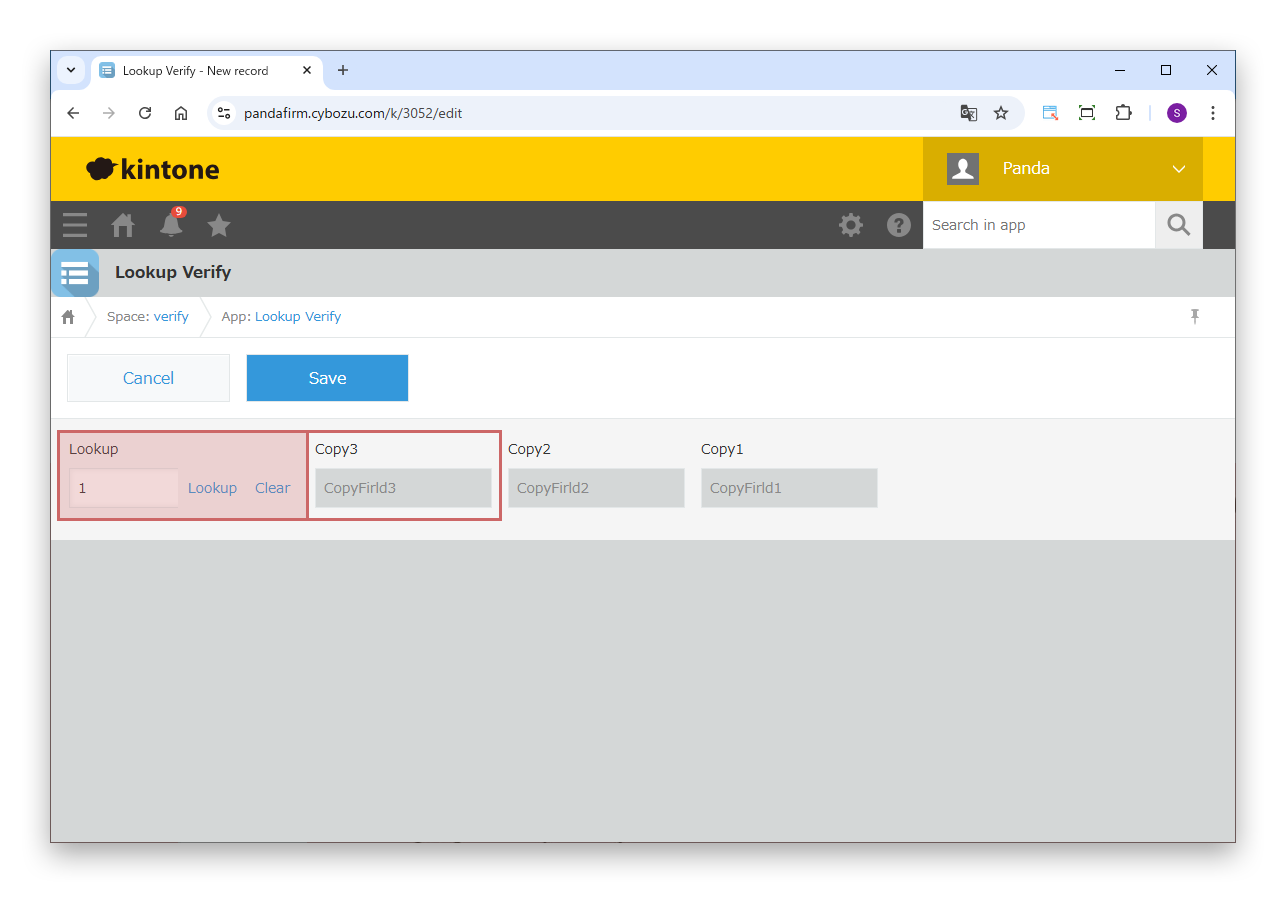
The next event fires for the destination field placed first.
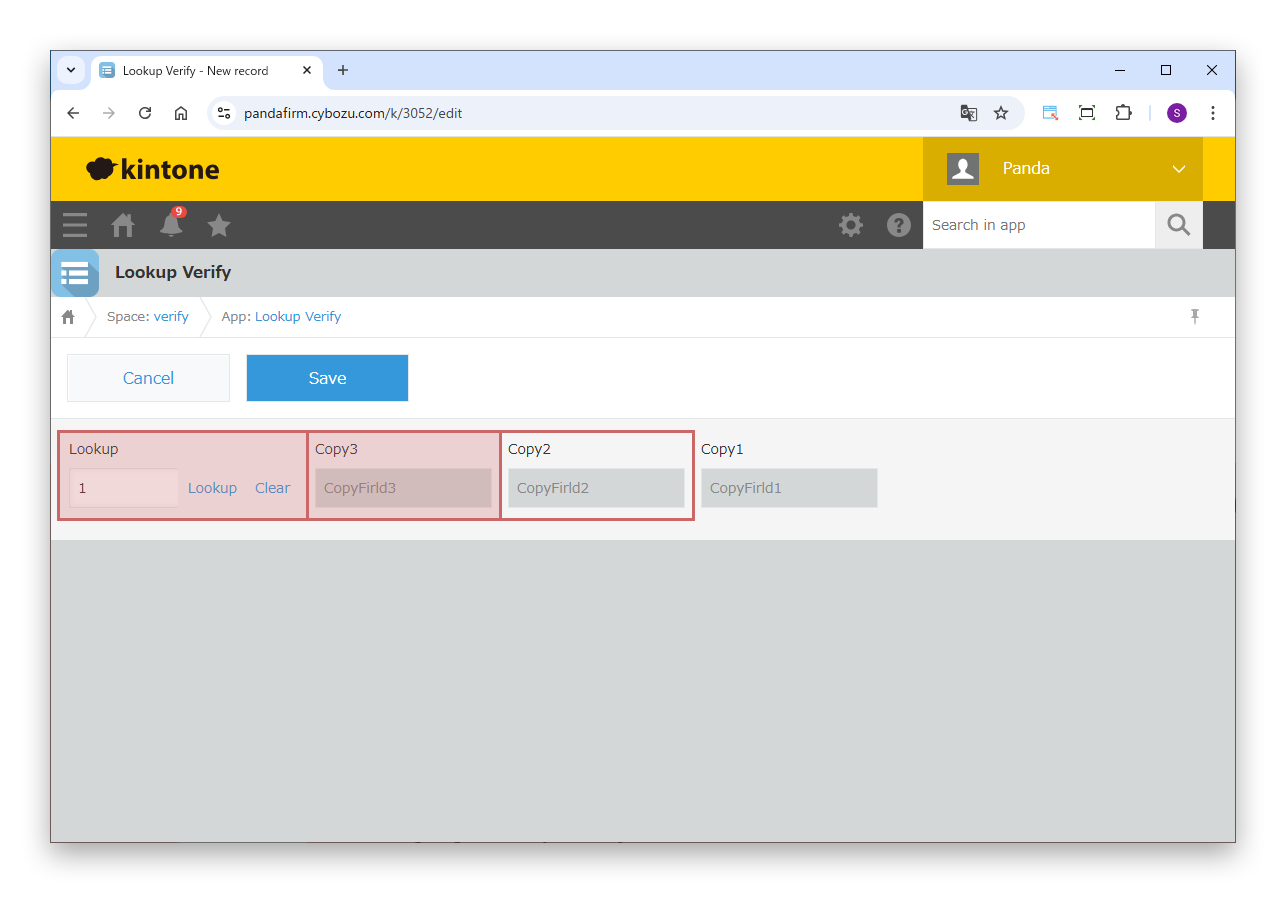
If there are multiple destination fields, the events fire in the order in which the fields are placed.
If you watch changes to all fields, the same process runs repeatedly, once for each destination field.
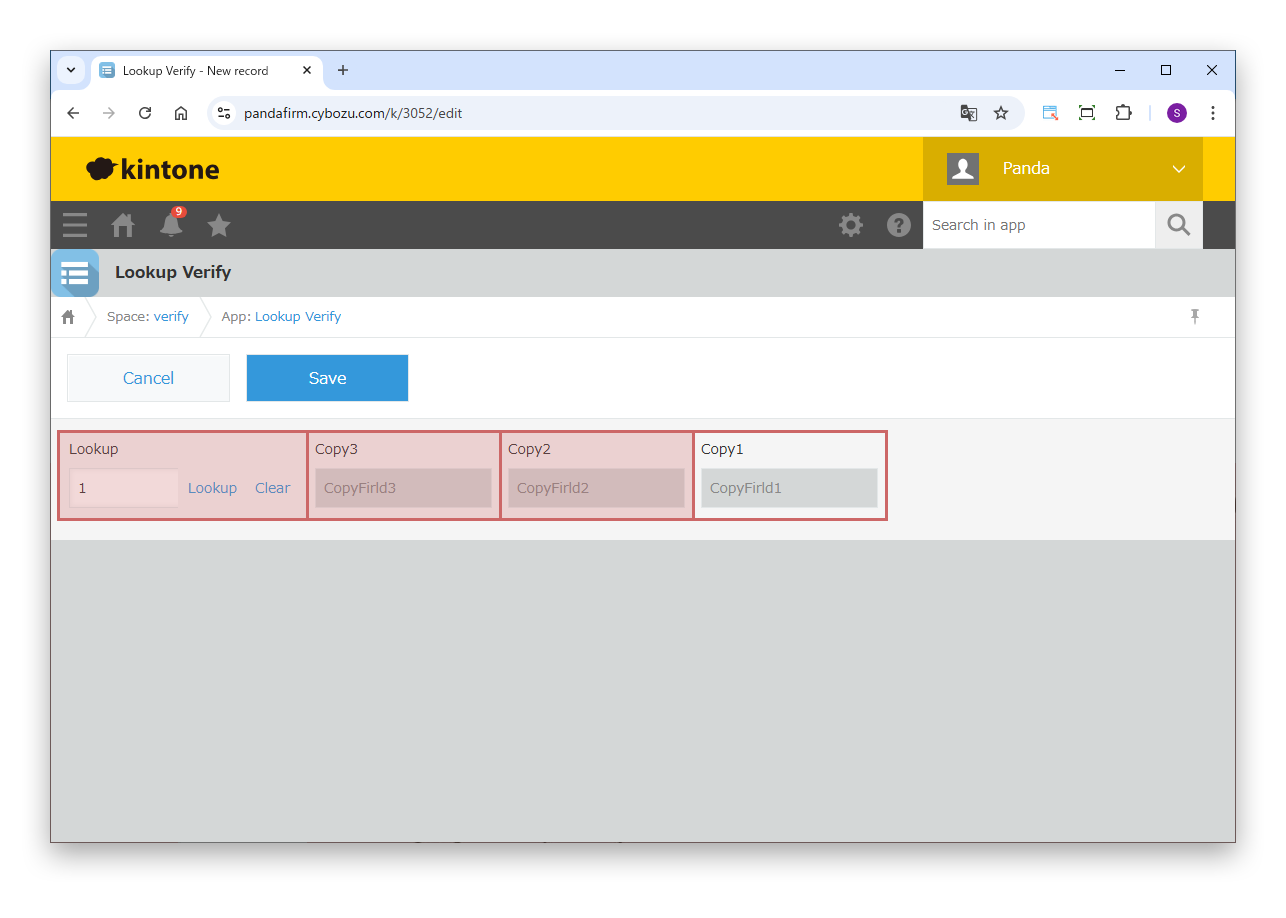
The last event fires for the destination field placed last.
Watch only one of them: the lookup field or this last field.
In Action, specify one of these fields in "Narrowing Down Trigger Fields".