Import the plugin into kintone
On the "Plug-ins" screen of kintone Administration, import the downloaded plugin.
Import the downloaded ZIP file as it is, without extracting it.
Boost! is a series of kintone plugins that turns ideas from the workplace into reality. The plugins work together, so you can combine them, for example to create a PDF and send it by email at the same time. This page introduces each plugin and also offers tips for using them.

Choose to suit your purpose:
the Boost! plugins.
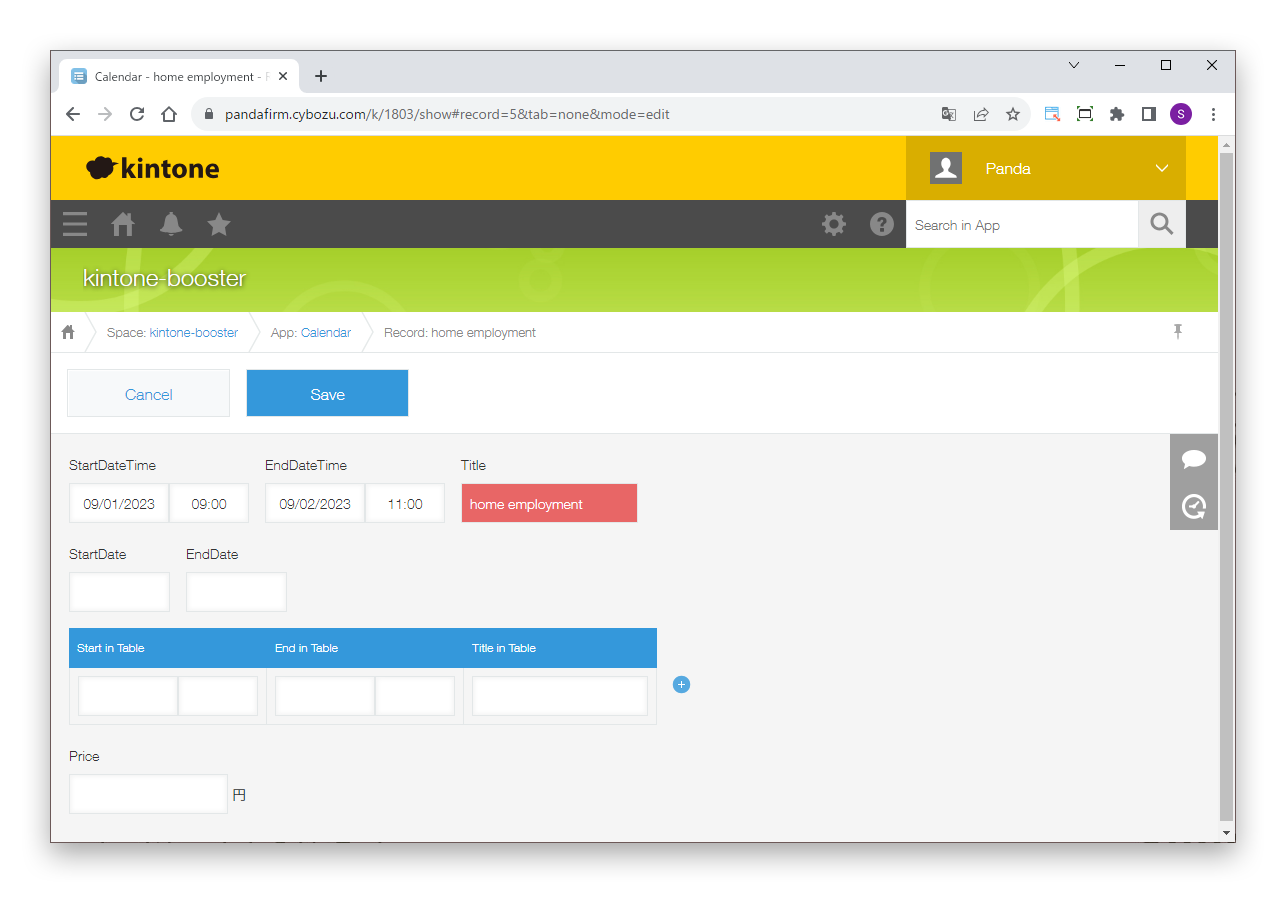
Changes the background color of fields and shows or hides them based on conditions. It works not only on the record detail screen but also on the add and edit screens and in the print preview.
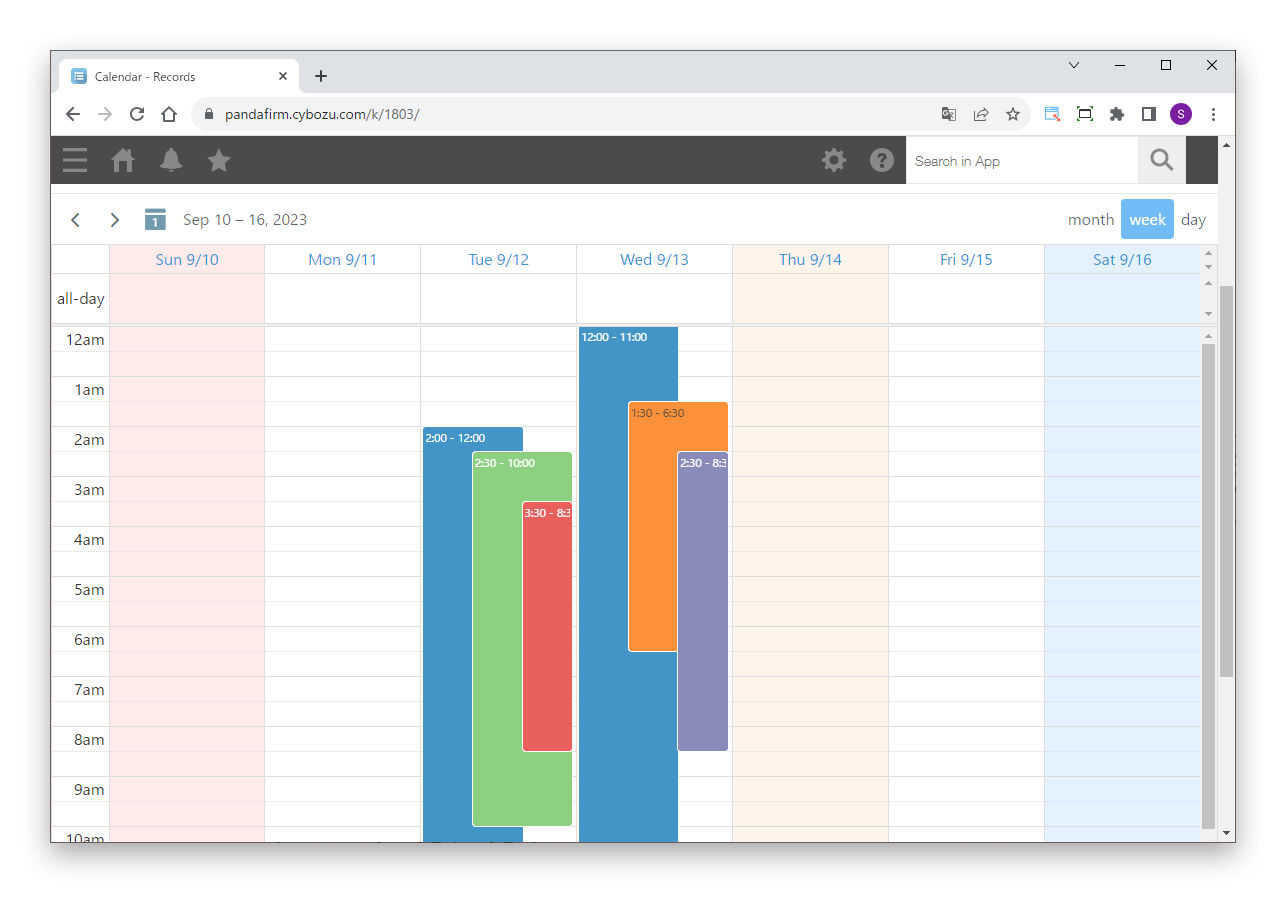
Creates a calendar view using FullCalendar. It also supports calculated fields and date fields in tables.
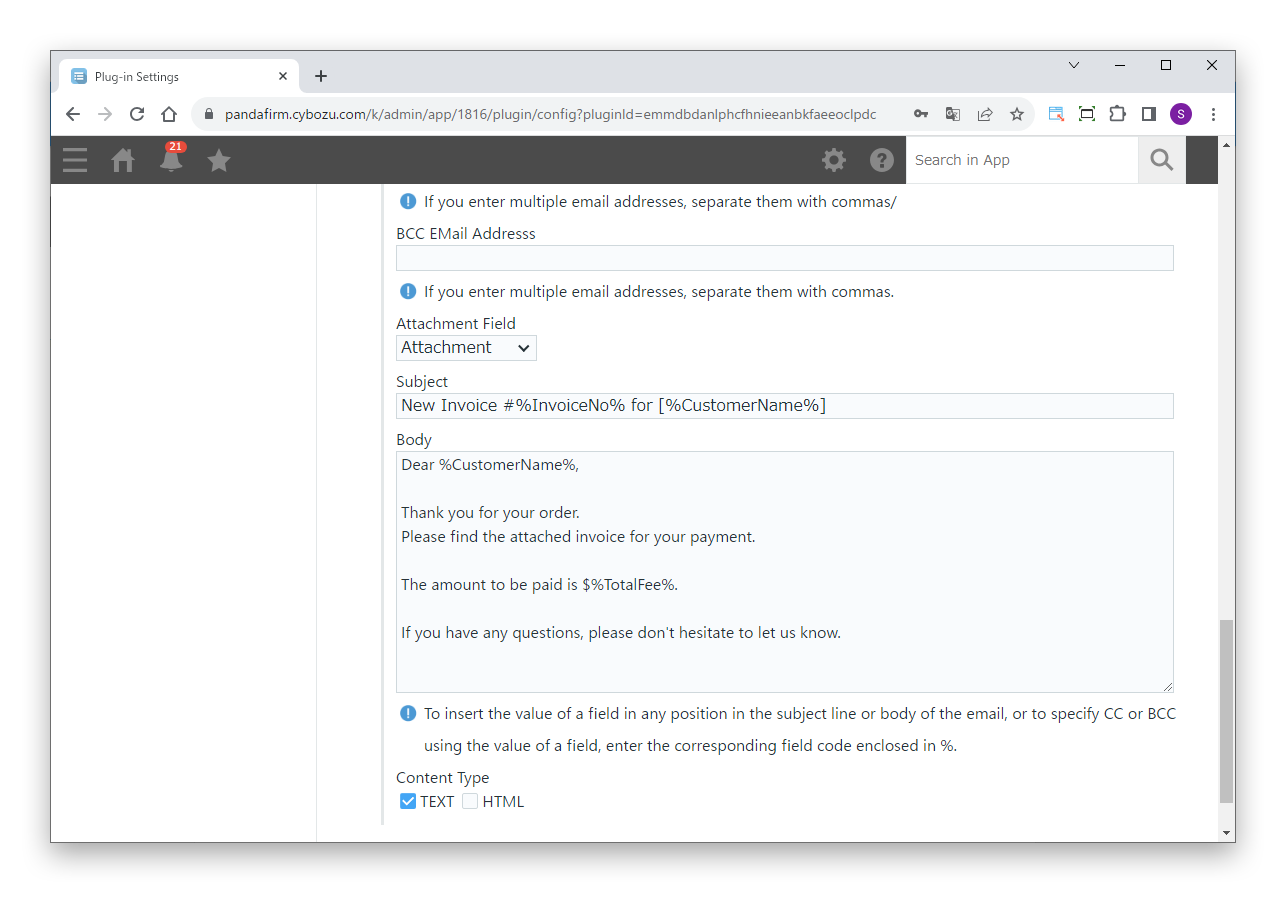
Sends email triggered by saving a record, a process action, or a button click. It can also send to email addresses in tables.
Sends email with OAuth authentication. It supports Google and Microsoft accounts and can also send to email addresses in tables.
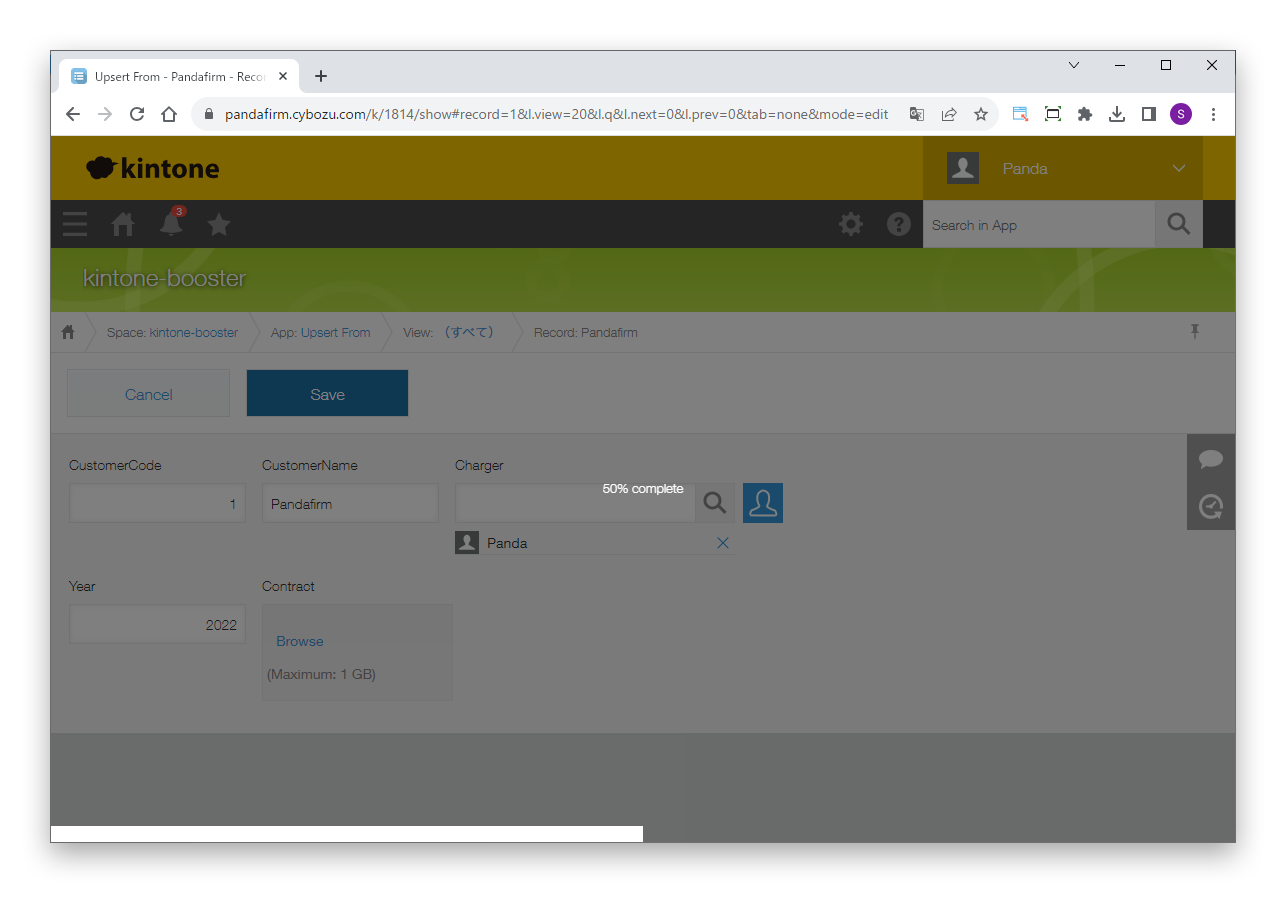
Copies and updates records between apps. It runs on save, on a process action, or on a button click, and copying to the same app lets you reuse records in bulk.
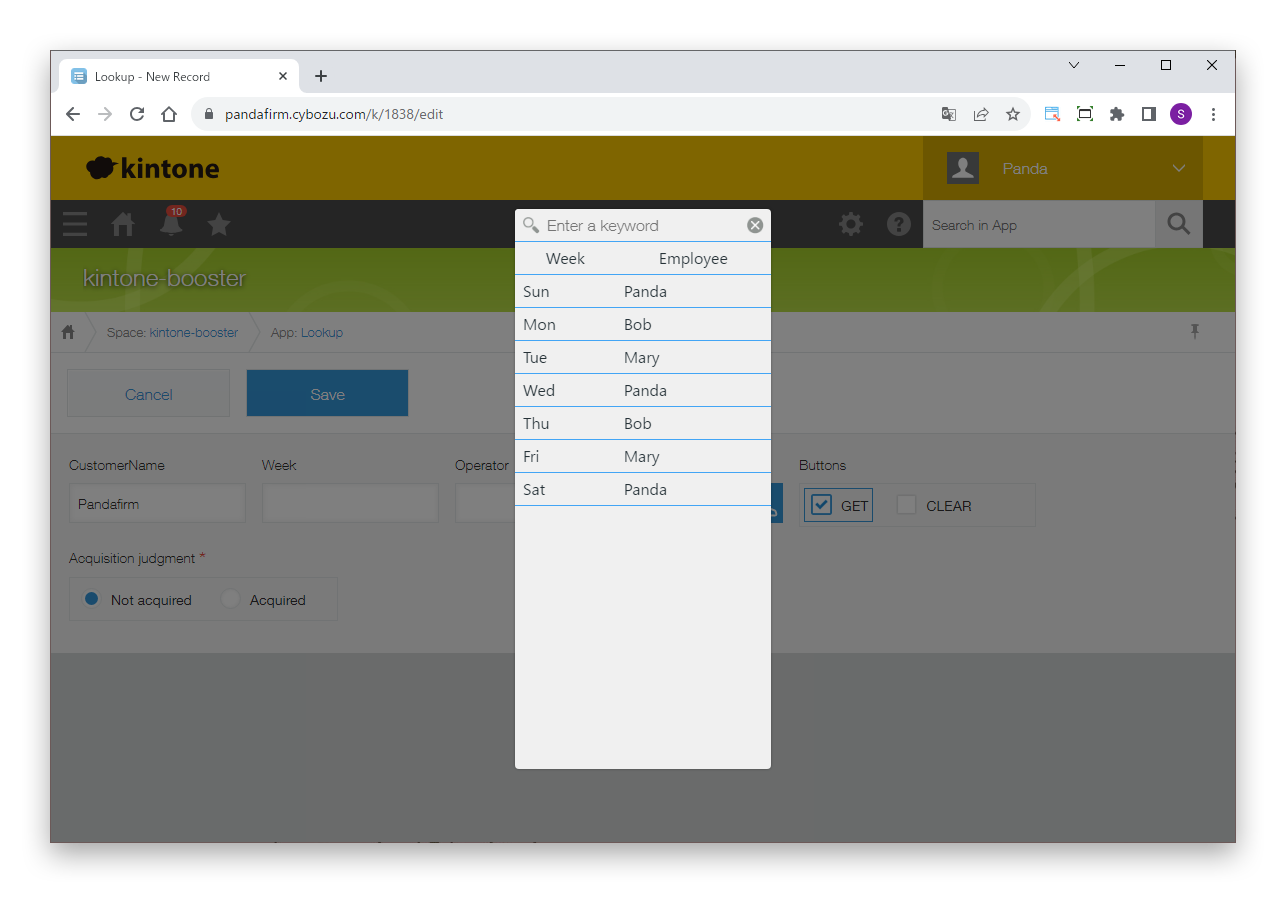
Changes field values or copies data from other apps based on conditions. It runs on input, on a process action, or on a button click.
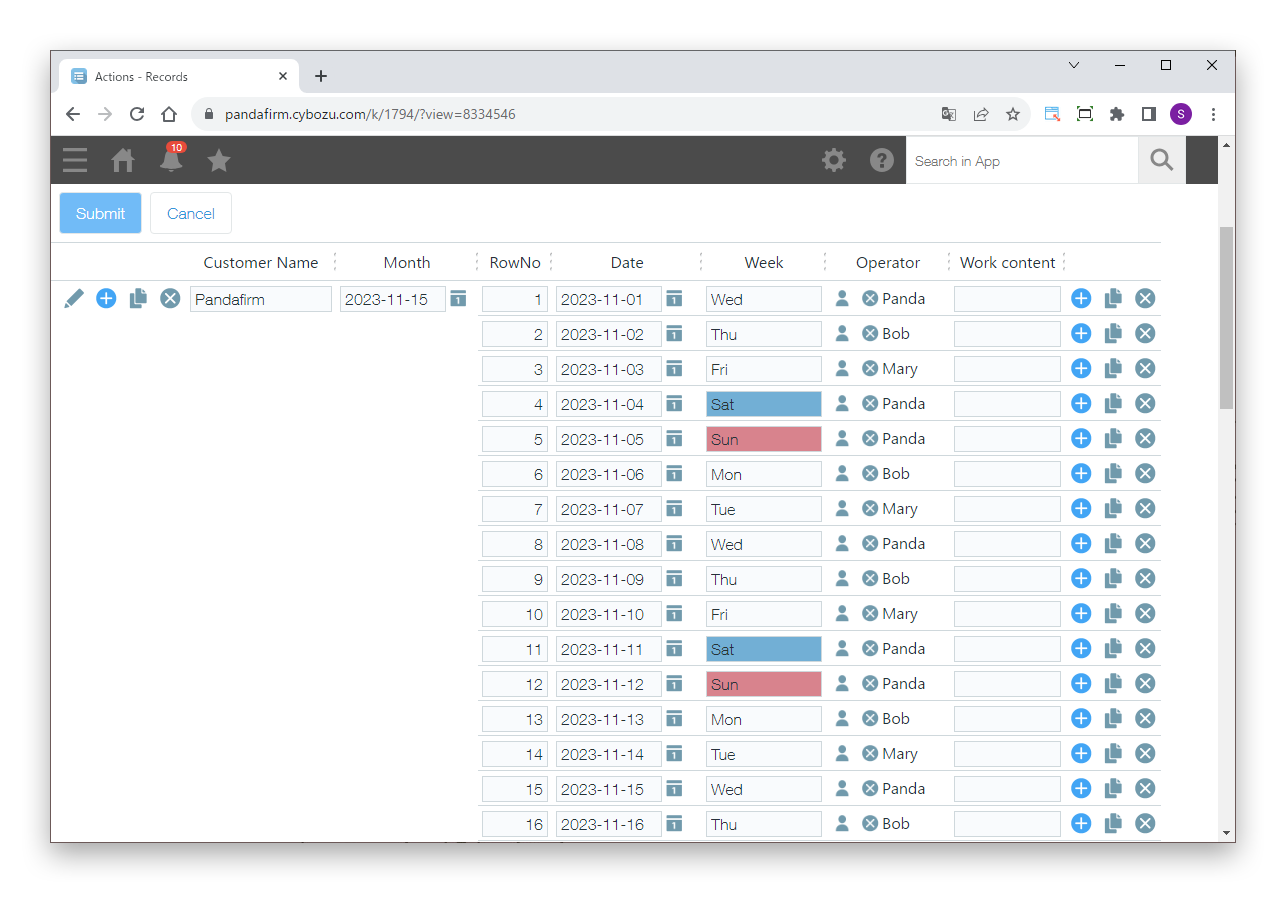
Creates a view in which you can display and edit records in a grid, including fields in tables. Processes such as Style and Action also work in this view.
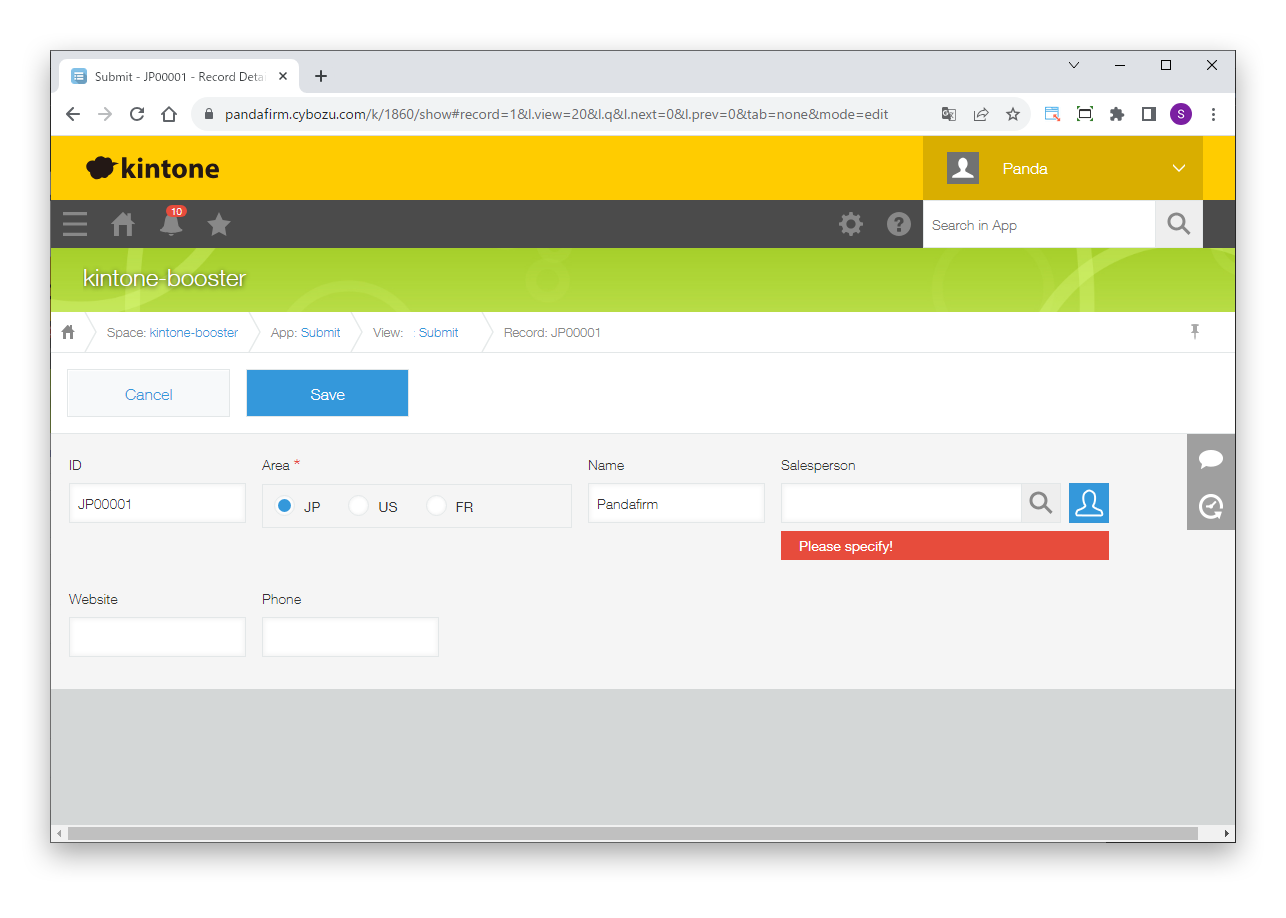
Checks for errors and assigns numbers automatically based on conditions when a record is saved or a process action runs. It can also show pop-ups that prompt input or ask for confirmation.
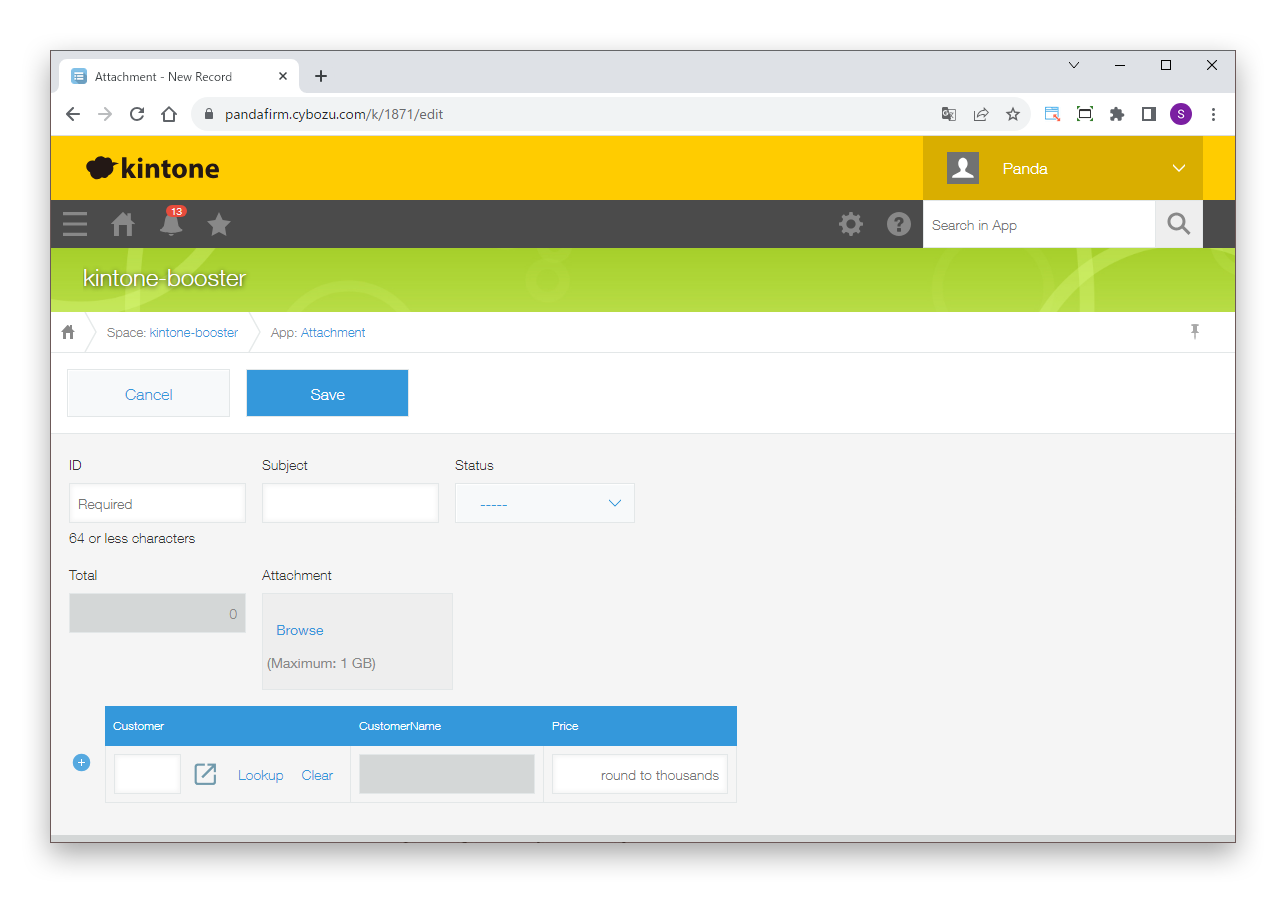
Adds handy features such as input hints, link buttons to the lookup source, a search box in the list view, an attachment viewer, and copying and sorting of table rows.
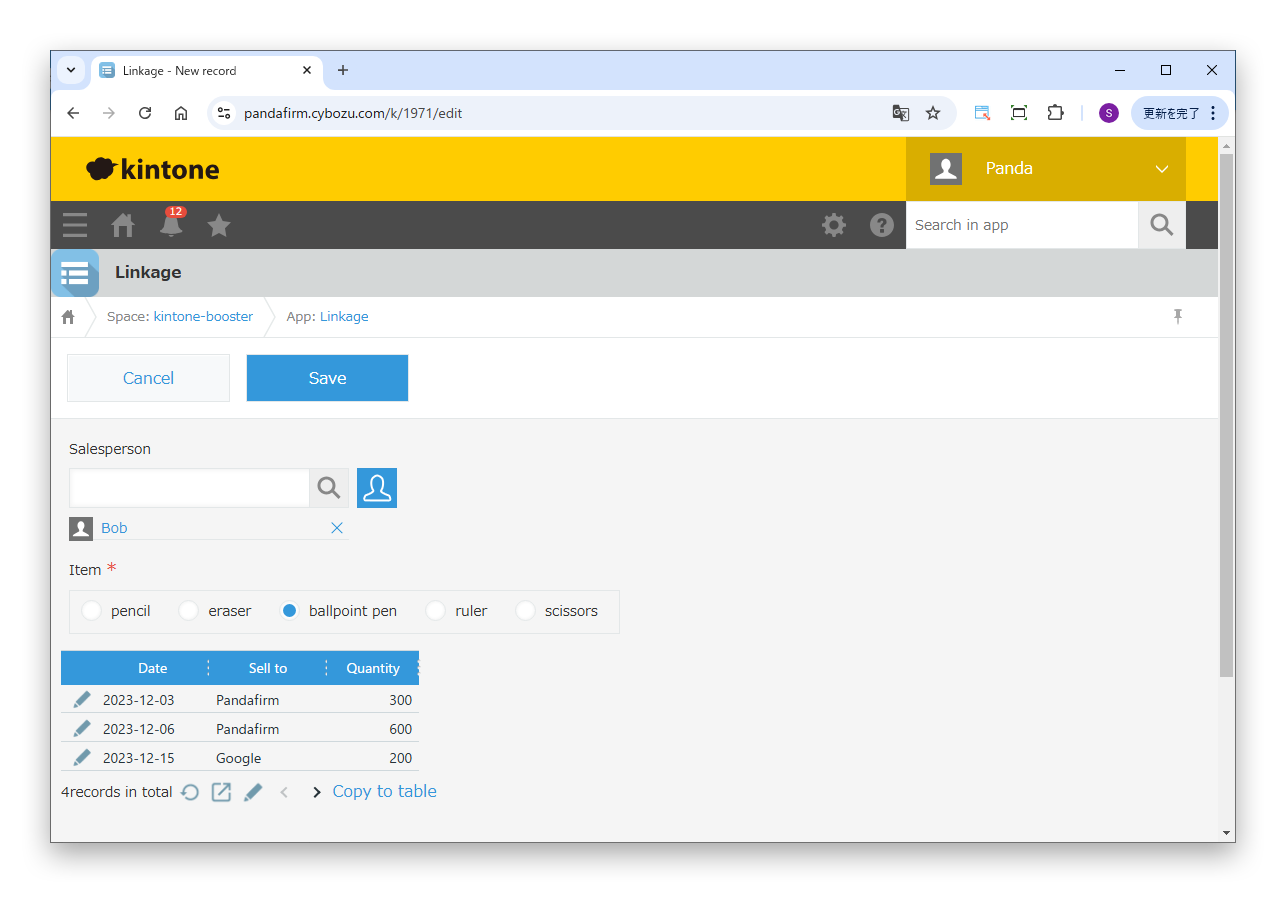
Lists records of a related app that match the conditions in the record being viewed or edited, or copies them to a table. It can also list the tables of the related app.
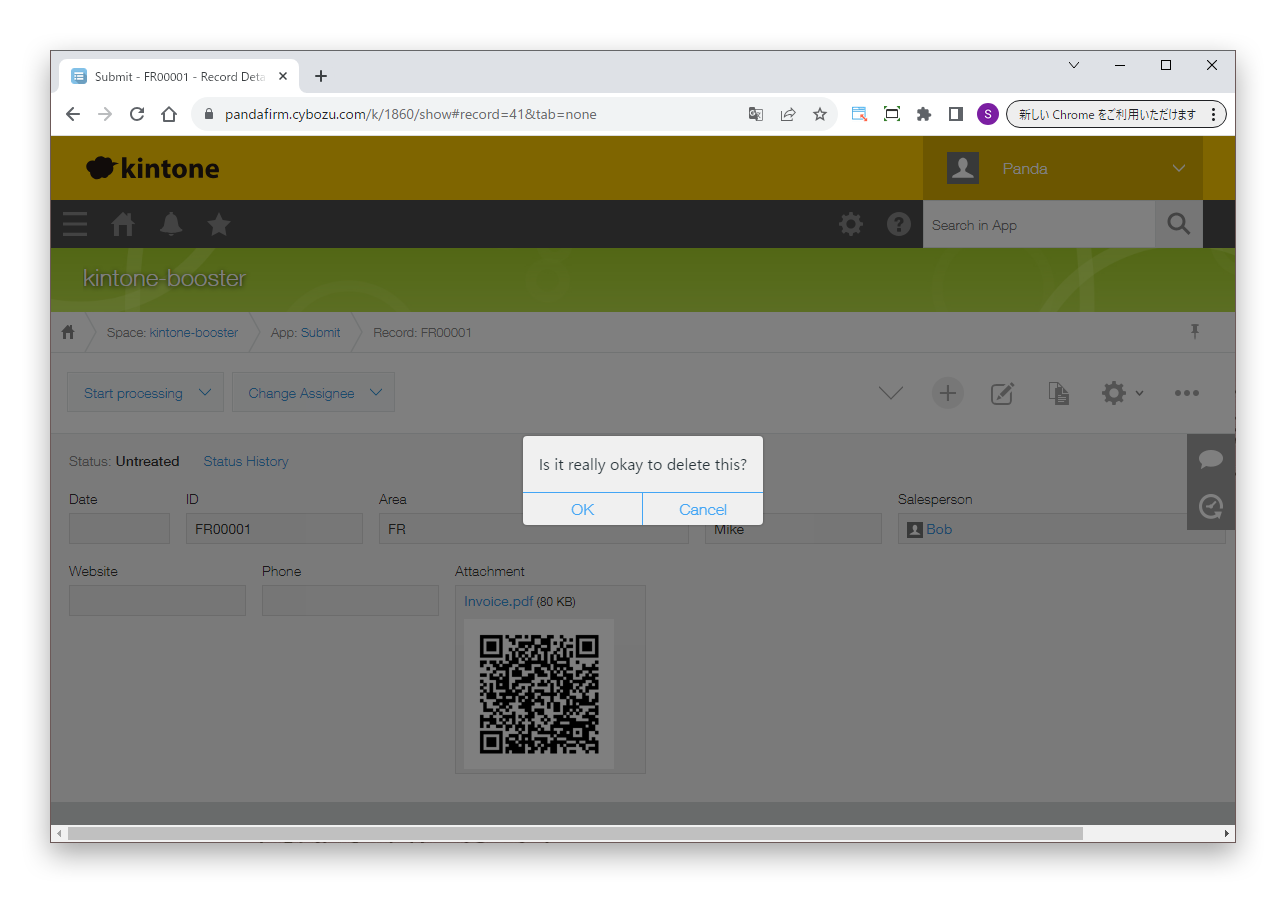
Shows a confirmation message before a record is deleted, or backs up the record to another app. The backup includes the record comments.
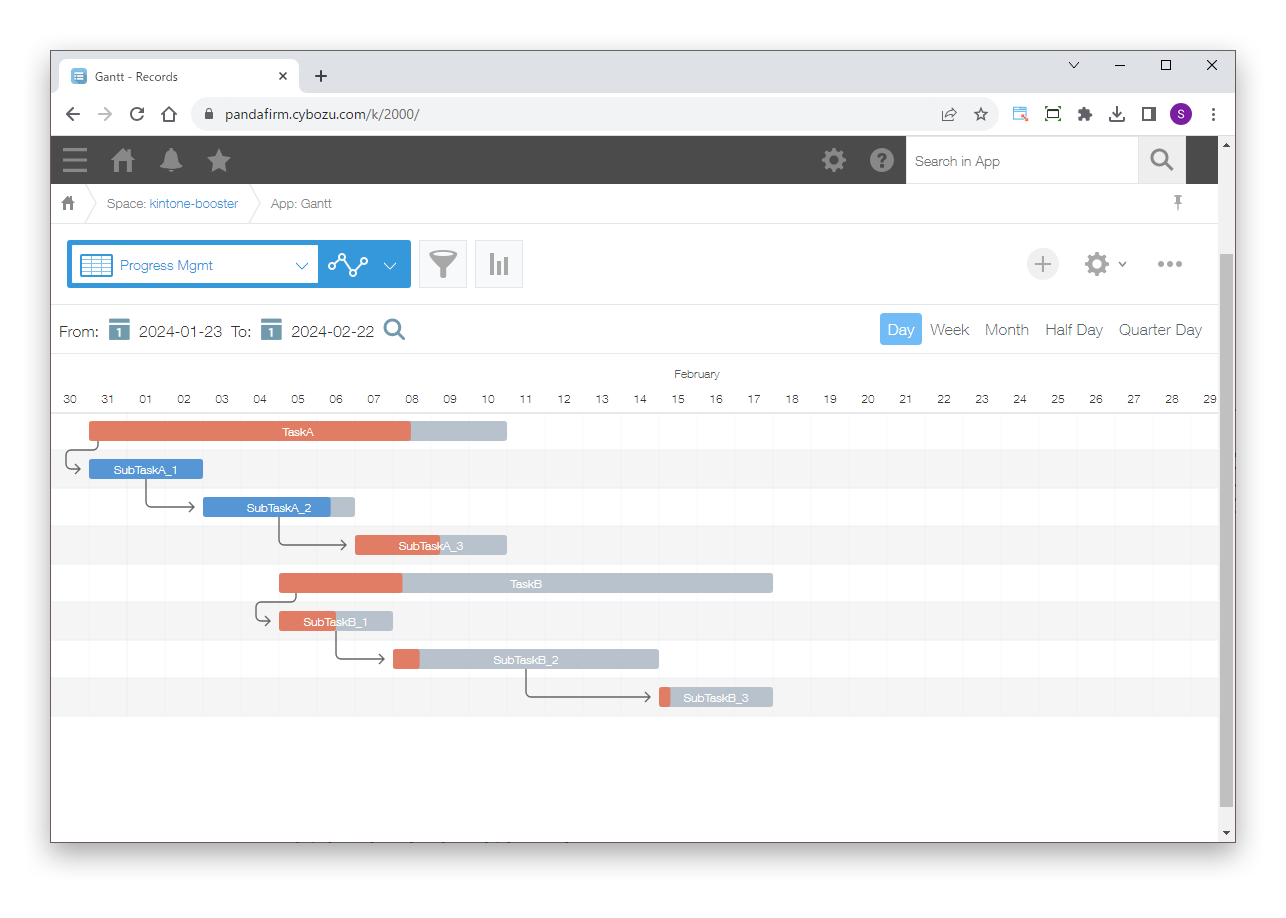
Creates a Gantt chart view using Frappe Gantt. Fields in tables can also be shown as subtasks.
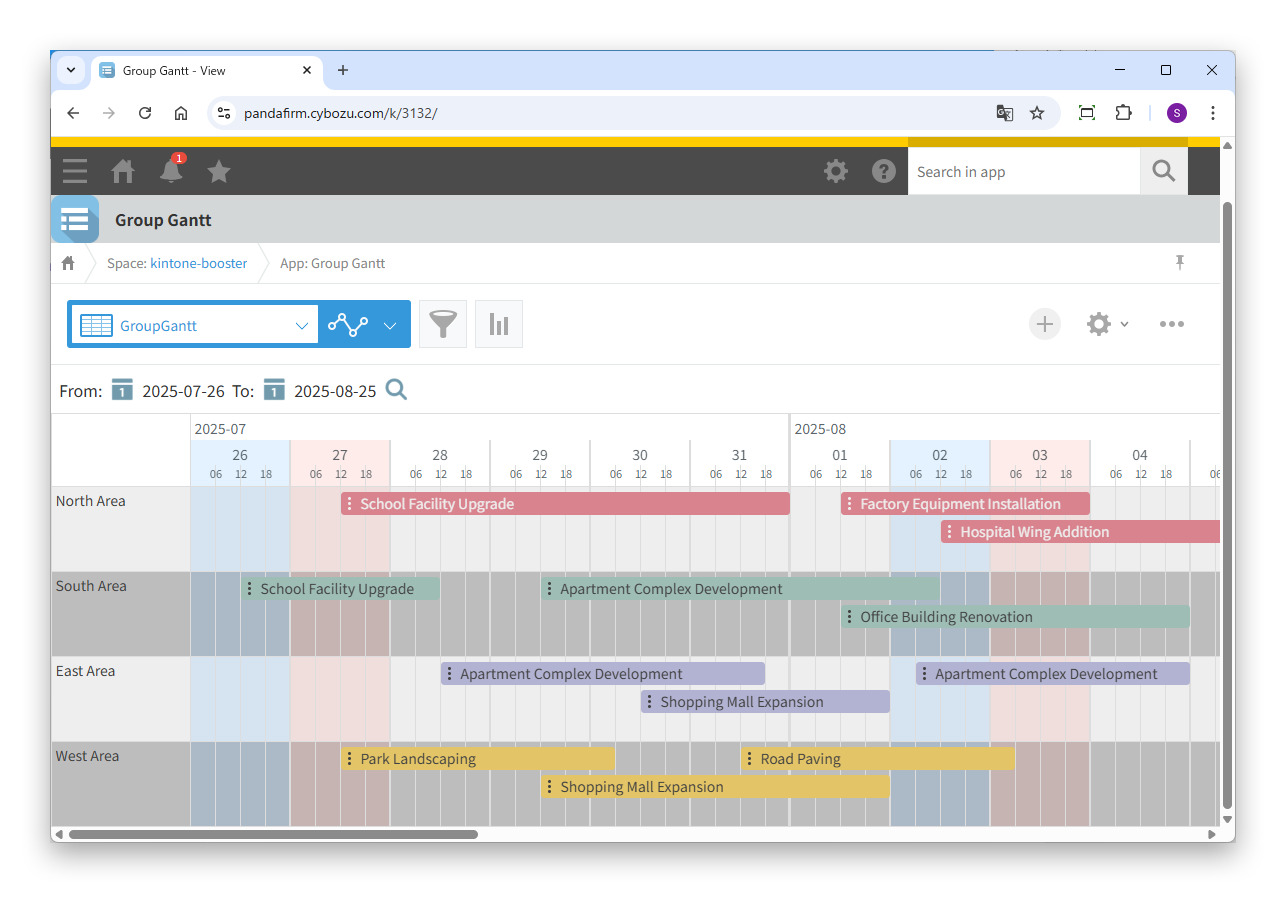
Creates a Gantt chart view grouped by condition. The time unit can be set from one day down to 15 minutes, and you can move tasks and change their periods by dragging.
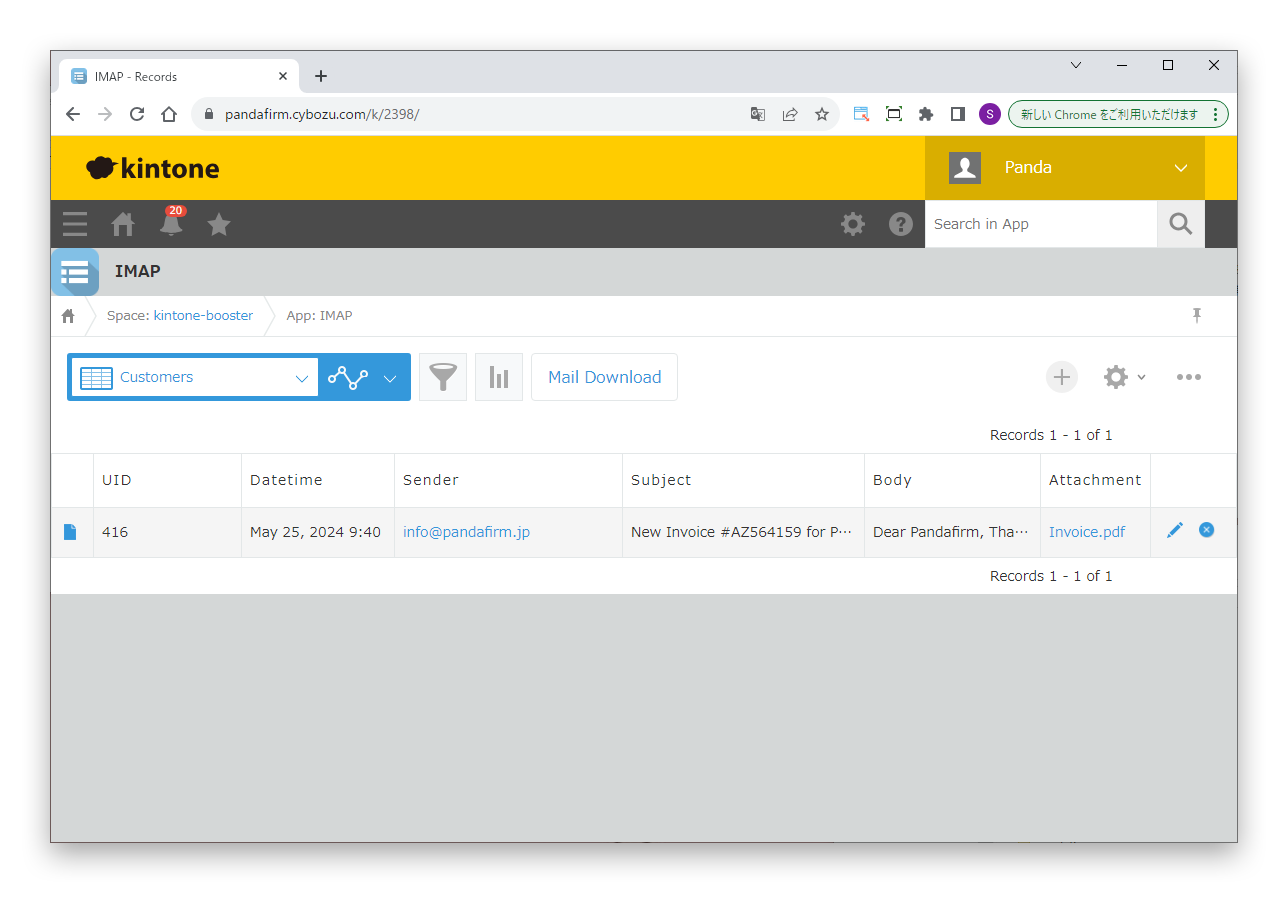
Receives email sent to a specific address in bulk, including attachments, and registers it as records. You can share the progress of responses within your company and find email by date received or sender.
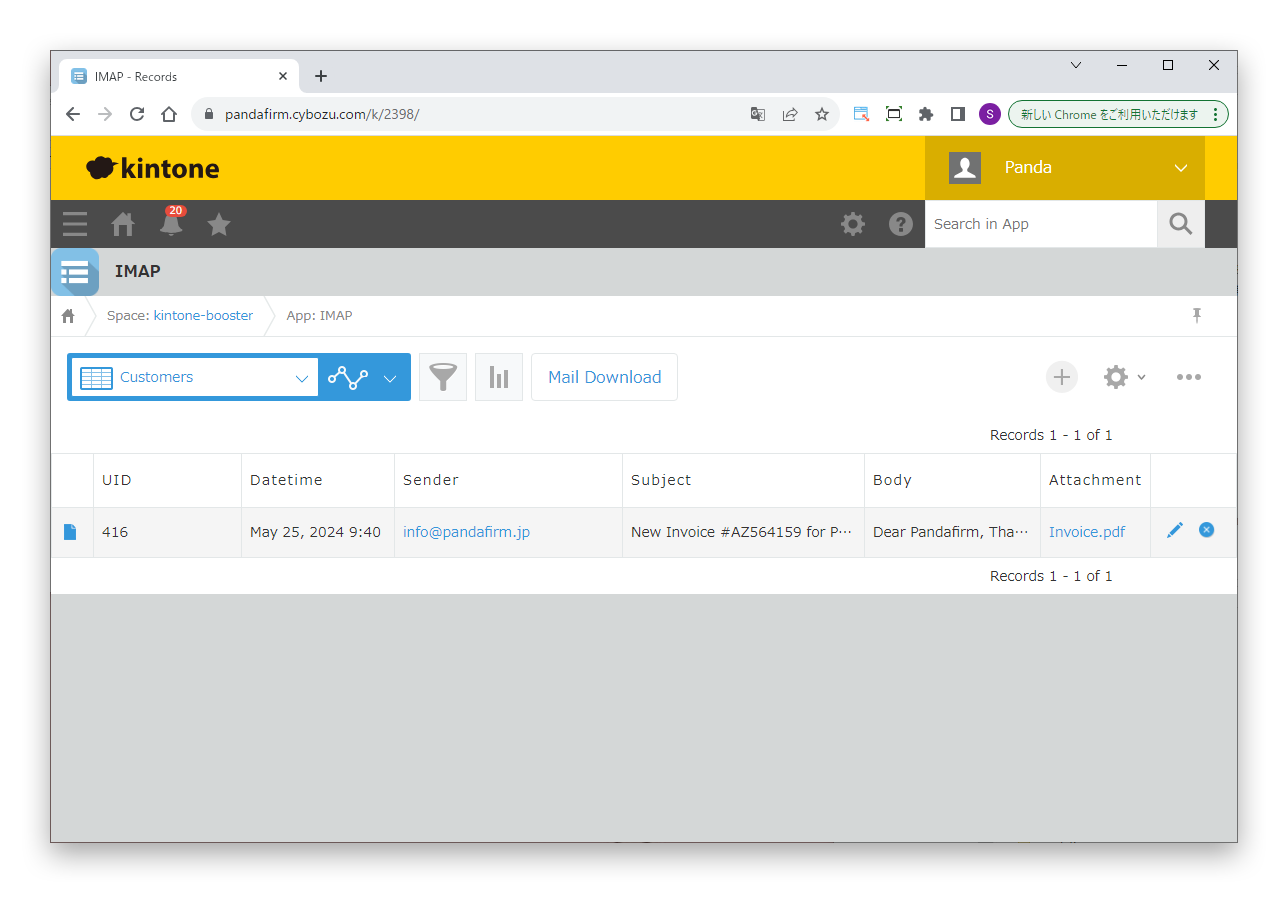
Receives email sent to a specific address in bulk, including attachments, with OAuth authentication. It supports Google and Microsoft accounts.
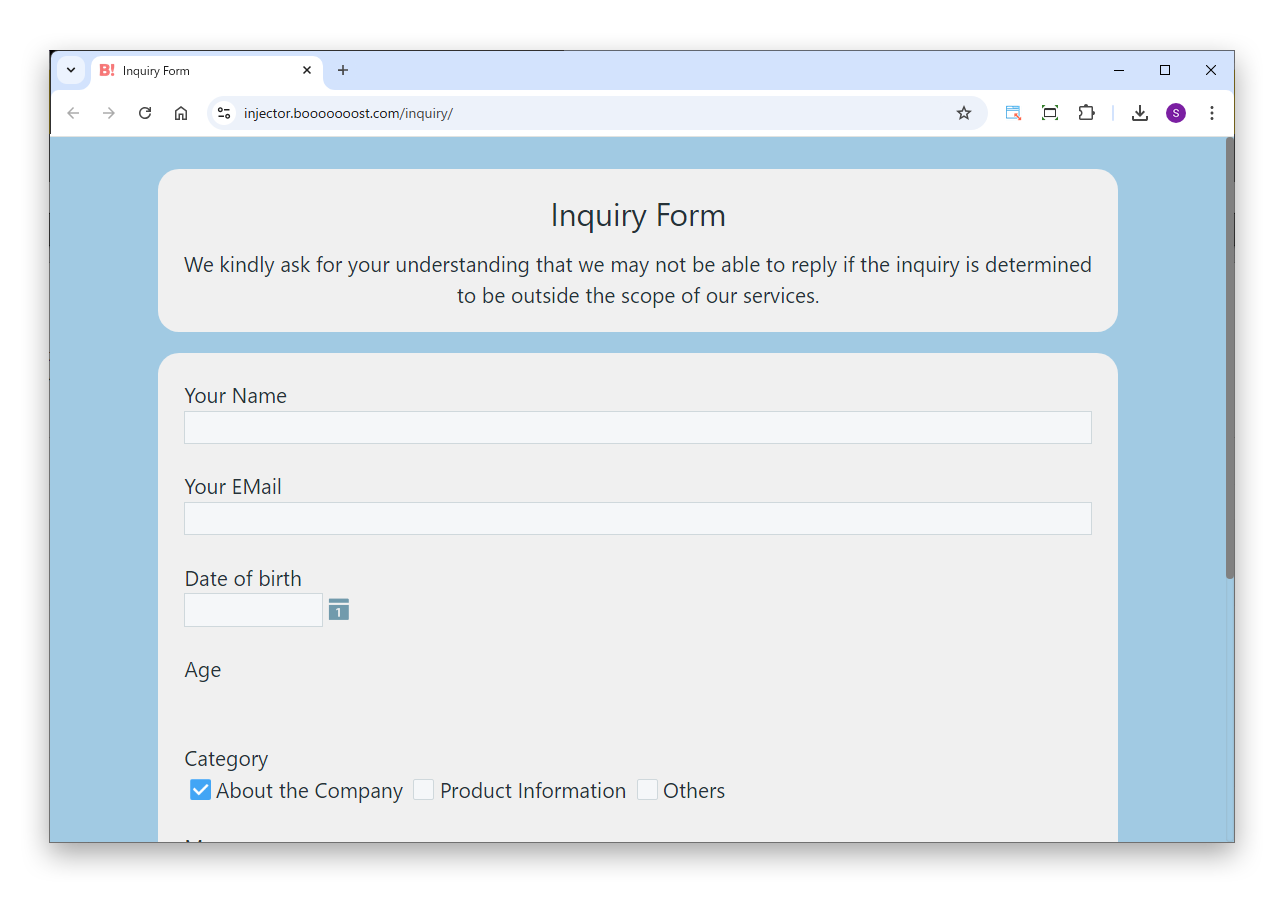
Creates web forms linked to kintone. Style and Action work on the form, and Mail and Submit can also run when it is saved.
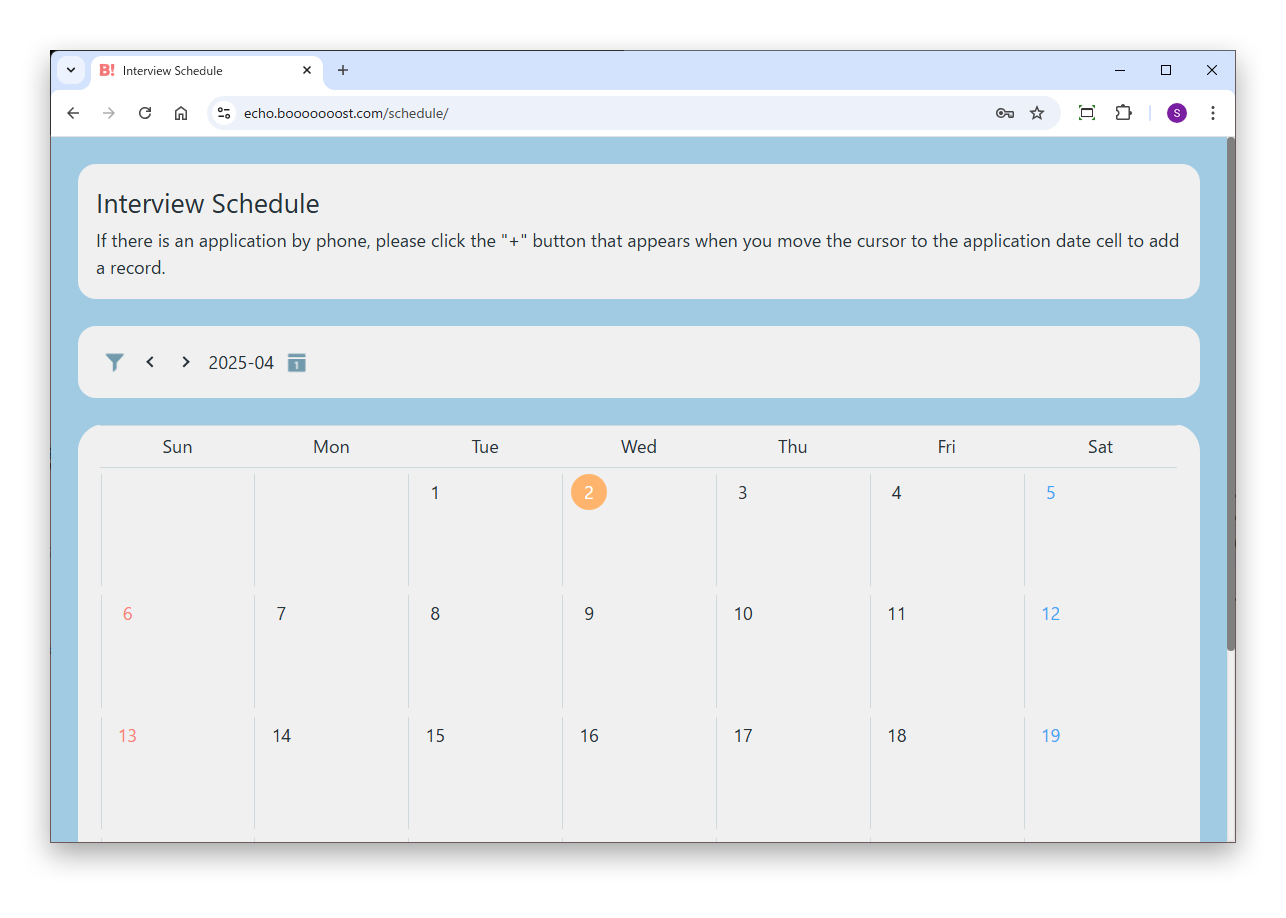
Creates web pages that publish kintone records externally. Records are shown according to the view settings, and linked with Injector, they can also be added and edited.
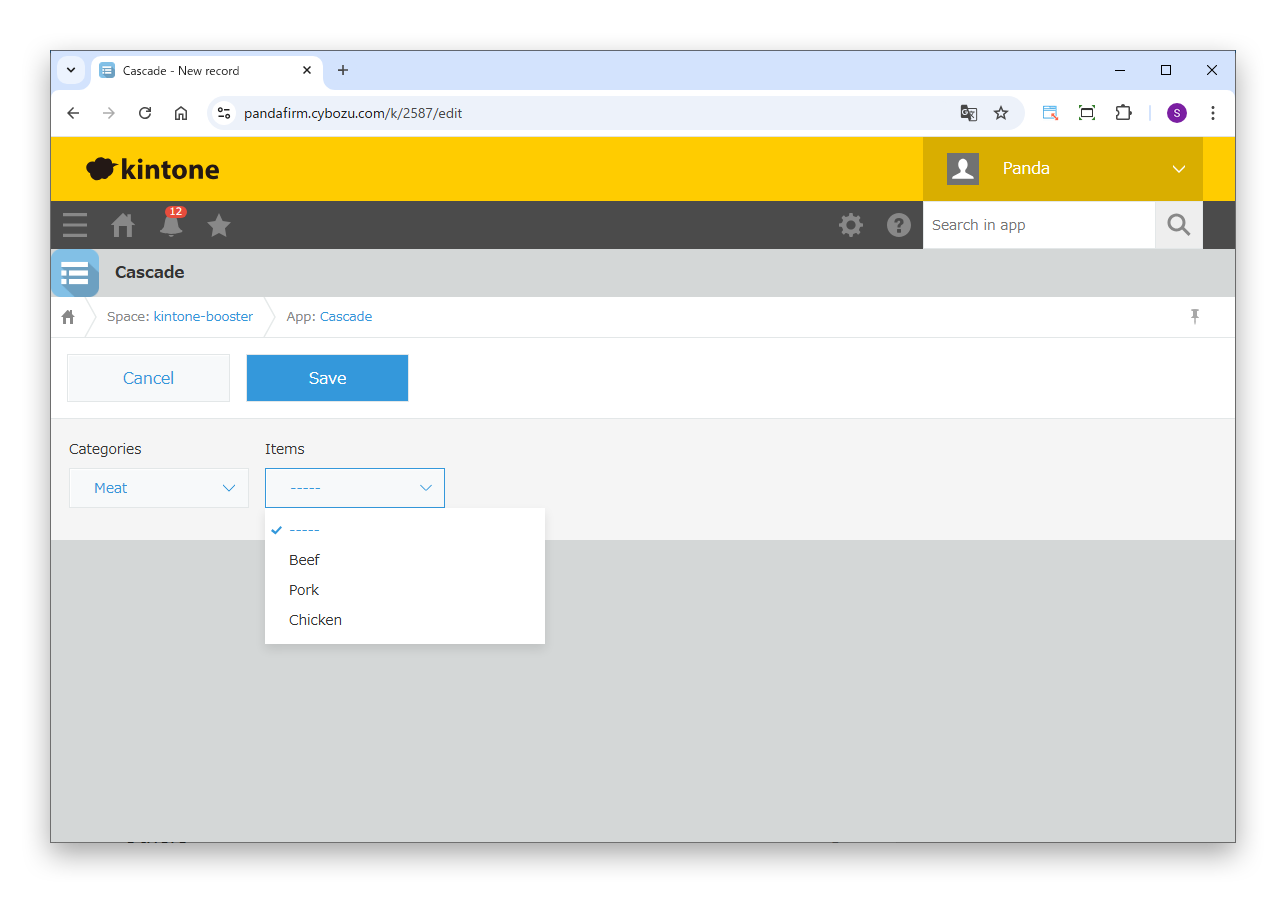
Switches the options of a selection field according to the value of another selection field. Use it for narrowing selections such as region, prefecture, and city.
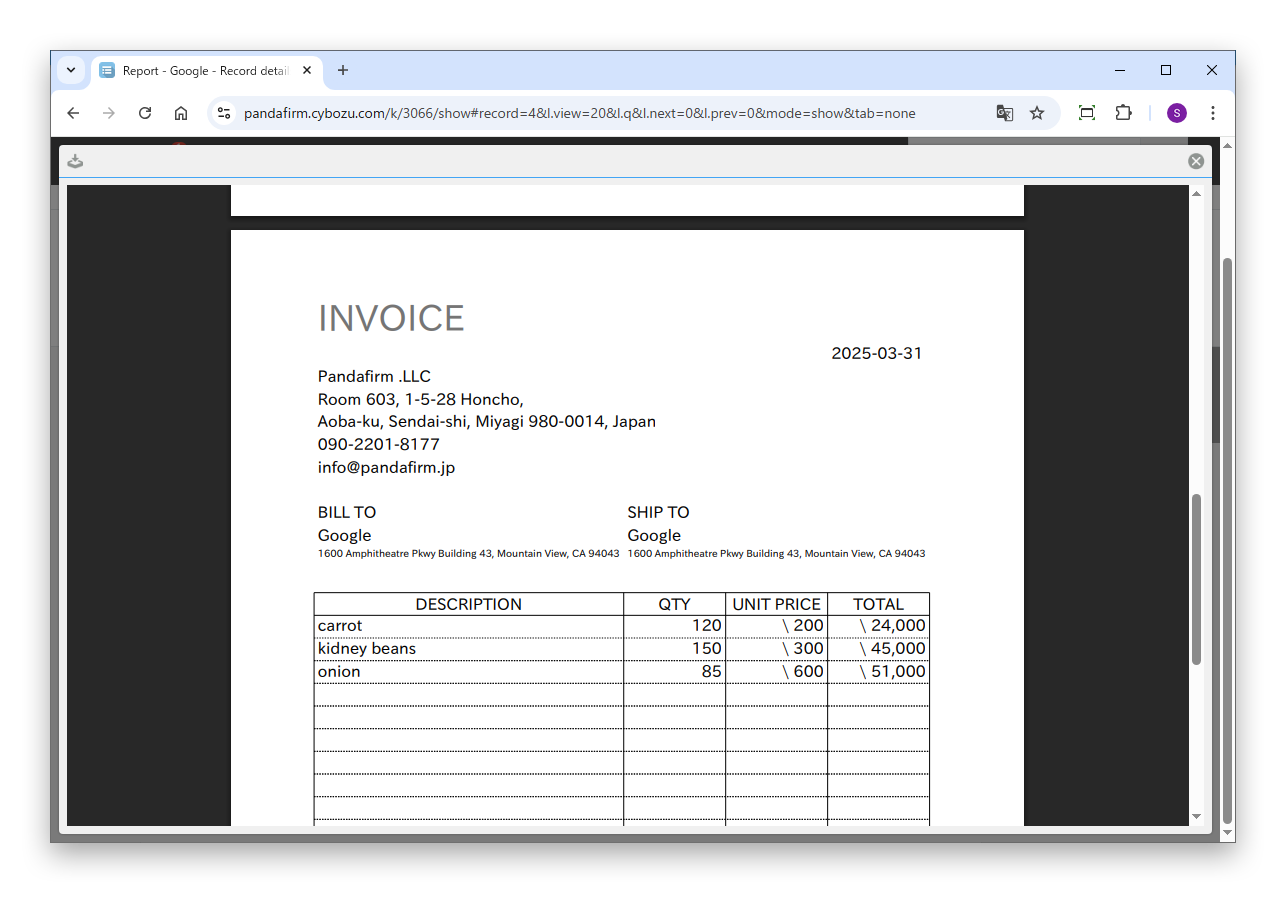
Creates report templates in its own spreadsheet and outputs PDFs. No background PDF is needed, and combined with Mail, it can also send email on save.
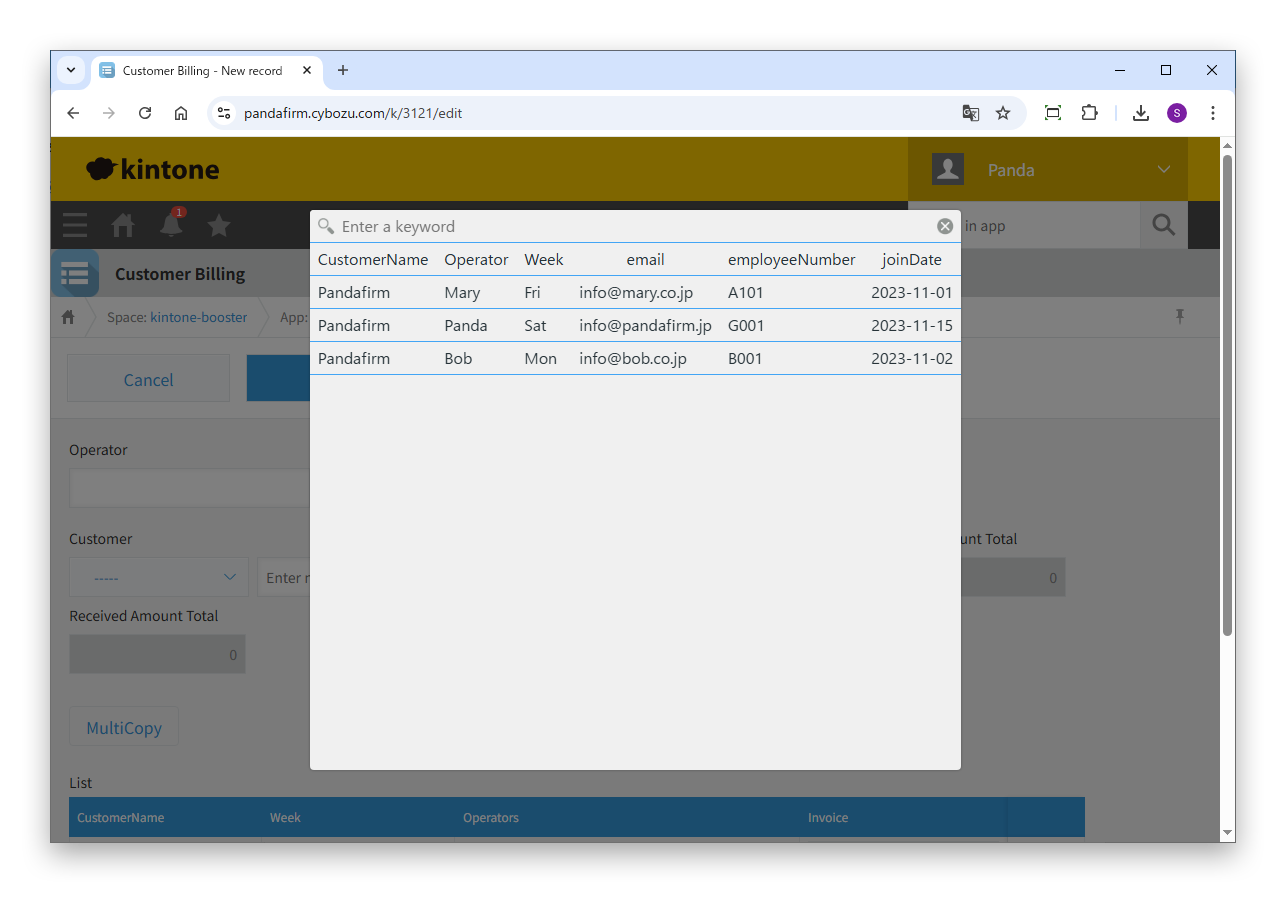
Makes up for what the standard lookup lacks, such as changing the lookup conditions dynamically and copying table data or multiple records from the source to a table.
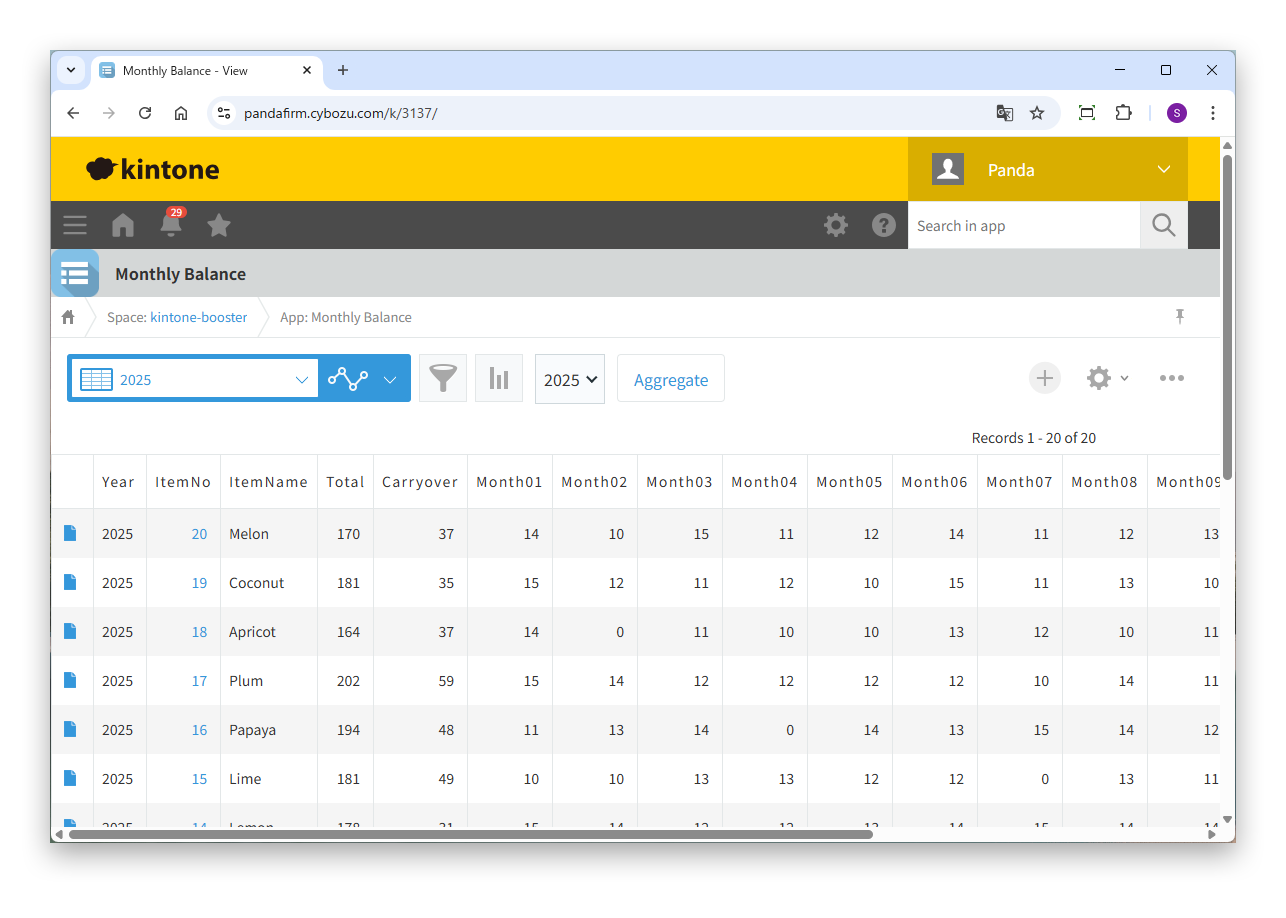
Creates records that store the monthly totals (such as inventory or accounts receivable) of a specified aggregation year for each client or product in fields for January to December.
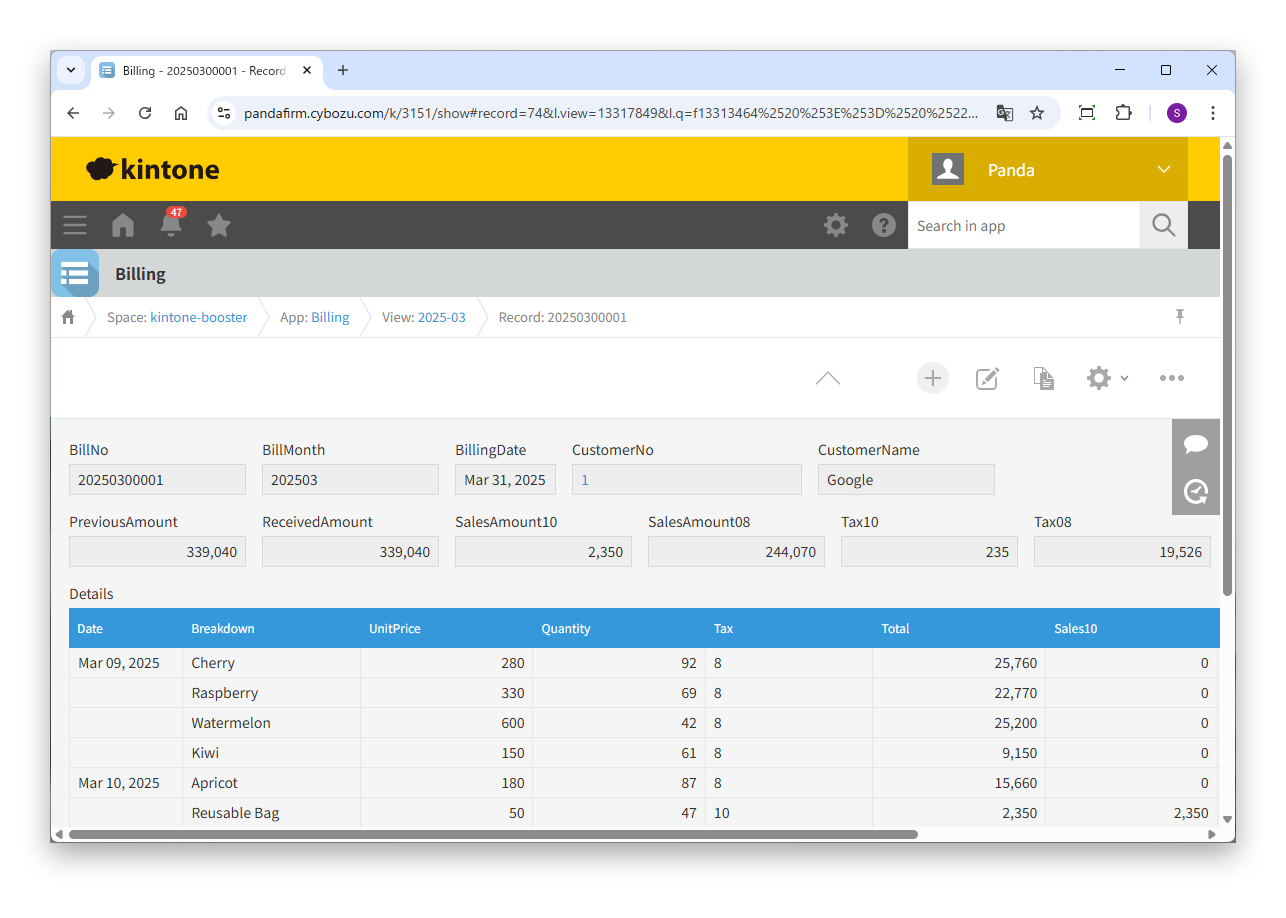
Collects data for a specified period from multiple apps based on a customer master and creates report records. Use it to create invoices and payment instructions, or to manage deposits and withdrawals.
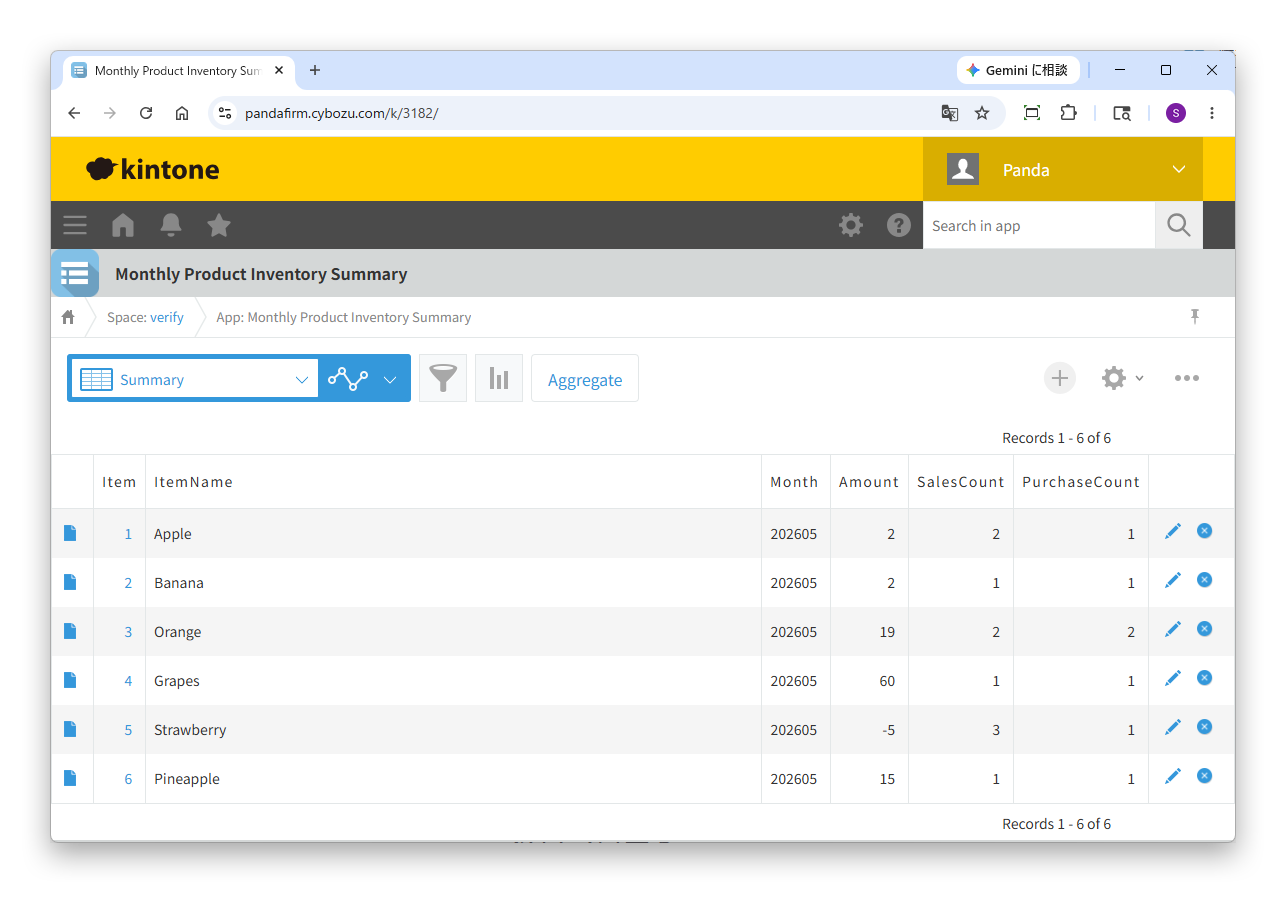
Aggregates records of multiple apps and registers the results. Use it for monthly inventory totals, or to list the working days and total working hours from daily reports.
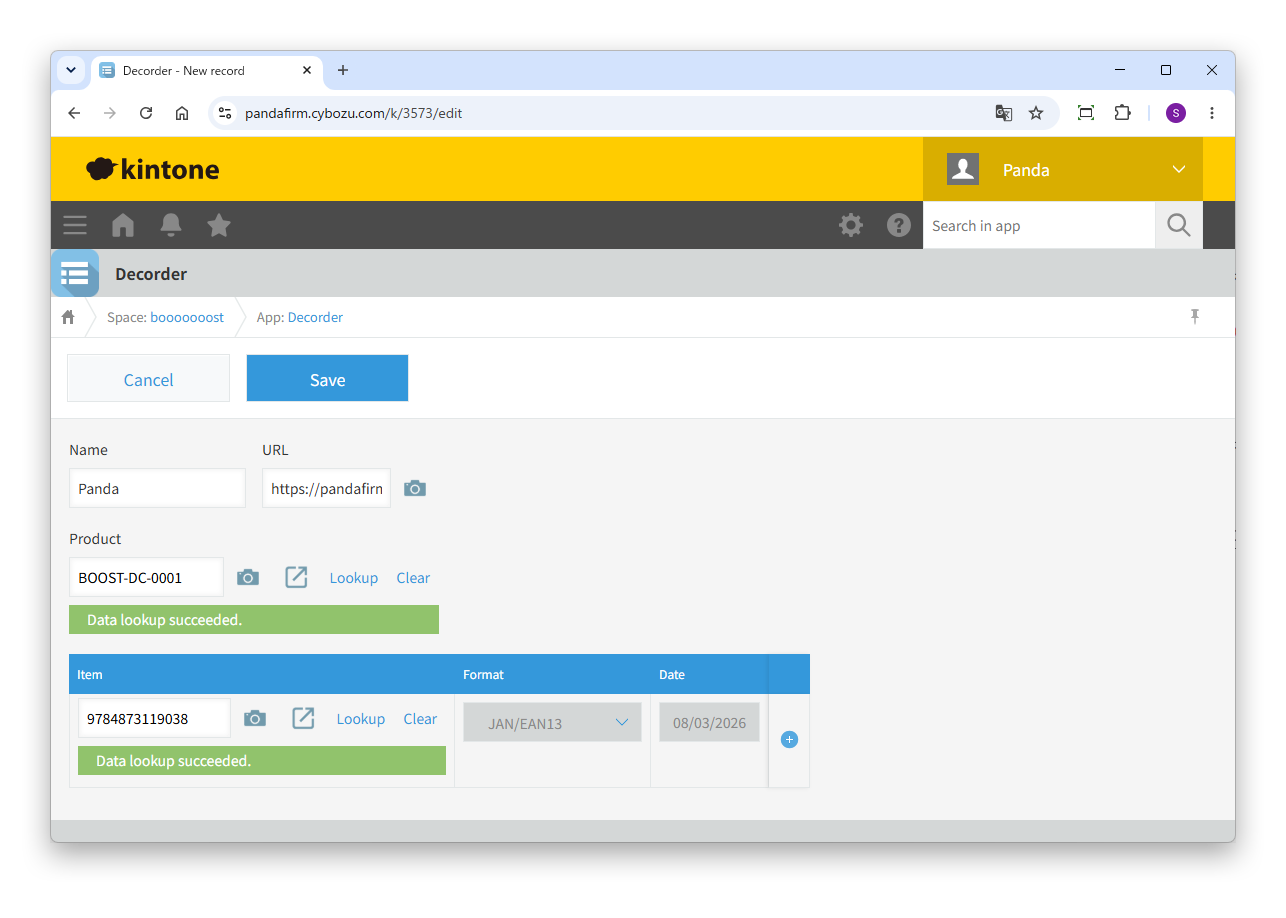
Reads barcodes and QR codes with the device camera and enters them in specified fields. It speeds up data entry on site, such as registering stock counts during inventory.
Import the plugin into kintone, then add it to your apps.
On the "Plug-ins" screen of kintone Administration, import the downloaded plugin.
Import the downloaded ZIP file as it is, without extracting it.
On the settings screen of the app that uses the plugin, add the imported plugin.
Adding and deleting plug-ins (app settings) +Tips to help you get more out of the Boost! series.
All Boost! plugins can be downloaded and used for free. After the three-month trial period, however, a message prompting you to purchase a license appears once a day in each app where a plugin is installed.
One license covers the entire Boost! series, not individual products.
Please note that Boost! Injector and Boost! Echo can no longer be used if you have not purchased a license by the end of the three-month trial period.