Add a setting
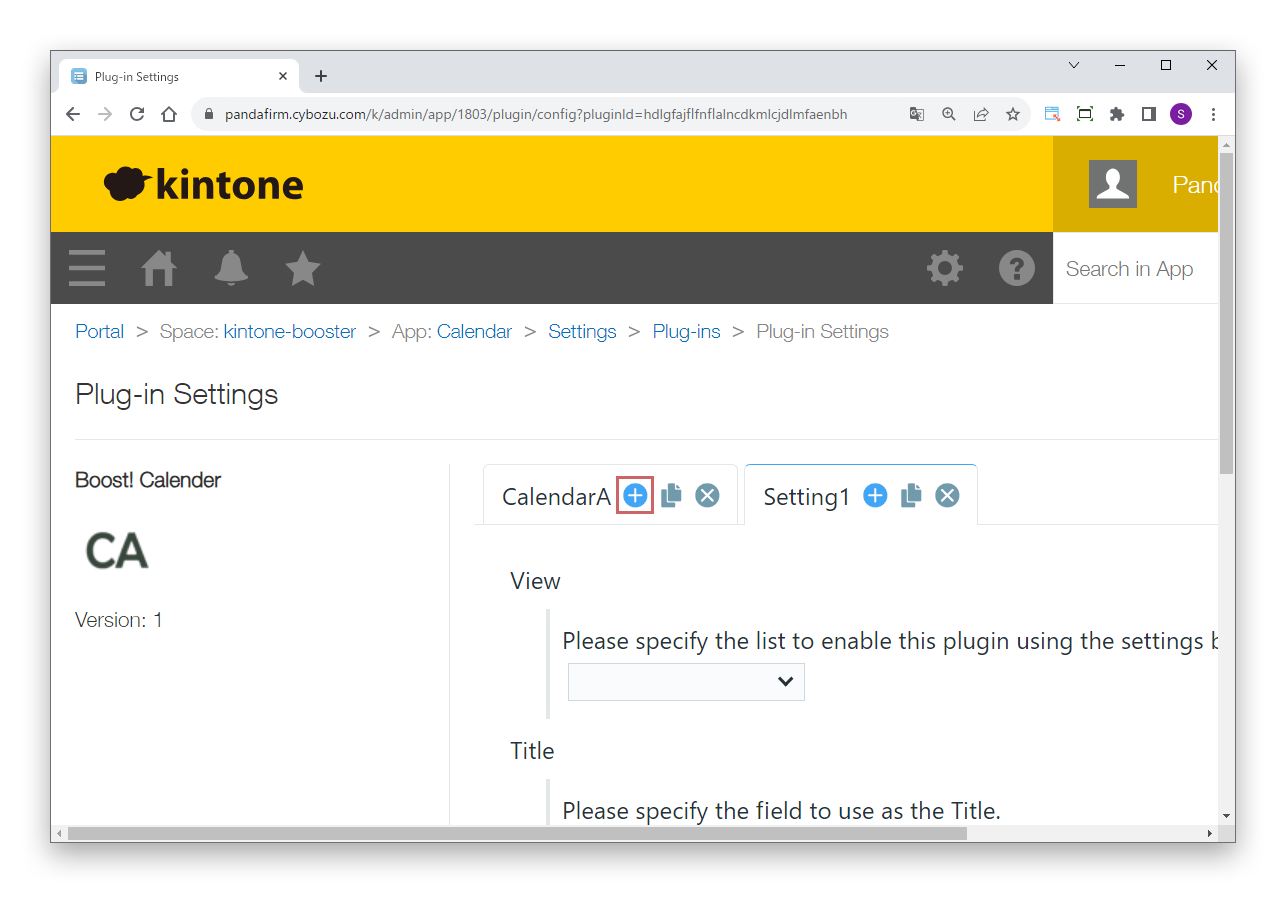
To add a setting, click the add button of the tab.
On the settings screen of the Boost! series plugins, process settings are managed with tabs. This page introduces how to add, copy, delete and sort settings with tabs, and how to rename tabs.

To add a setting, click the add button of the tab.
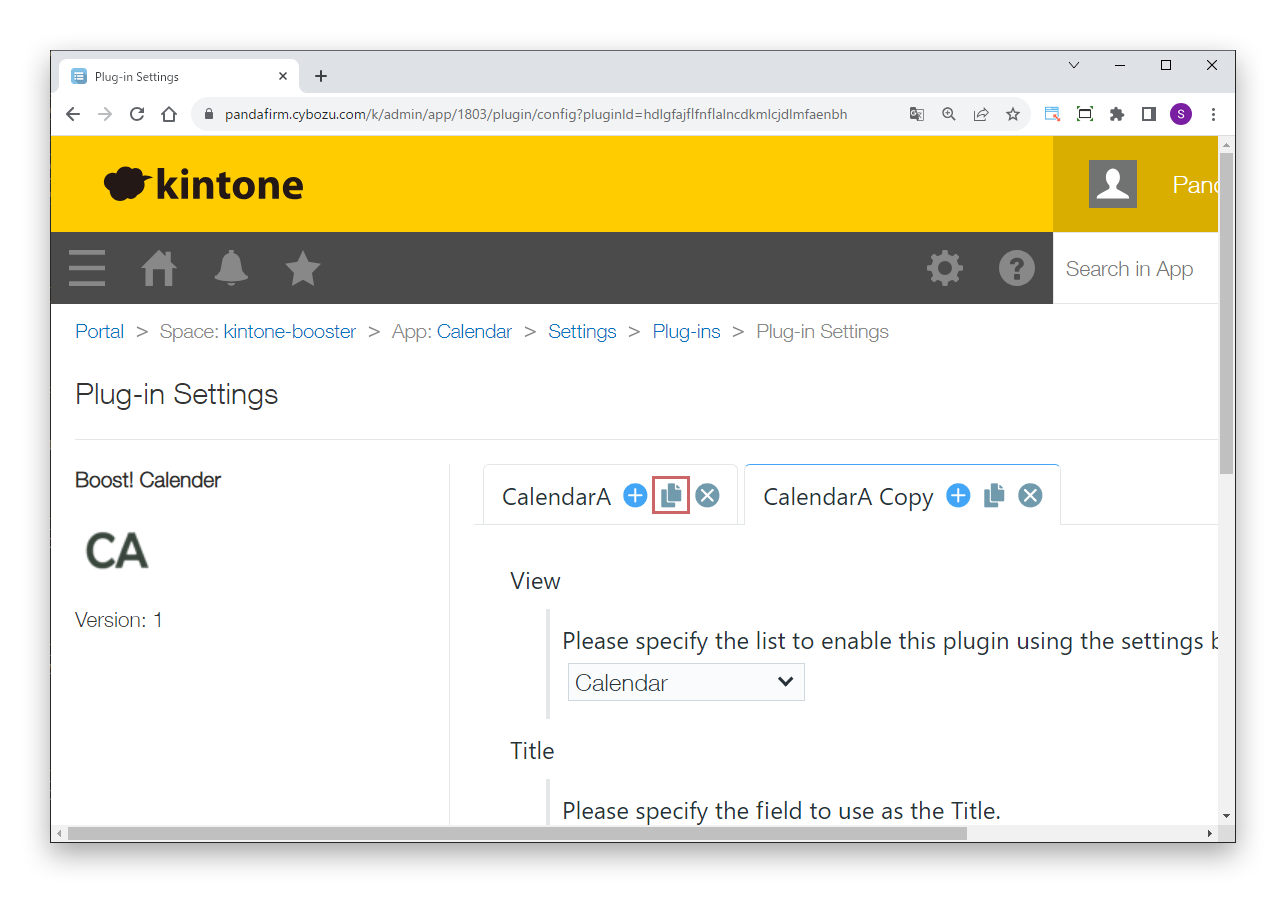
To copy a setting, click the copy button of the tab.
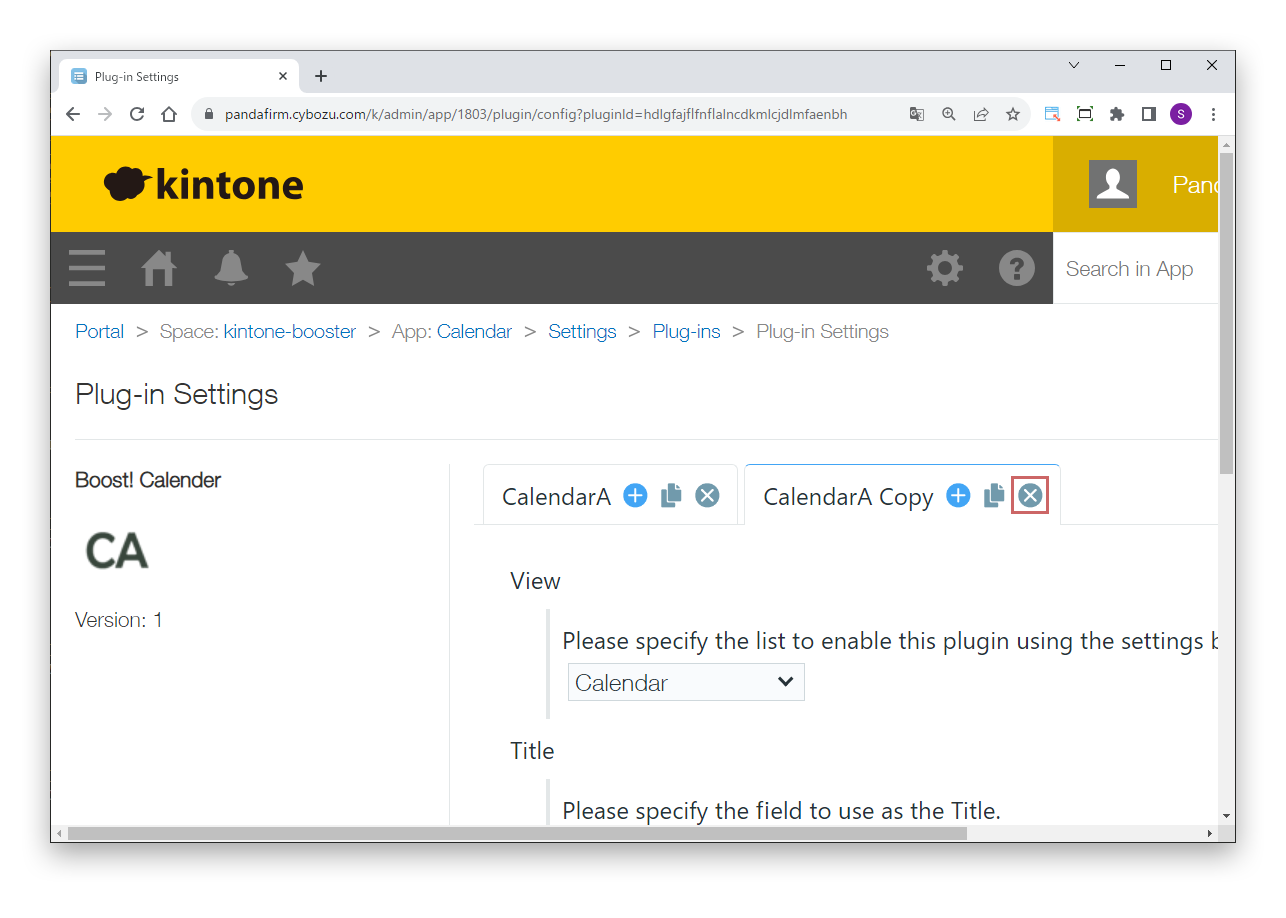
To delete a setting, click the delete button of the tab.
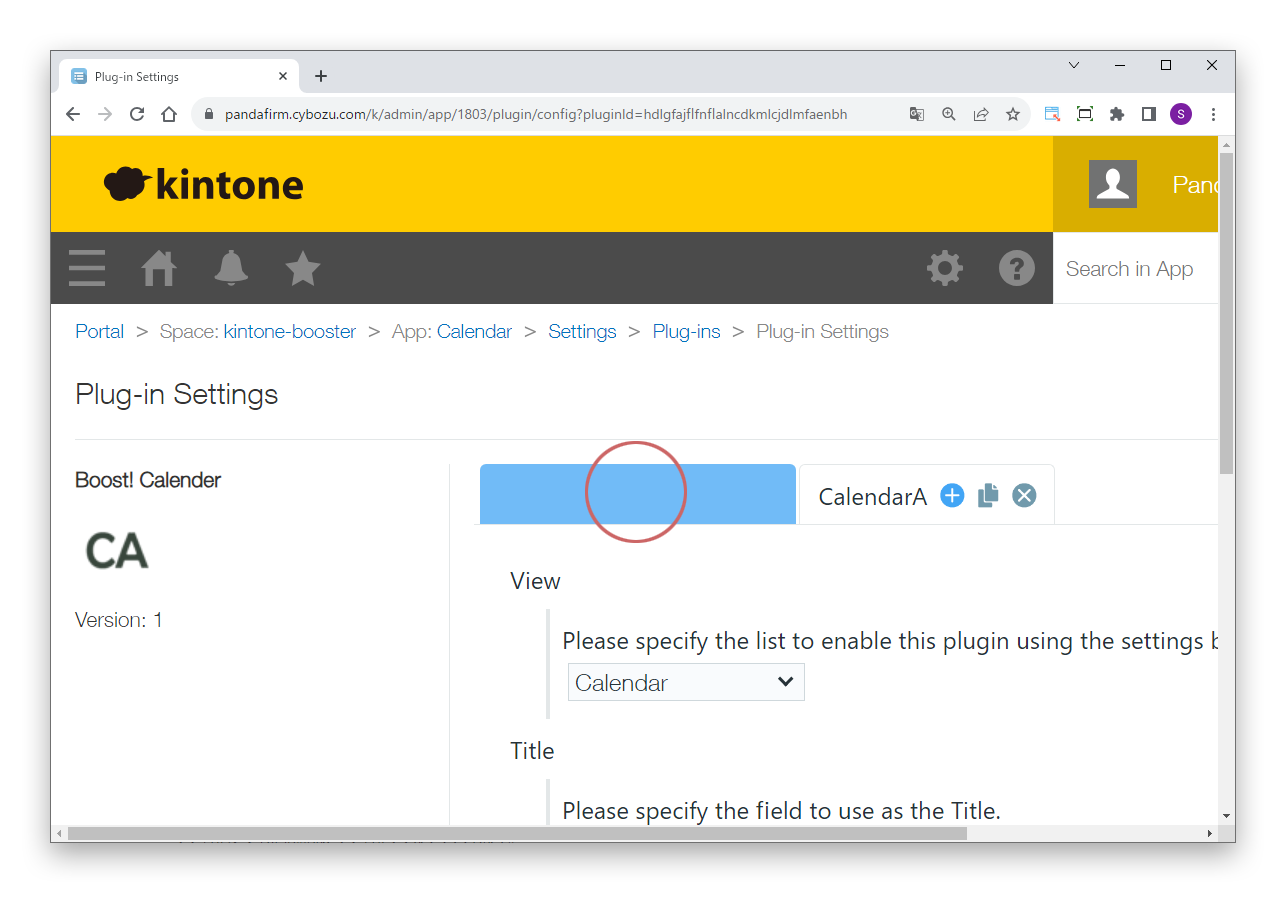
To sort settings, drag the tabs.
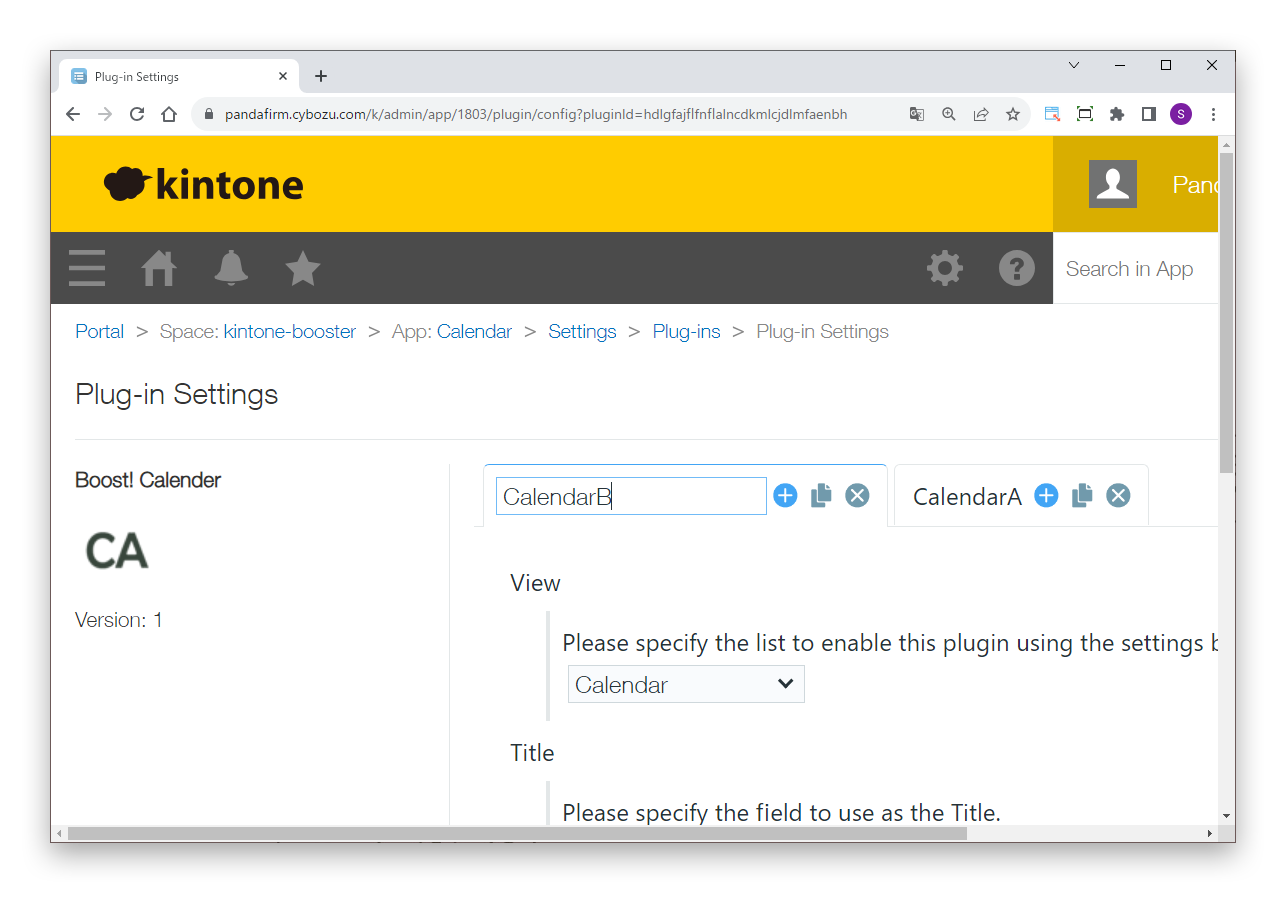
To rename a tab, double-click the tab name.