 Boost!
Prepare a JavaScript file
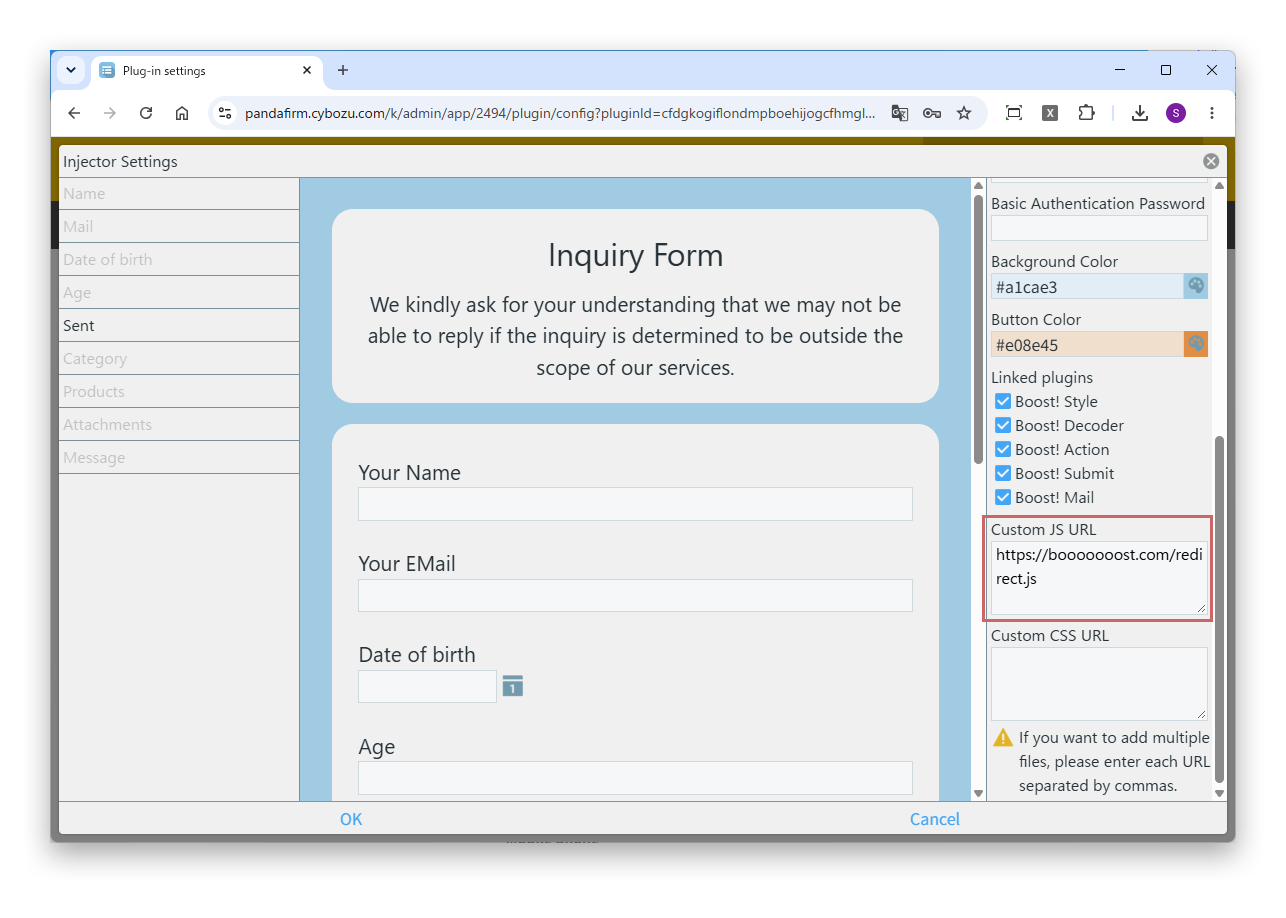
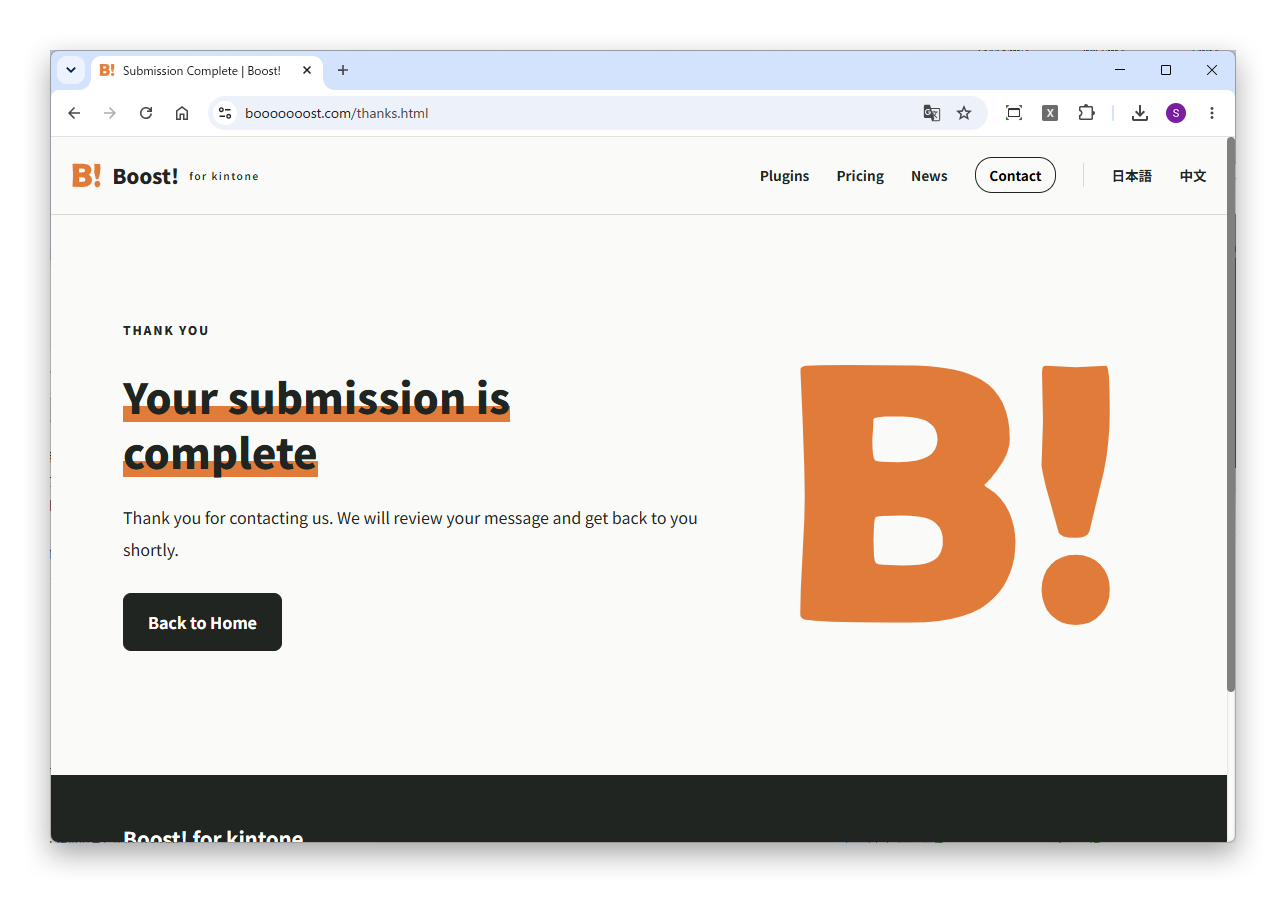
Prepare a JavaScript file with a process that enters the destination URL in bst.reloadURL. In this example, the URL of the submission complete page is entered in bst.reloadURL within the events that occur when the web form is displayed (bst.create.load and bst.edit.load).
(() => {
	"use strict";
	bst.event.on(['bst.create.load', 'bst.edit.load'], (event) => {
		bst.reloadURL = 'https://example.com/thanks.html';
		return event;
	});
})();
bst.reloadURL is valid as long as it is entered before the submission completes. To change the destination using values of the submitted record, enter it in the bst.create.submit.success event or the bst.edit.submit.success event.