Boost!for kintone
POINTS

Explanation

01

A lookup sets a "value", not a "record"
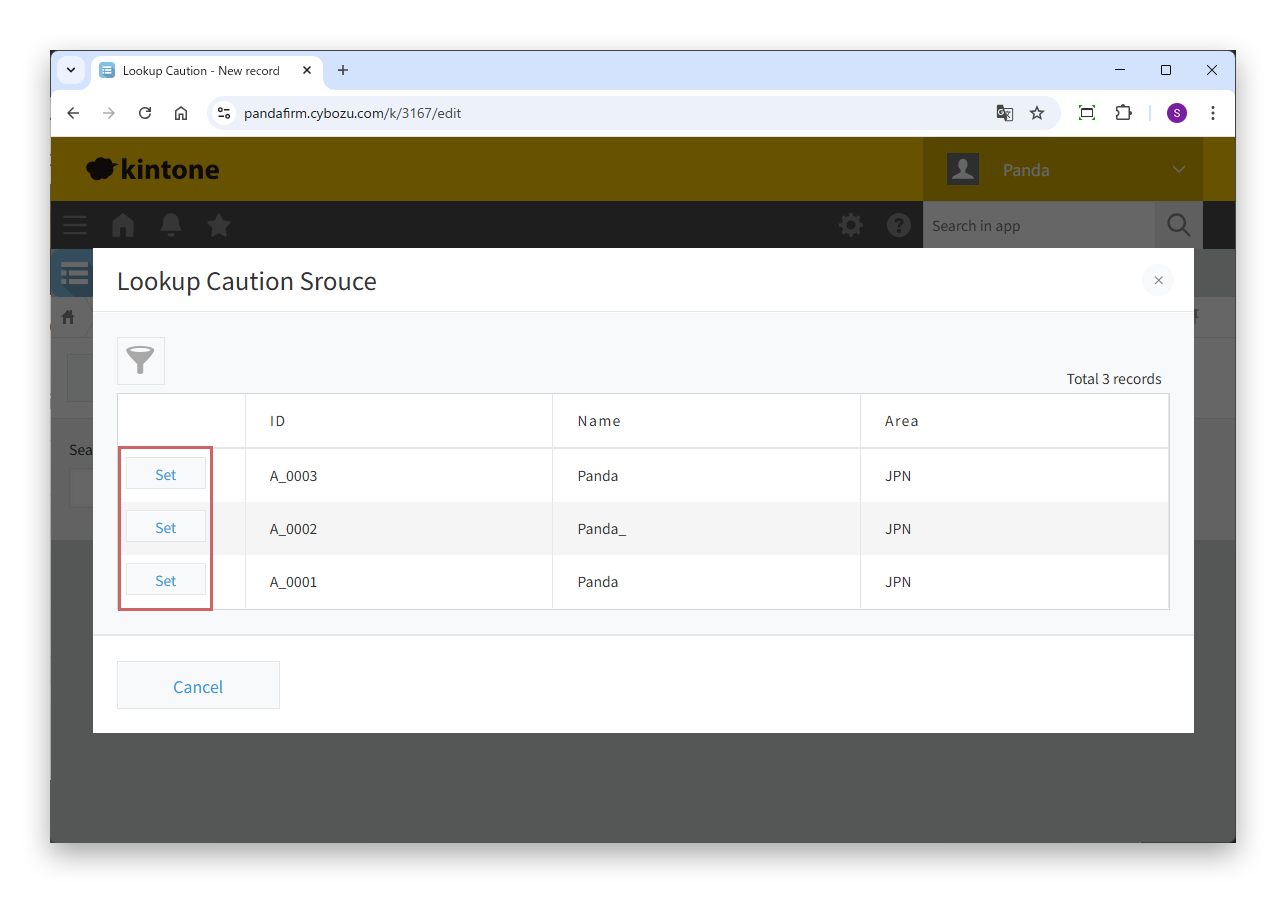
When you use a lookup on the standard kintone screen, you select the record to copy on the screen. This is like telling kintone, "Copy the values you need from this record."

With plugins, custom JavaScript and the API, however, the instruction to kintone is different. What a program can tell kintone is not "copy from this record" but "I am putting this value in the lookup field, so find the matching record and copy its content."

In other words, a lookup operation in a customization should be thought of not as selecting a record but as entering a value that serves as a search key.
02

Why "Prohibit duplicate values" is needed

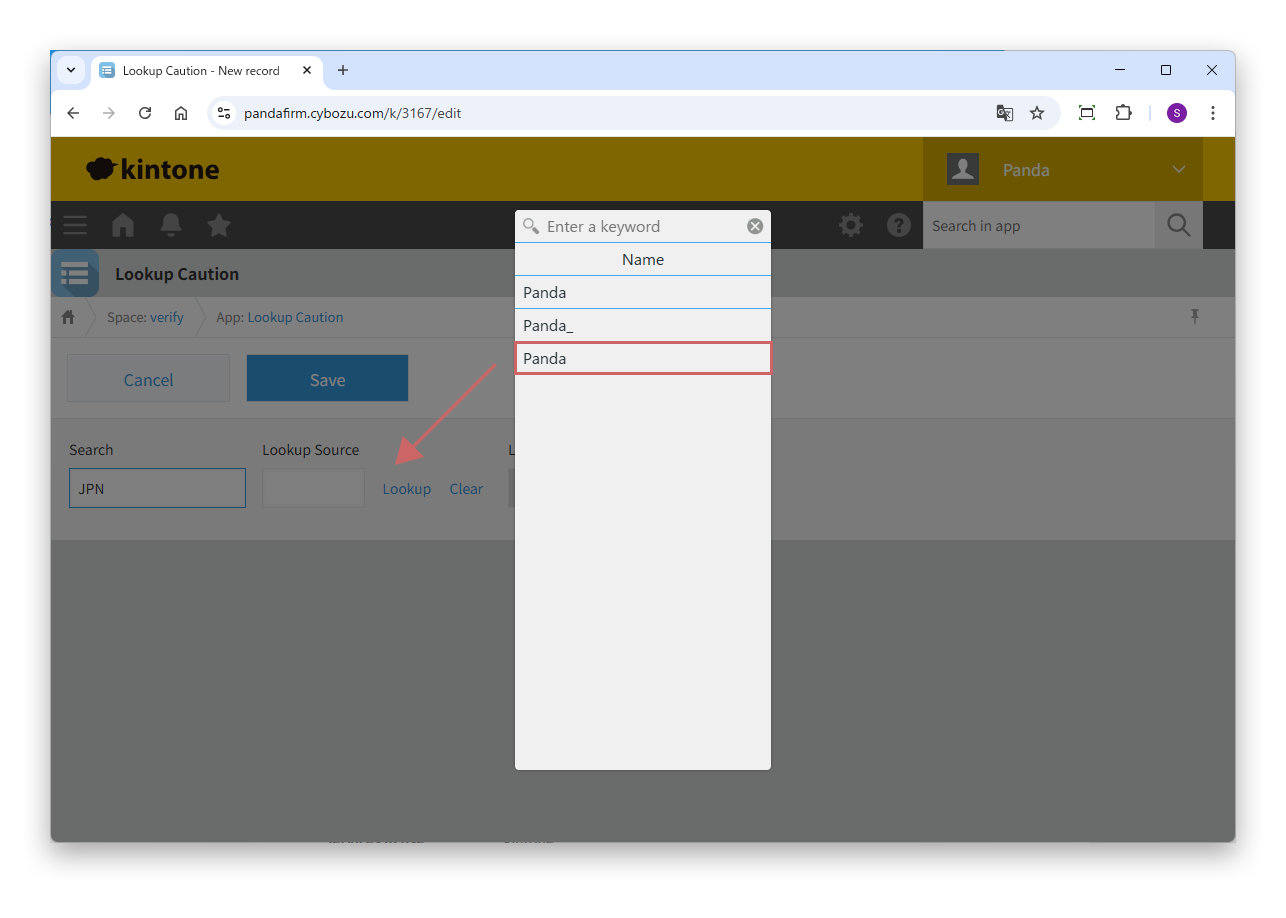
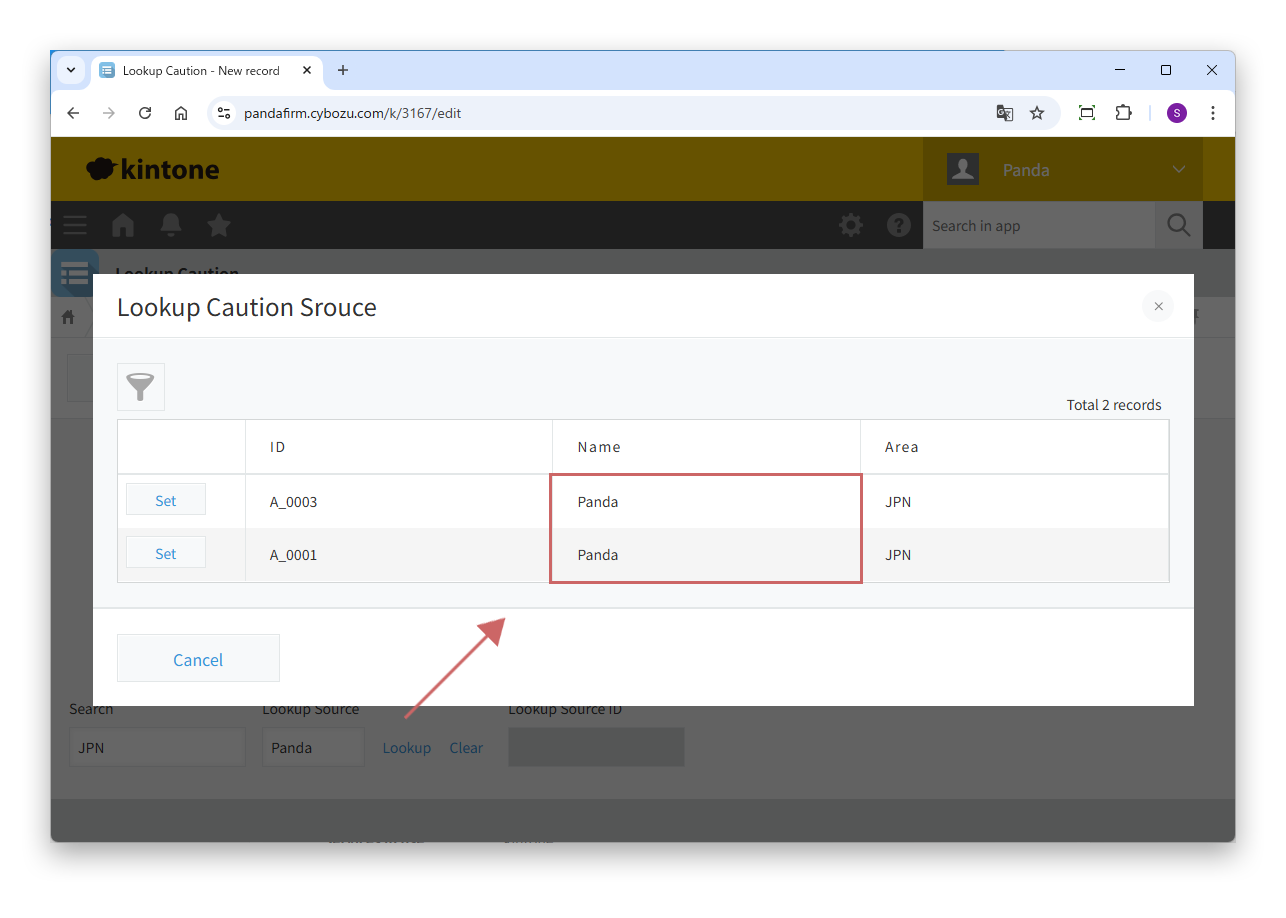
If the source app has multiple records that match the entered value, kintone cannot decide which record to copy. As a result, the following happens.

  • When operated on the screen, the value cannot be confirmed because there are multiple candidates, and the record selection screen appears again.
  • When a record is added or updated with the API, an error such as "cannot copy because the values of the key field are duplicated" occurs and the process stops.

Both happen because kintone cannot narrow the target down to one record, judges that it cannot copy safely, and stops the process.

03

Make the key field unique

To solve this problem, make sure that the value of the key field always determines a single record. There are two ways.

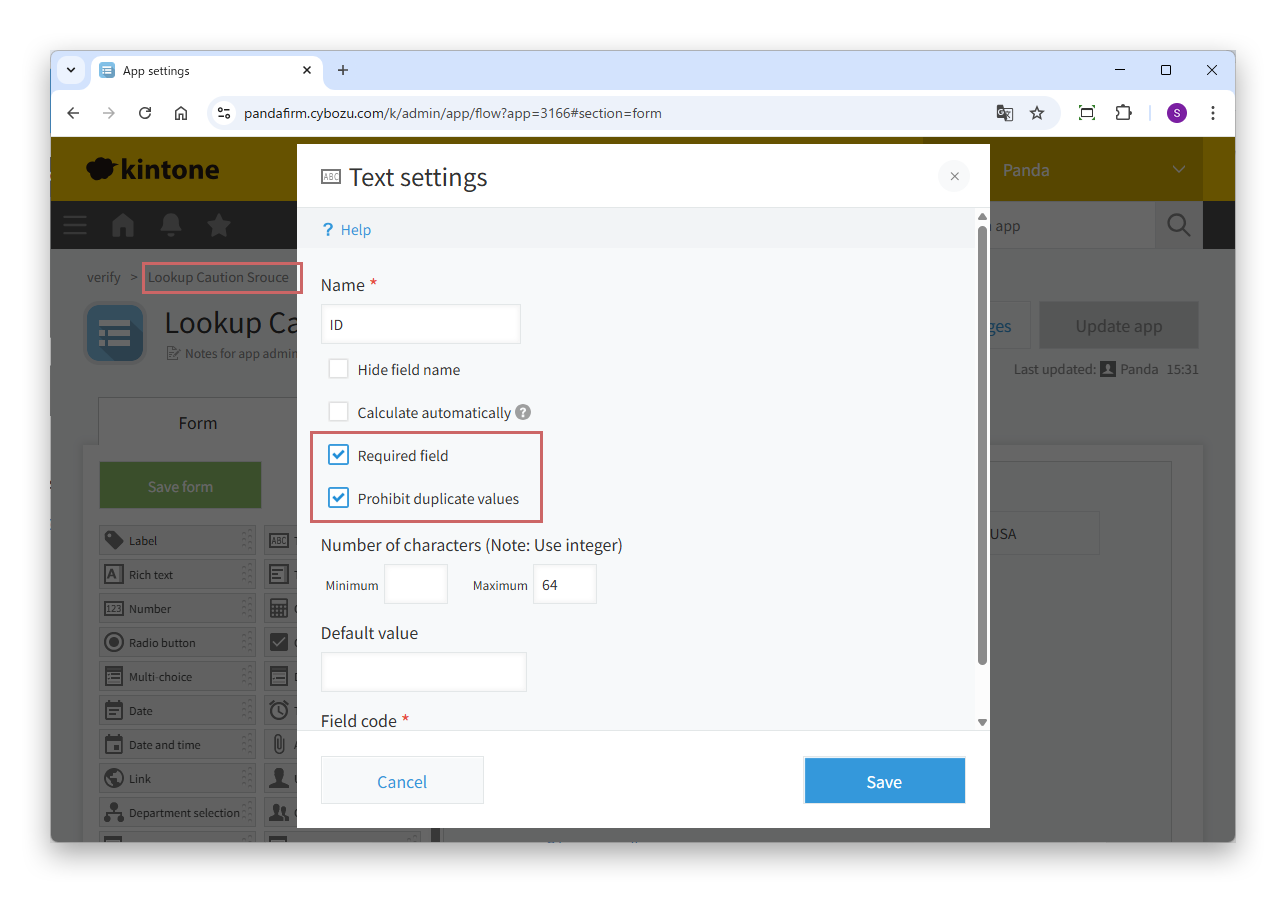
  • In the source app, select "Prohibit duplicate values" in the settings of the key field.
  • Specify the record number, which is always unique, as the key field.

With either one, values and records correspond one to one, so lookups run correctly even from customizations.