Boost!for kintone
Home / Delete
PLUGIN

Delete

This plugin shows a message before a record is deleted, or backs up the record to another app. The backup includes the record comments, so records are backed up almost completely. It works with the plugins in the Boost! series, so it can also run when records are deleted through a plugin.

See the features

By using this product, you are deemed to have agreed to the Terms of Service.

SETTING

Setup

01

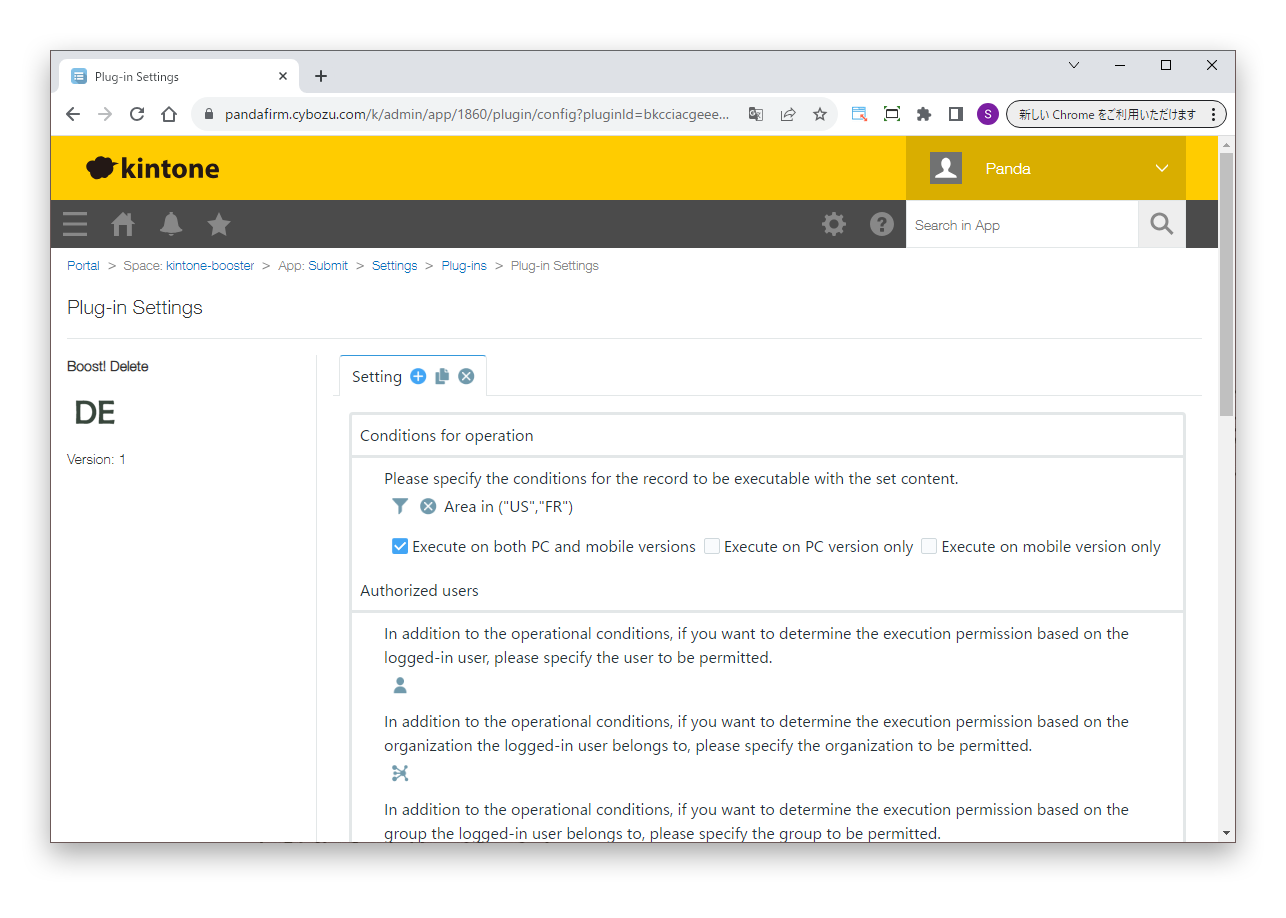
Specify the conditions

First, specify the conditions under which the process runs.

Settings

Conditions for operation
Specify the conditions of the records to process.
Authorized users
To allow execution based on the logged-in user, or the departments and groups the user belongs to, in addition to the conditions for operation, specify who is allowed.
02

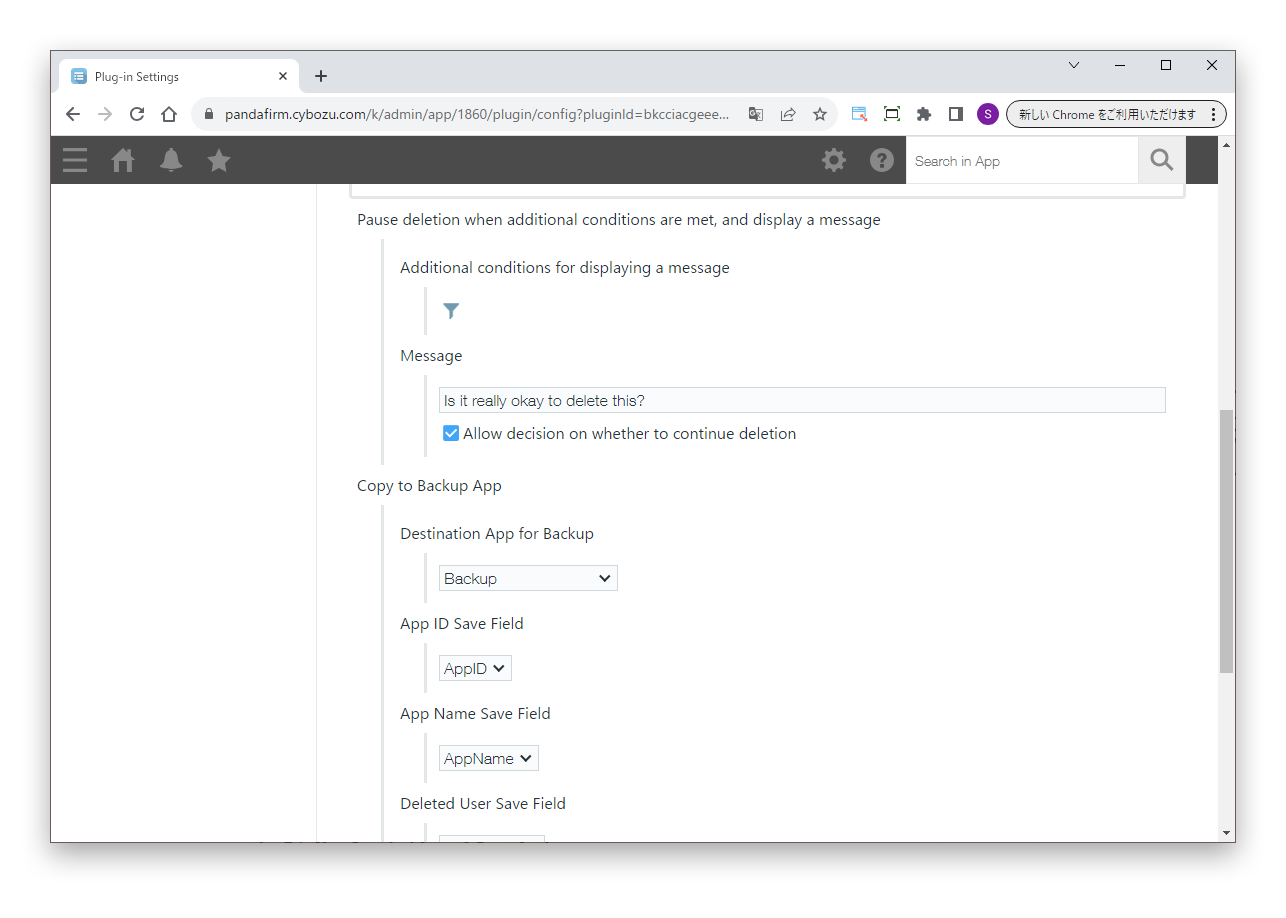
Specify the settings

Next, specify the process to run when the conditions are met.

Settings

Pause deletion when additional conditions are met, and display a message
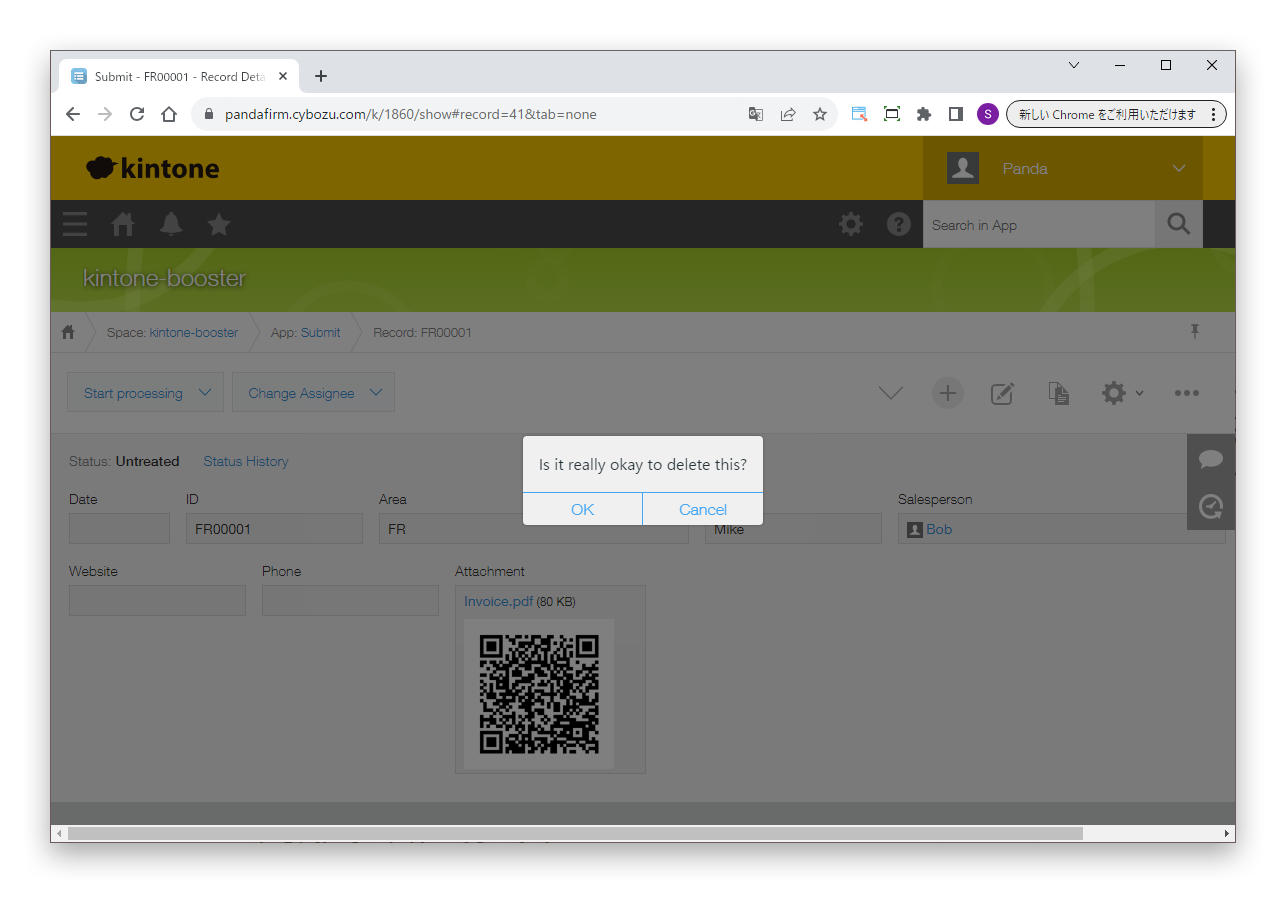
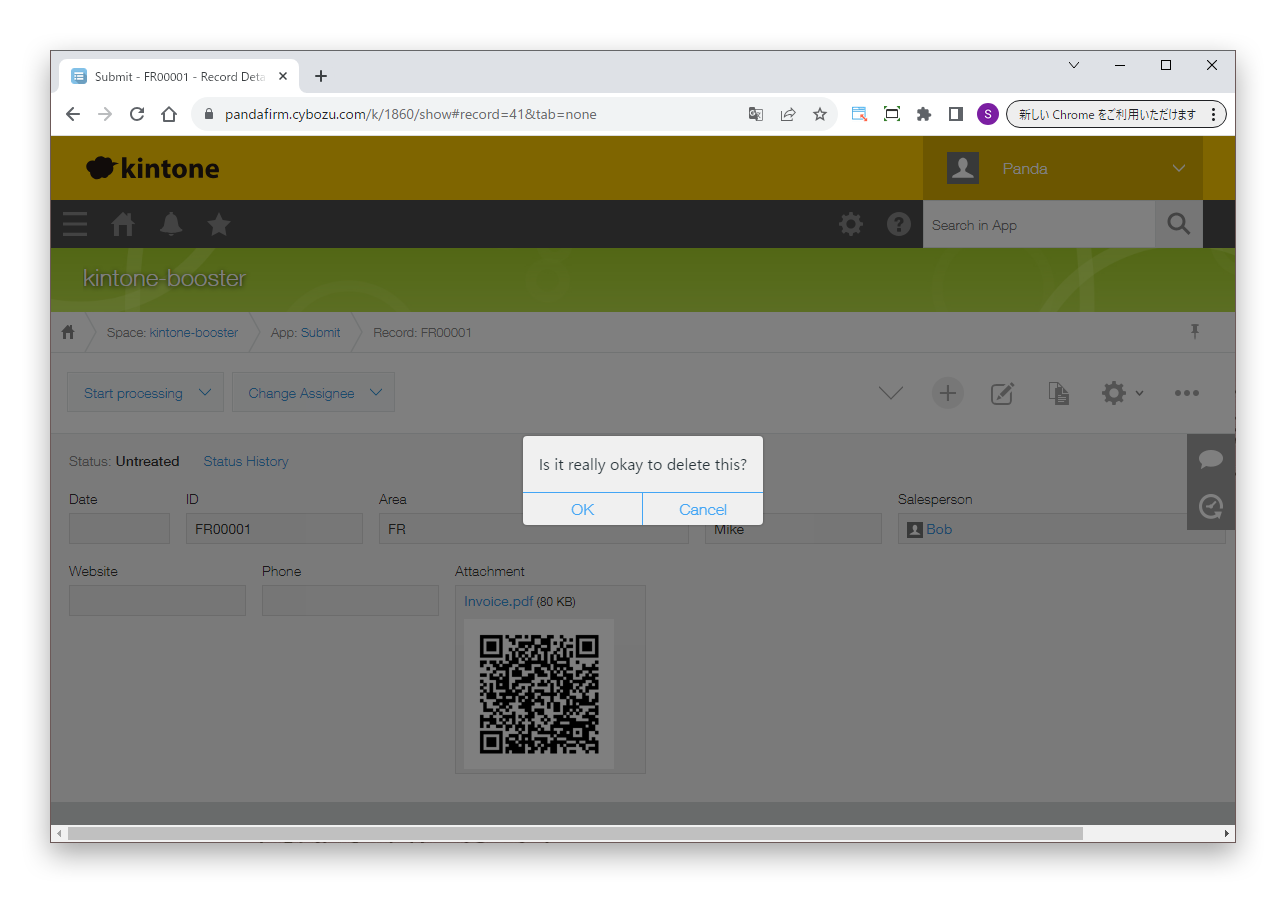
Stops the deletion and shows a message when the specified conditions are met. You can also let the user choose whether to continue deleting after reading the message.
Copy to Backup App
Copies the record to be deleted to the backup app.

To back up records, prepare fields of the following types in the backup app.

Fields of the backup app

App ID Save Field
Number field
App Name Save Field
Text field
Deleted User Save Field
User selection field
Deletion Date Save Field
Date and time field
Deleted Attachment Save Field
Attachment field
Deleted Record Save Field
Text area field
HOW TO USE

How to use

01

Delete a record

When a record is deleted and the specified conditions are met, the process runs.

To restore backed-up records, you need Boost! Restore.