Boost!
Prepare the aggregation fields
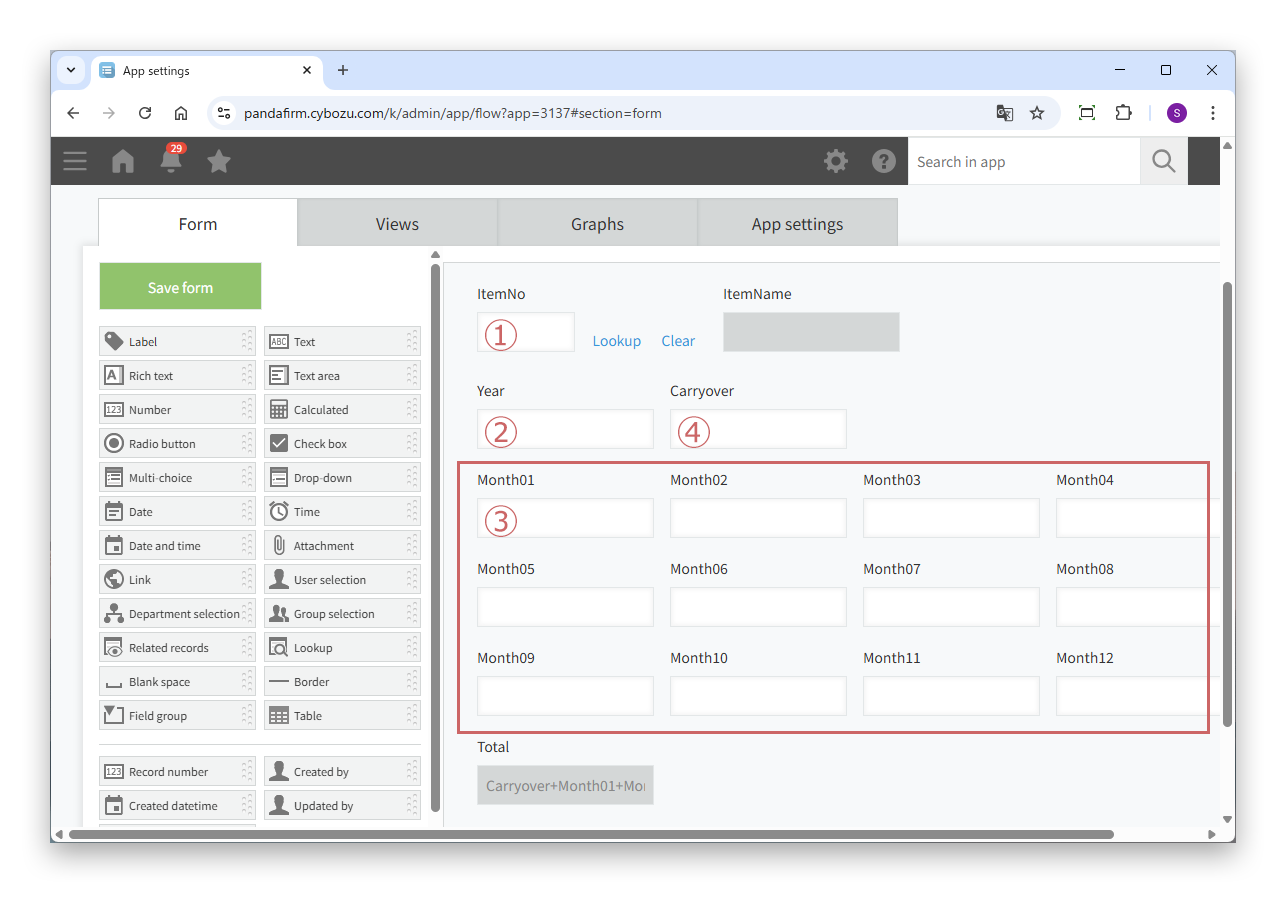
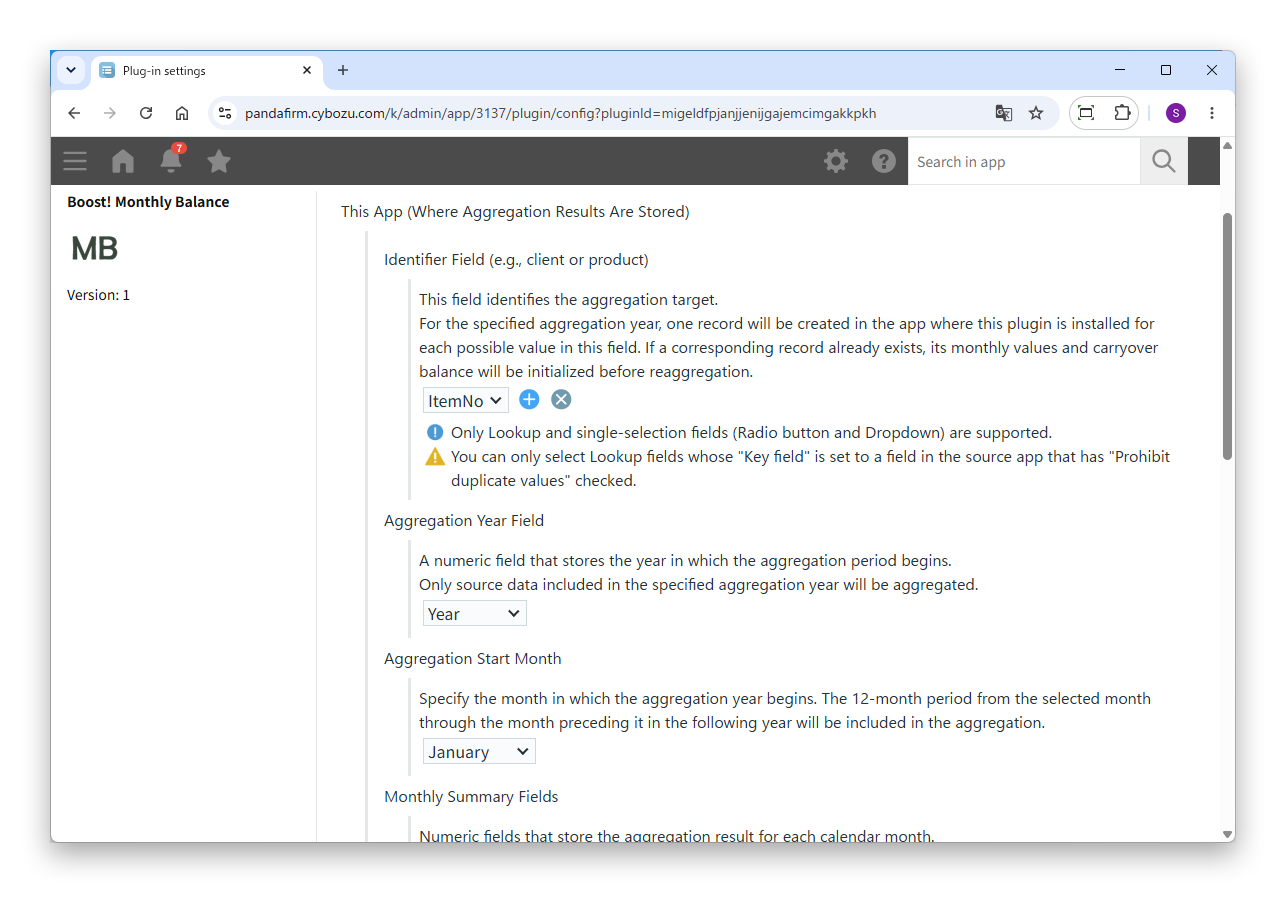
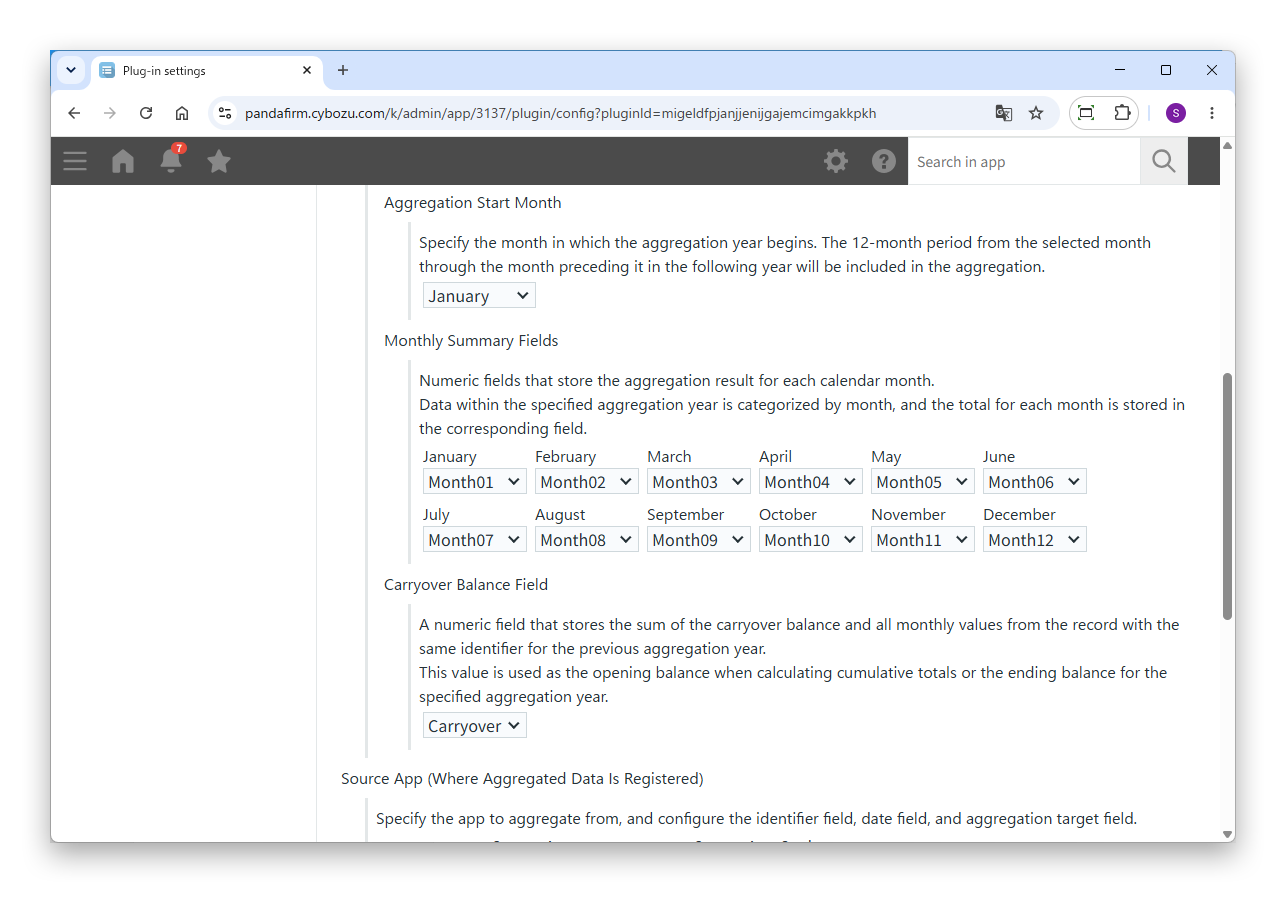
In the app in which this plugin is installed (the destination), place the following fields to save the aggregation results. The numbers correspond to the numbers in the image.
Fields of the destination app
- ① Identifier Field
- The field for the client, product or other unit of aggregation. Place a lookup, radio button or drop-down field.
- ② Aggregation Year Field
- Place one number field to save the aggregation year.
- ③ Monthly Summary Fields
- Place twelve number fields to save the aggregation results for January to December.
- ④ Carryover Balance Field
- Place one number field to save the balance carried over from the previous aggregation year.
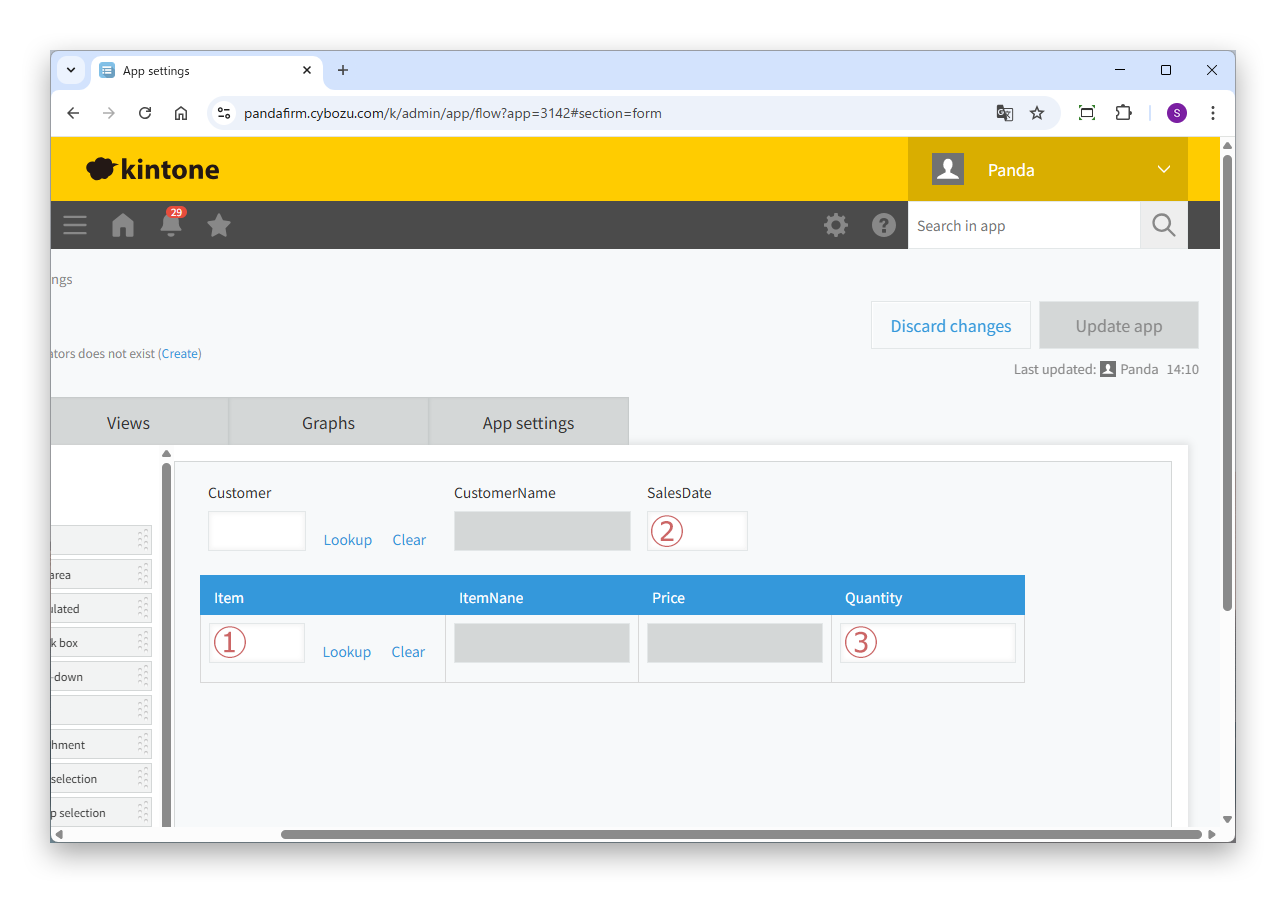
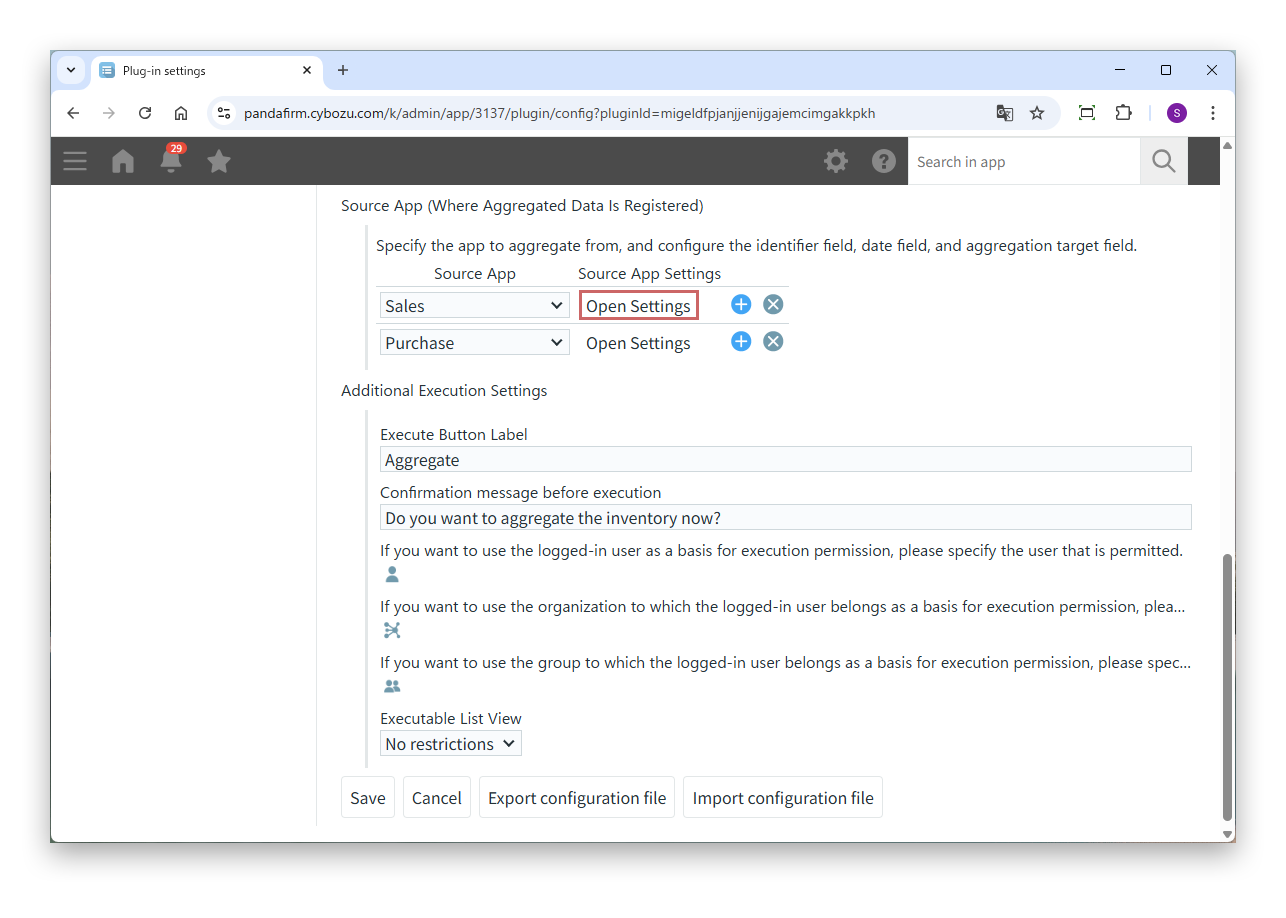
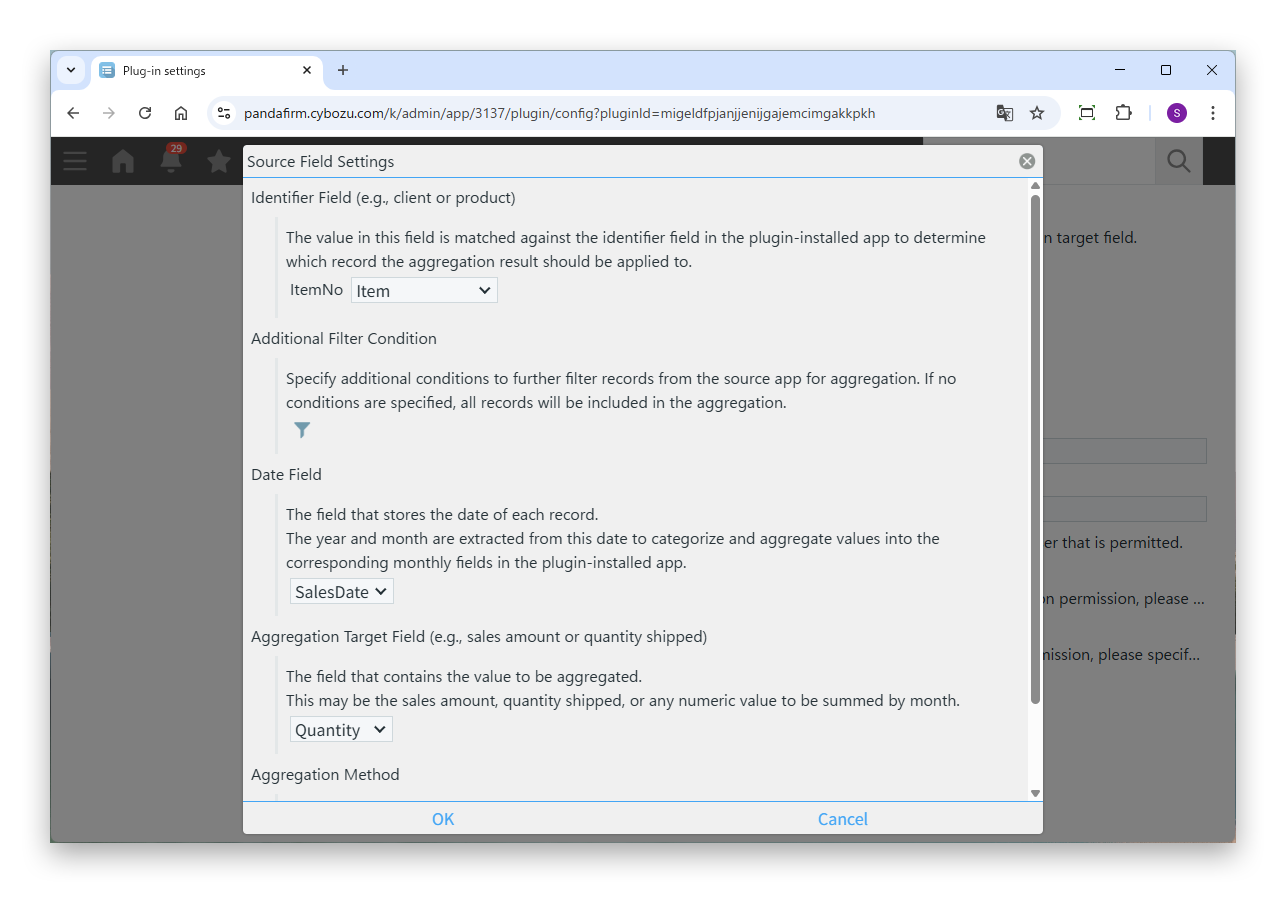
The app in which the source data is registered (the source) needs the following fields. The numbers correspond to the numbers in the image.
Fields of the source app
- ① Identifier Field
- The field that contains the same values as the identifier field of the destination app.
- ② Date Field
- The field, such as the transaction date or occurrence date, that determines the month in which a value is aggregated.
- ③ Aggregation Target Field
- The field, such as an amount or quantity, that is totaled for each month.
After placing the fields, click "Update App" in each app to apply the changes. Fields that have not been updated cannot be selected on the plugin settings screen.
You can also combine multiple identifier fields. For example, combining product and warehouse lets you manage inventory for each warehouse.