- View
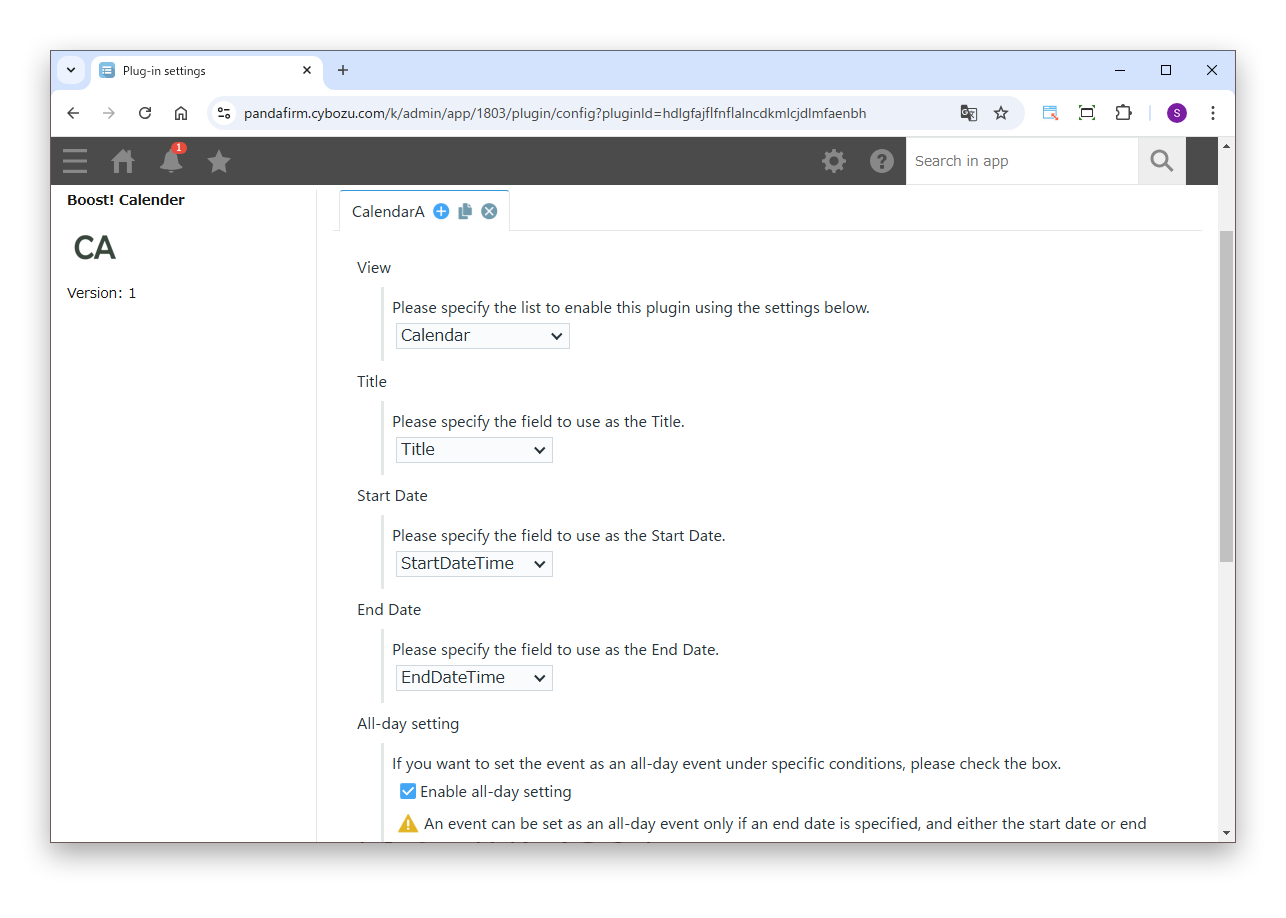
- Specify the view in which this plugin is enabled. You cannot specify the same view in different tabs.
- Title
- Specify the field to use as the title.
- Start Date
- Specify the field to use as the start date.
- End Date
- Specify the field to use as the end date. If omitted, the event is shown as a one-day event on the start date only.
- All-day setting
- Select this to make events that meet specific conditions all-day events.
- Initial Calendar Display
- Specify the calendar display format used when the list view is opened.
- The day that each week begins
- Specify the first day of the week.
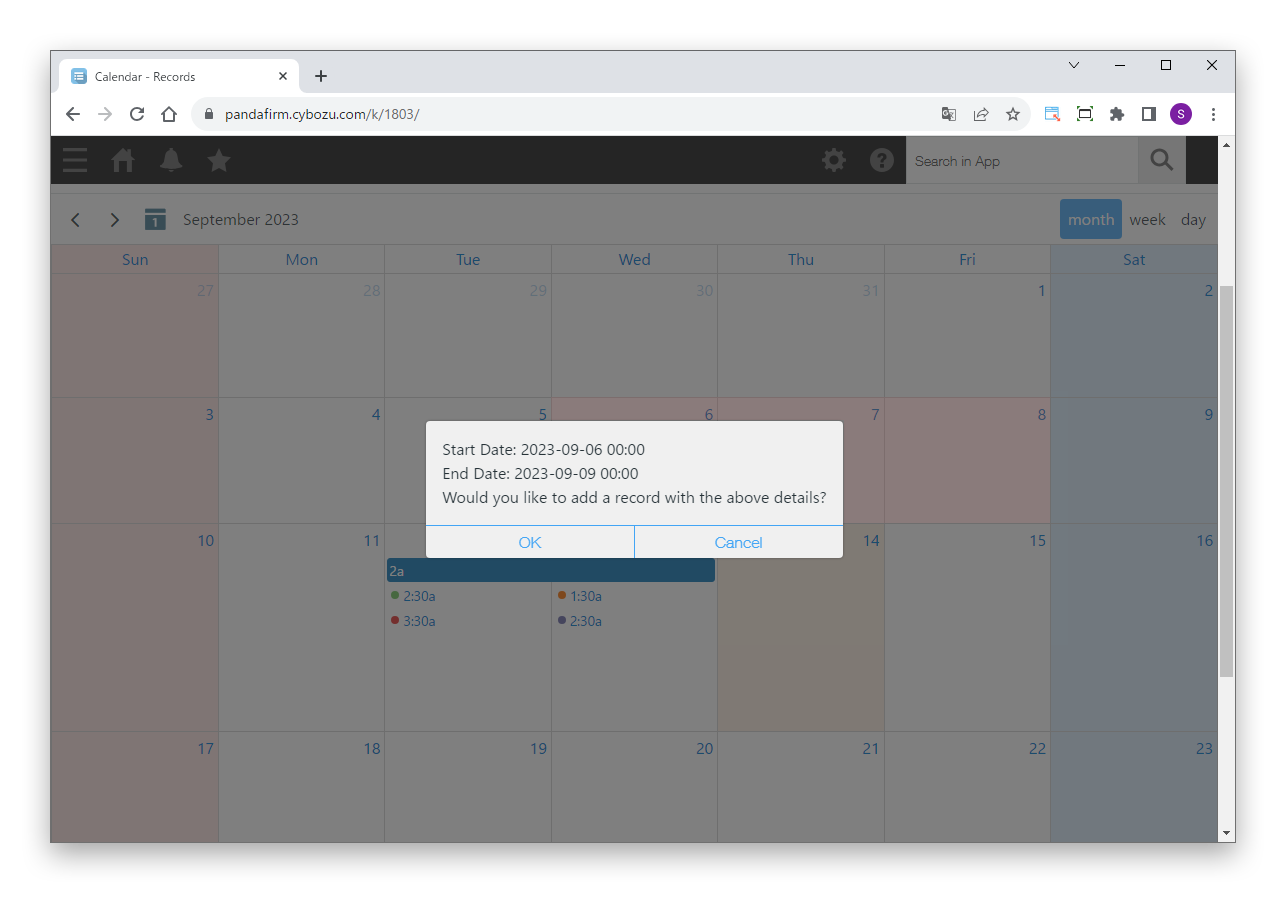
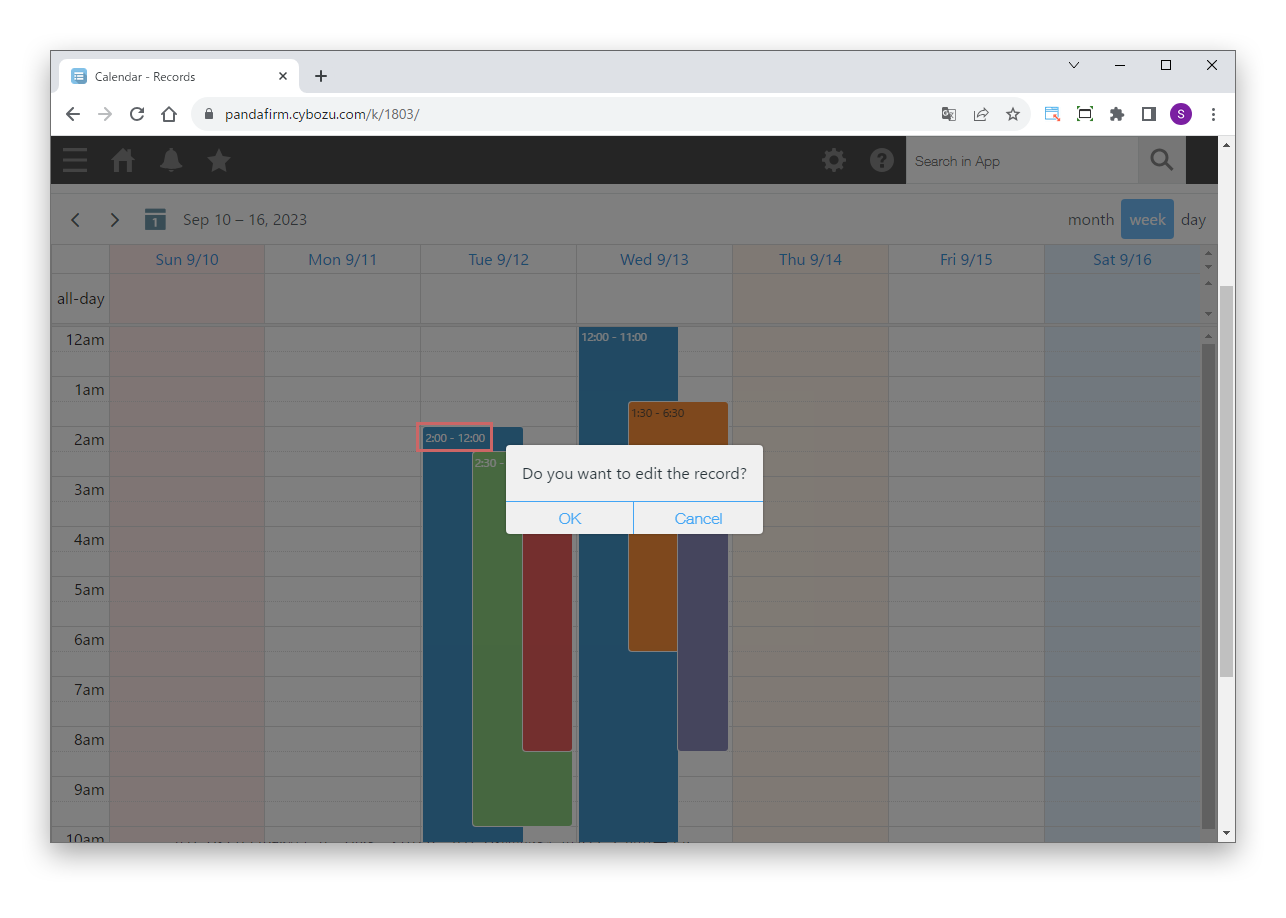
- Transition to the editing page
- Select this to open the detail screen when the title of an event area is clicked.
 Boost!