Boost!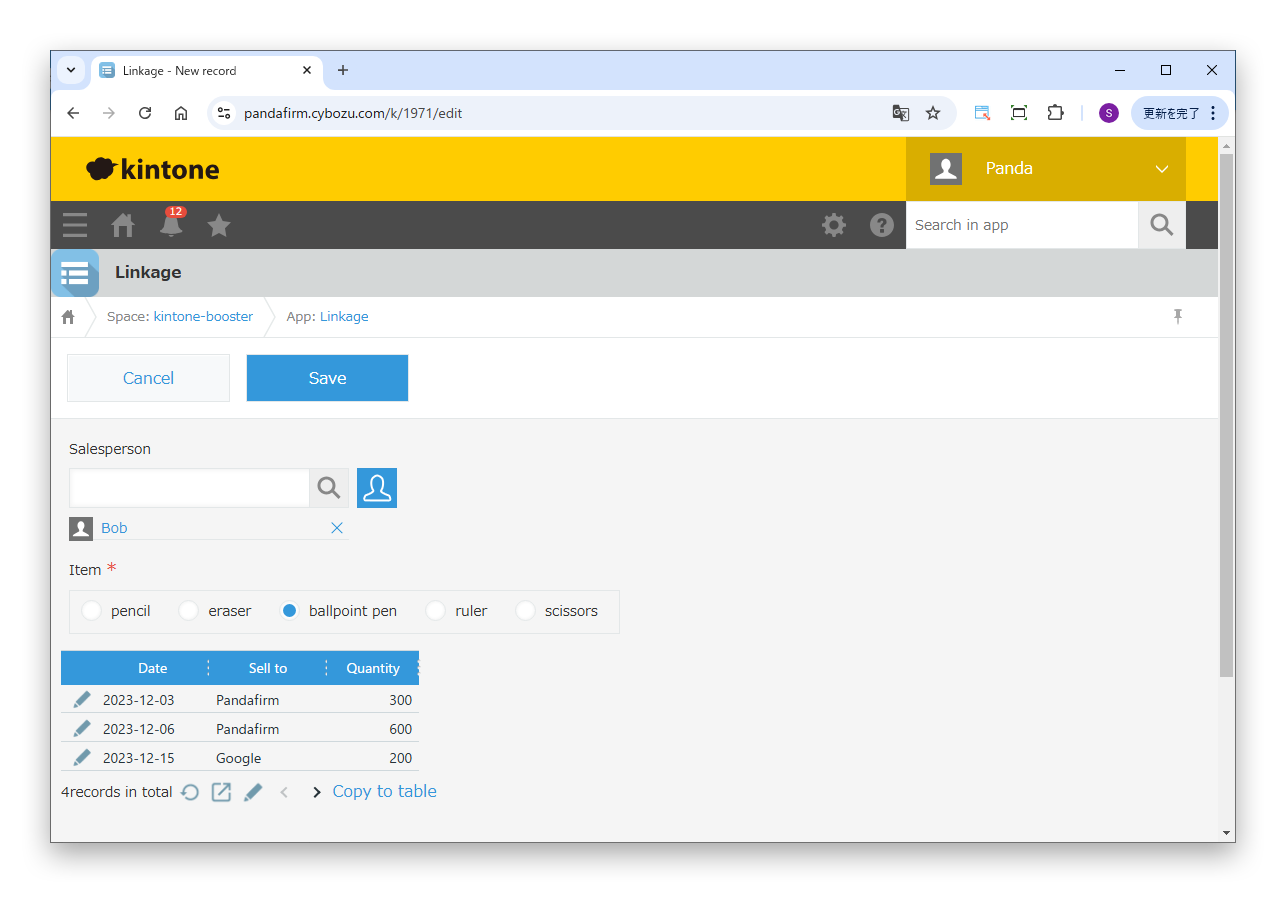
Specify the settings
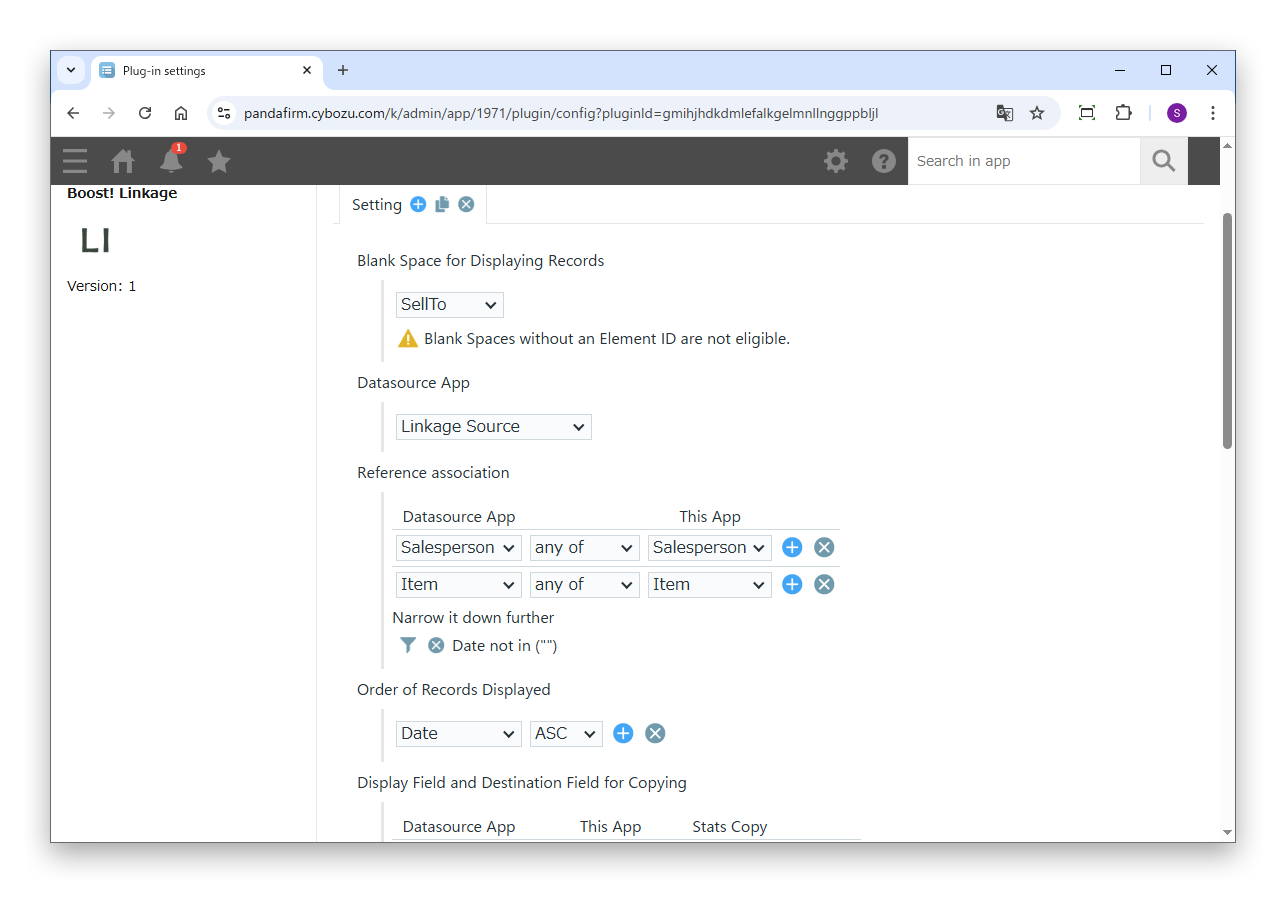
On the plugin settings screen, specify the records to reference and how to show them.
Settings
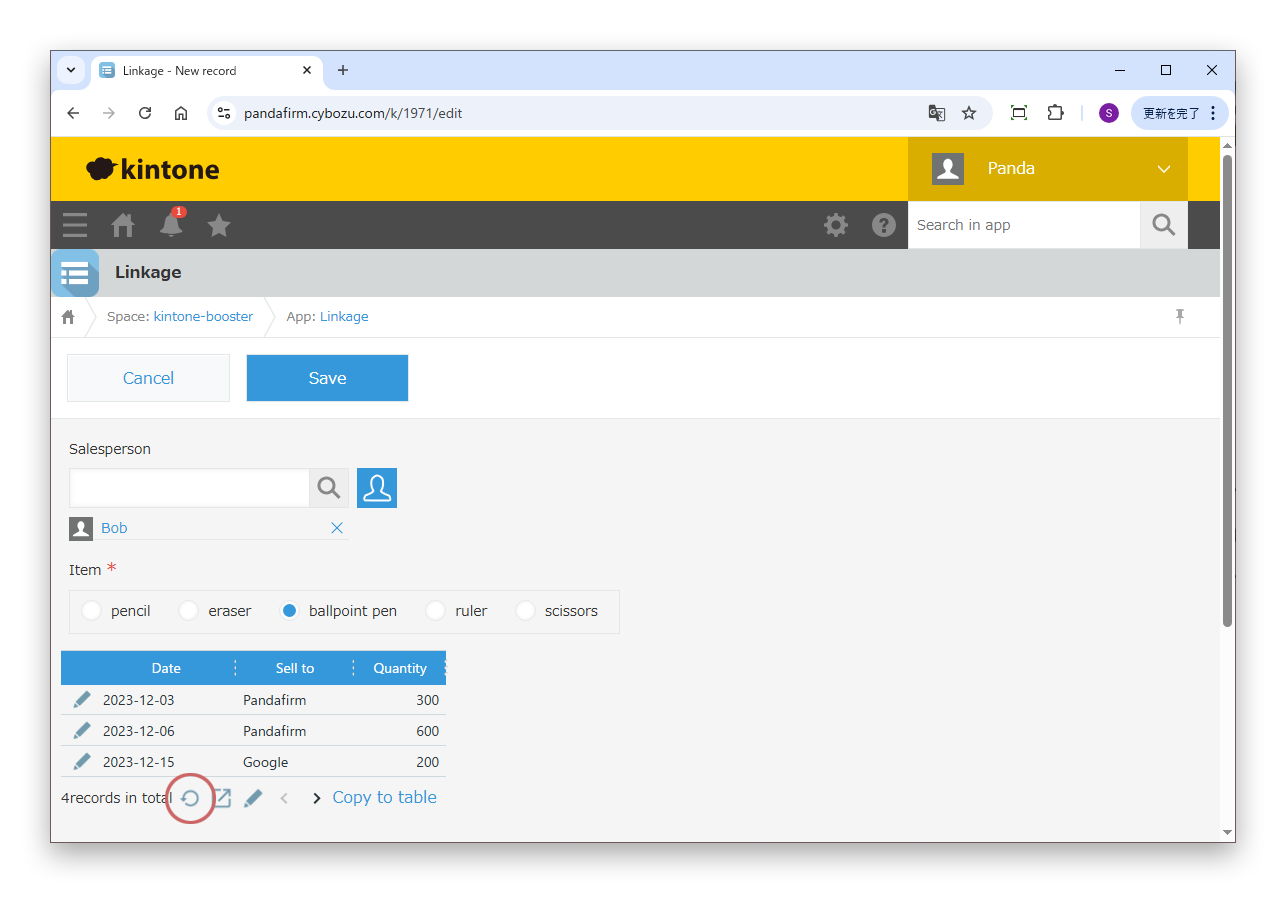
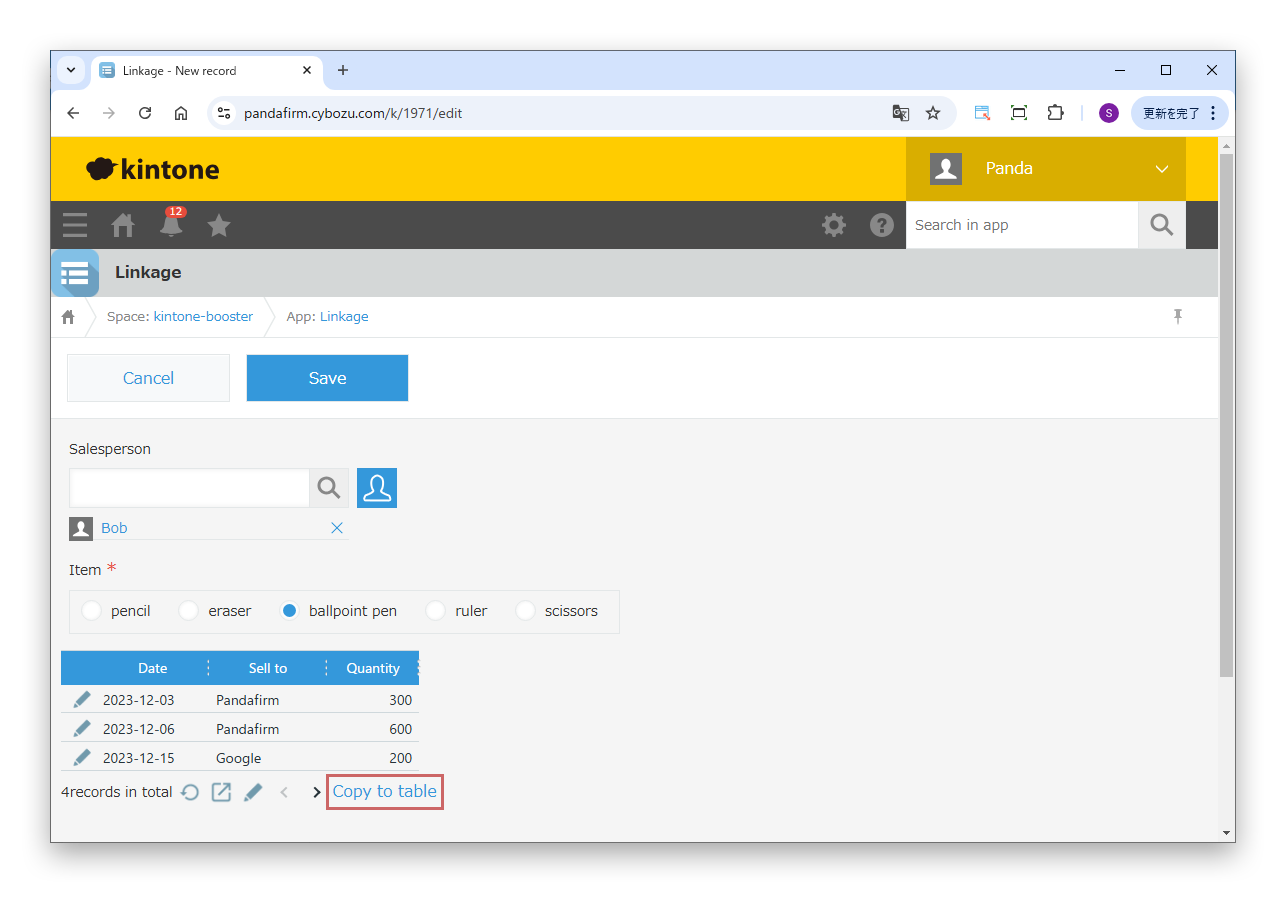
- Blank Space for Displaying Records
- Specify the blank space field in which the list of referenced records is shown.
- Datasource App
- Specify the app that contains the records to reference.
- Reference association
- Specify the combination of fields that identifies the records in the datasource app.
- Narrow it down further
- Specify this to add conditions for the records to reference in addition to the association.
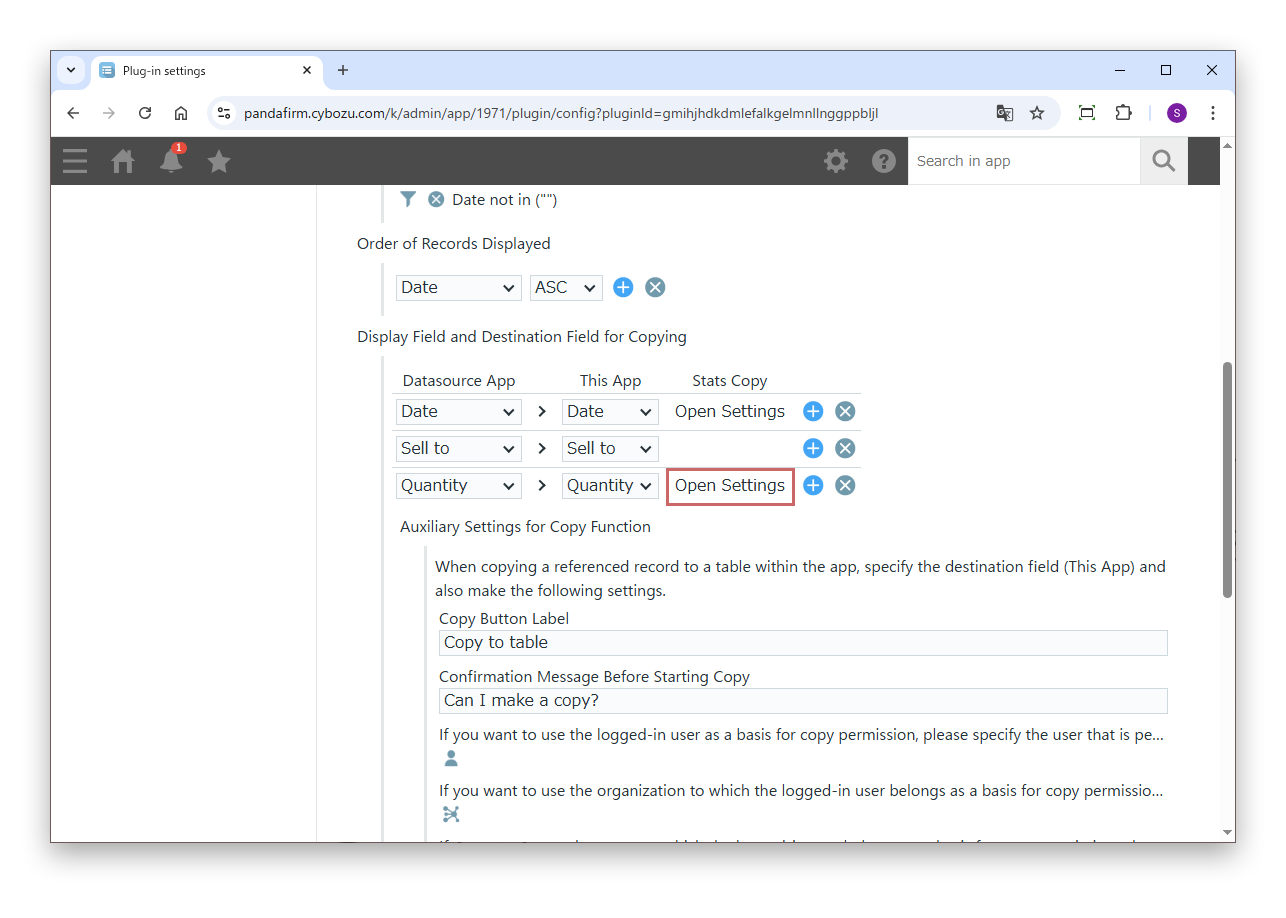
- Order of Records Displayed
- Specify the order of the records shown in the list.
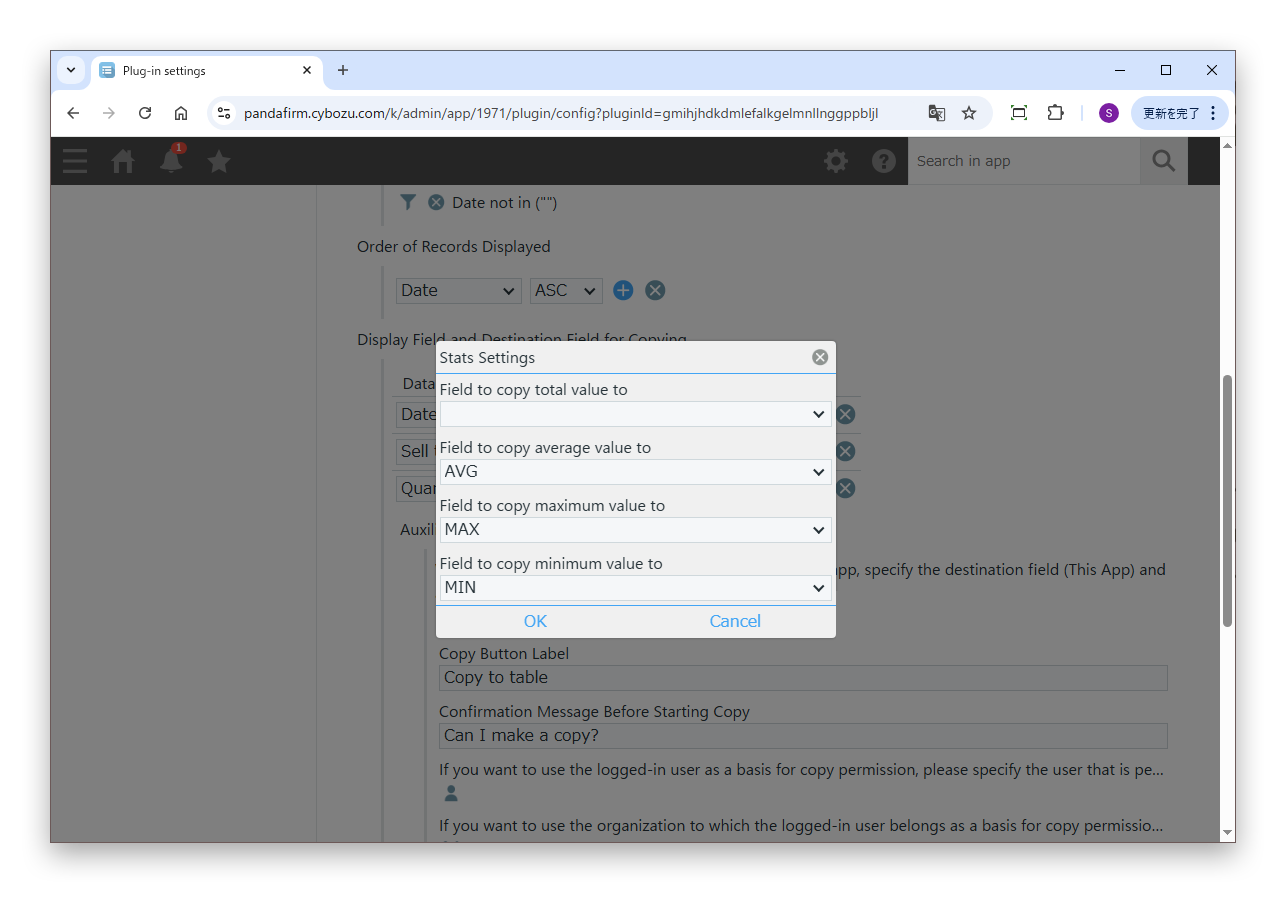
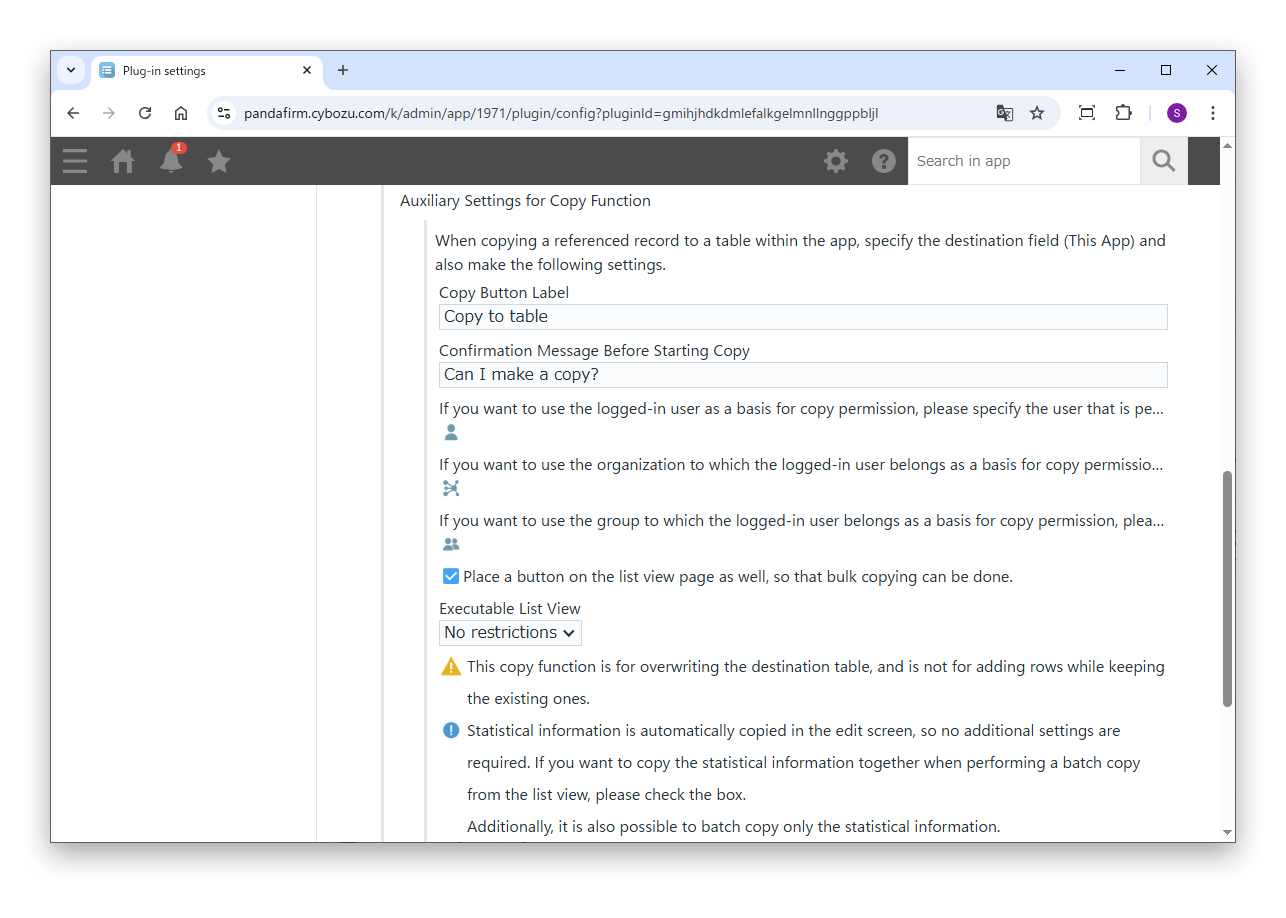
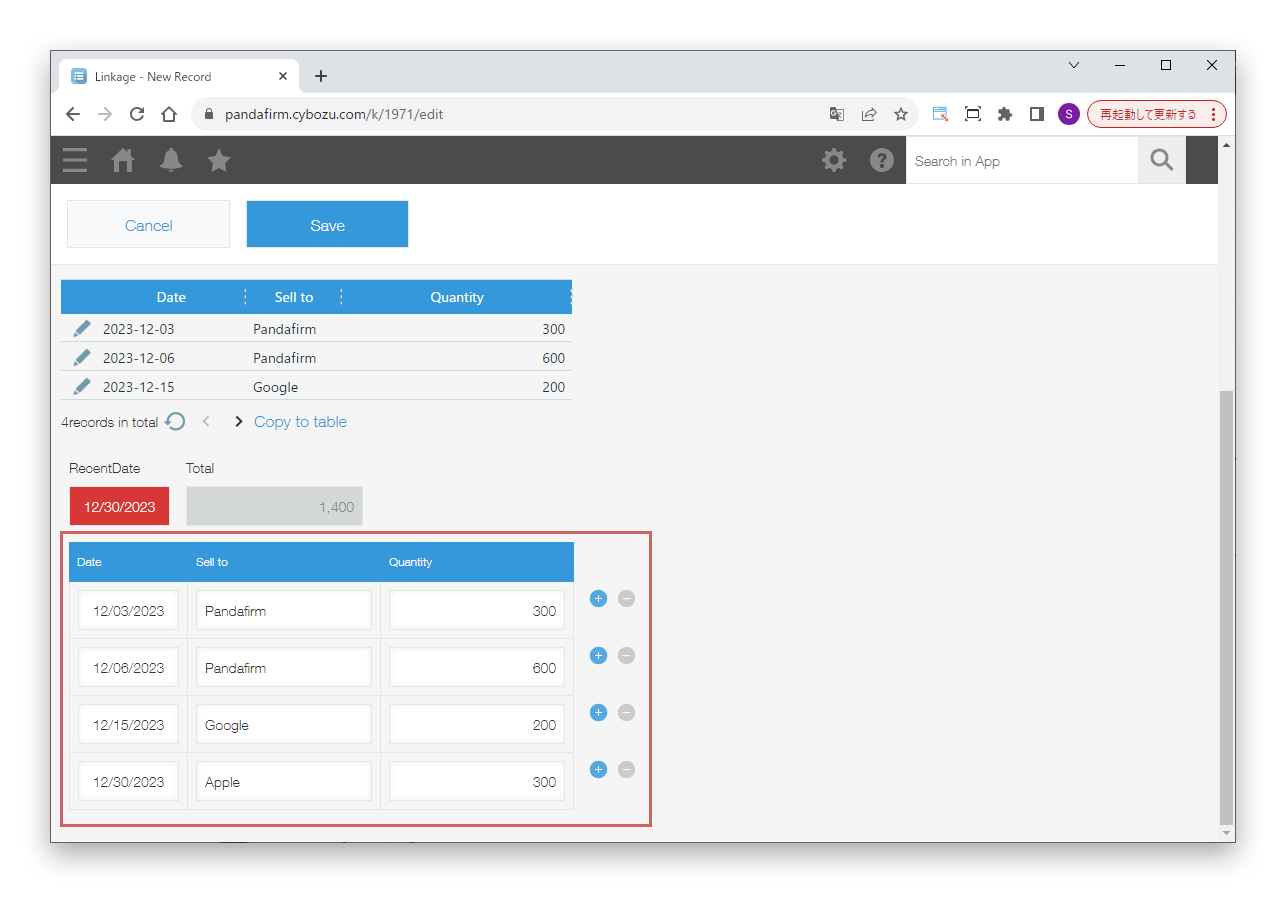
- Display Field and Destination Field for Copying
- Specify the fields of the datasource app shown in the list. To copy to a table, also specify the fields of this app to copy to.
- Max Records to Display at a Time
- Enter the number of records shown in the list at a time, from 1 to 500.
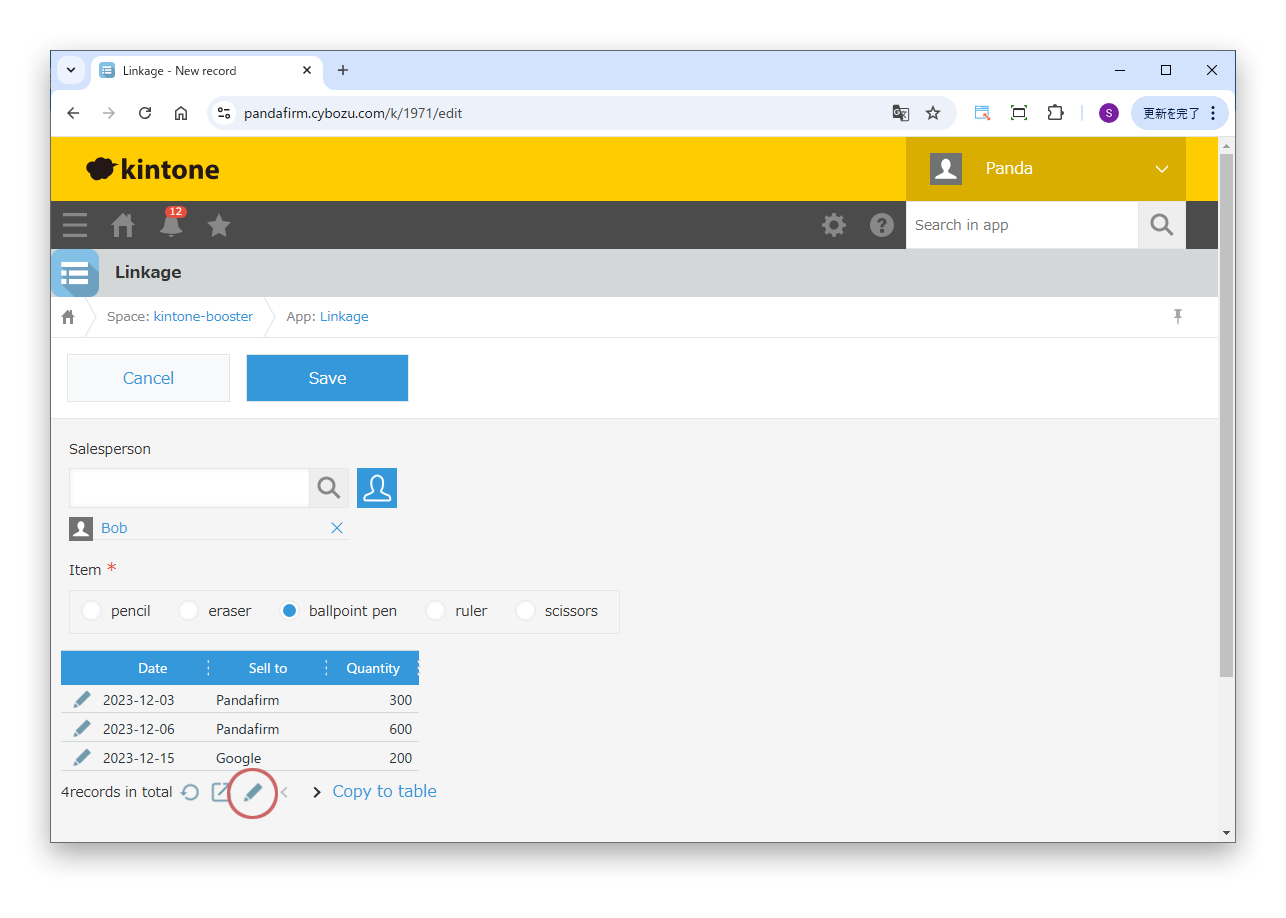
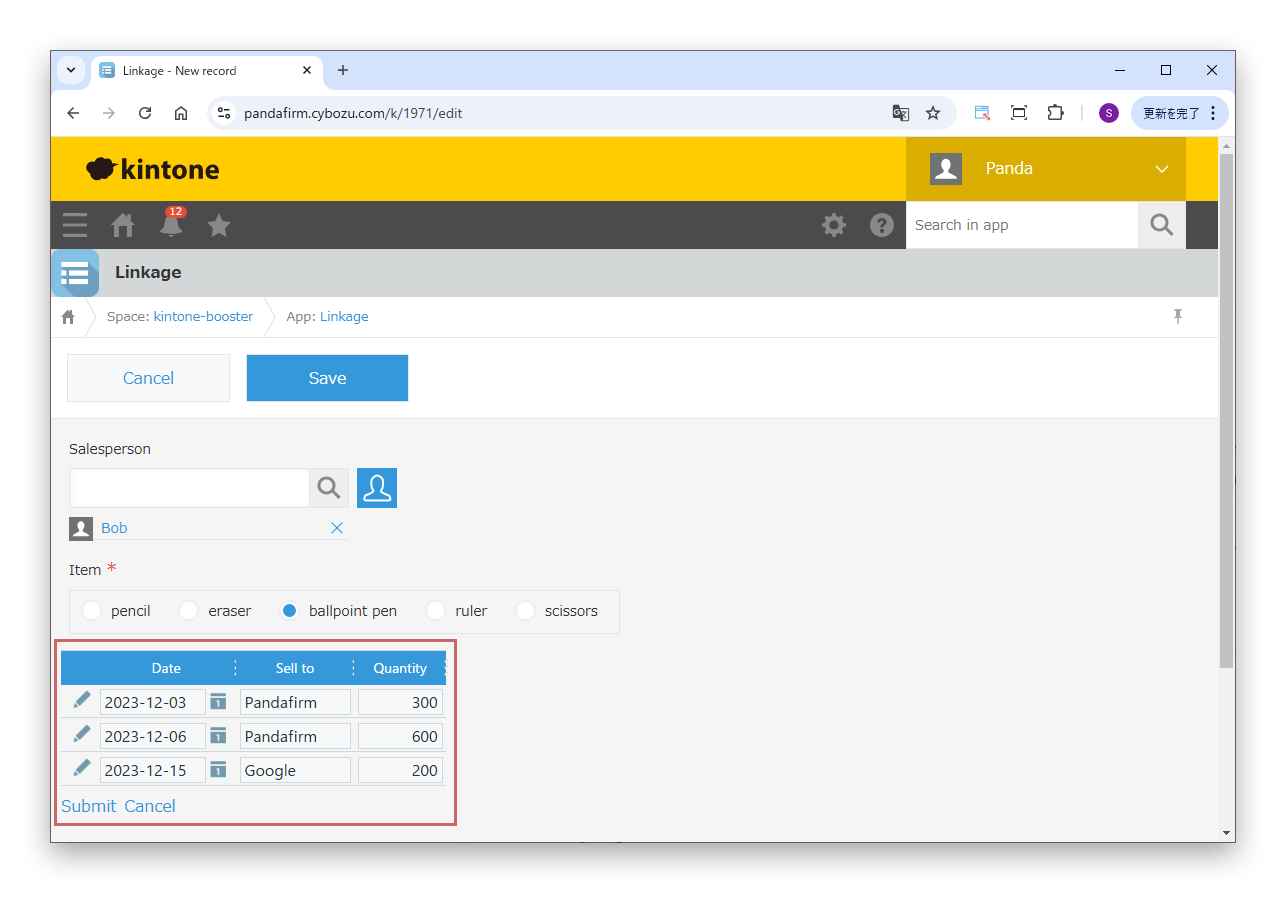
- Direct editing
- Select this to edit directly in the list without opening the datasource app.
Only blank space fields with an element ID can be specified in "Blank Space for Displaying Records".