Boost!
Specify the conditions
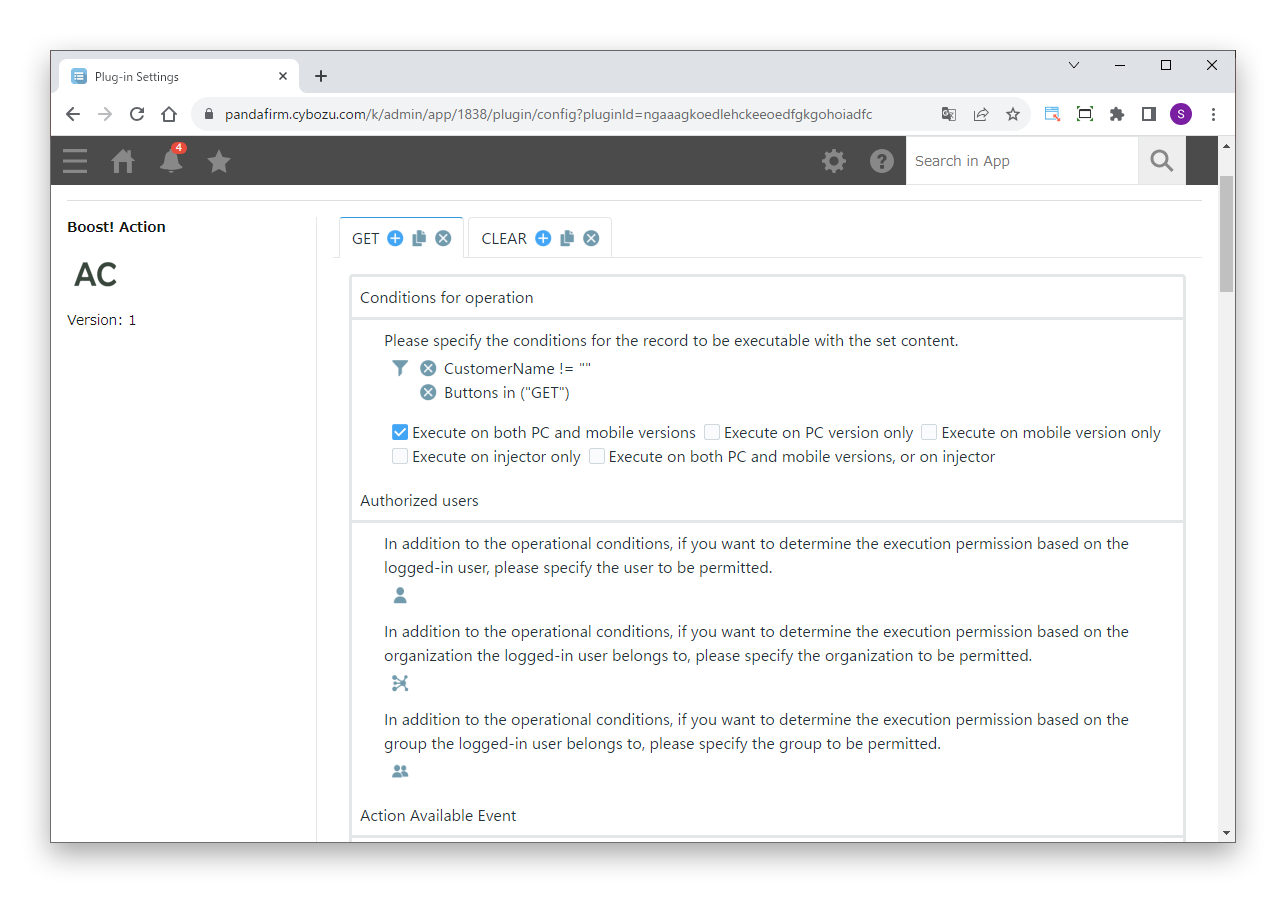
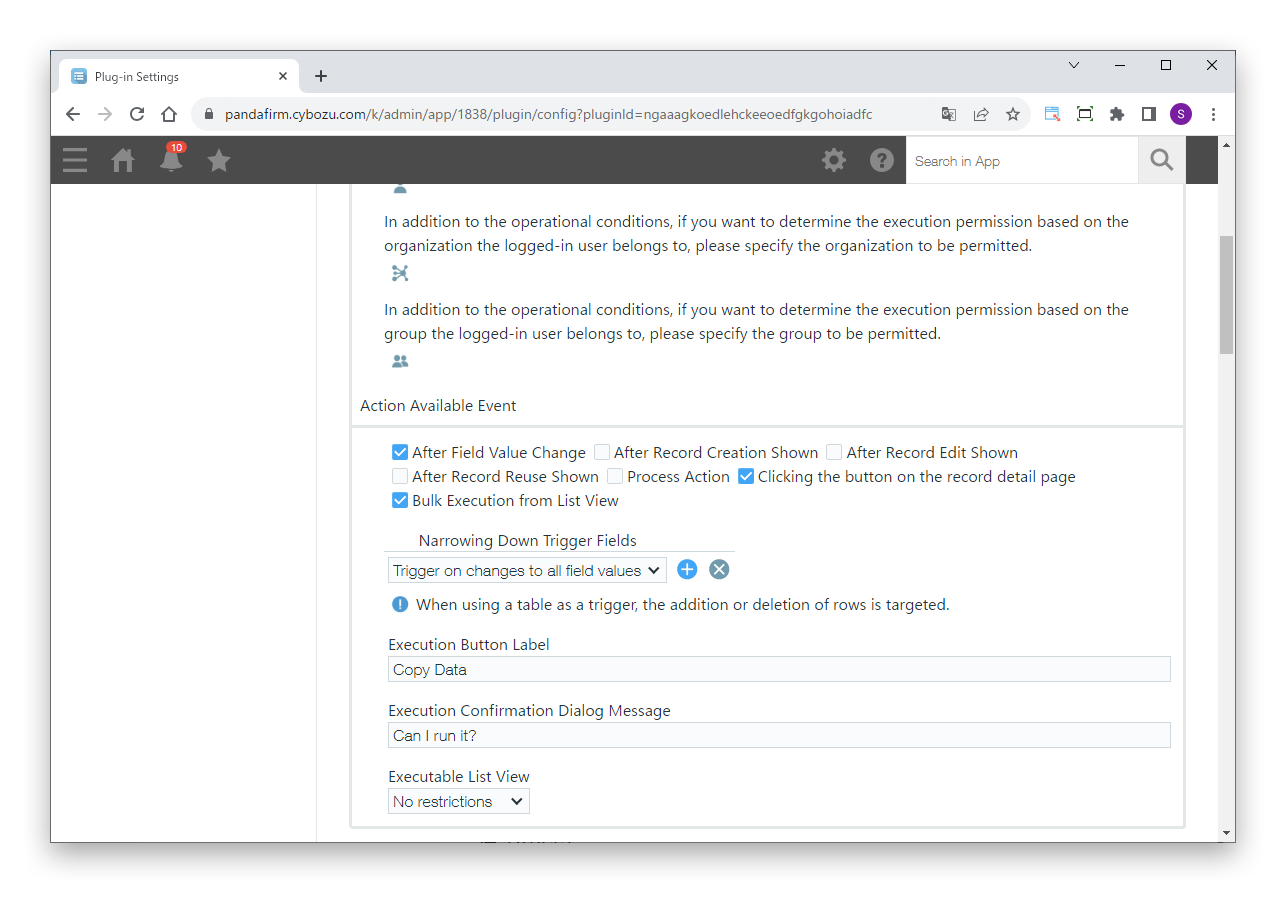
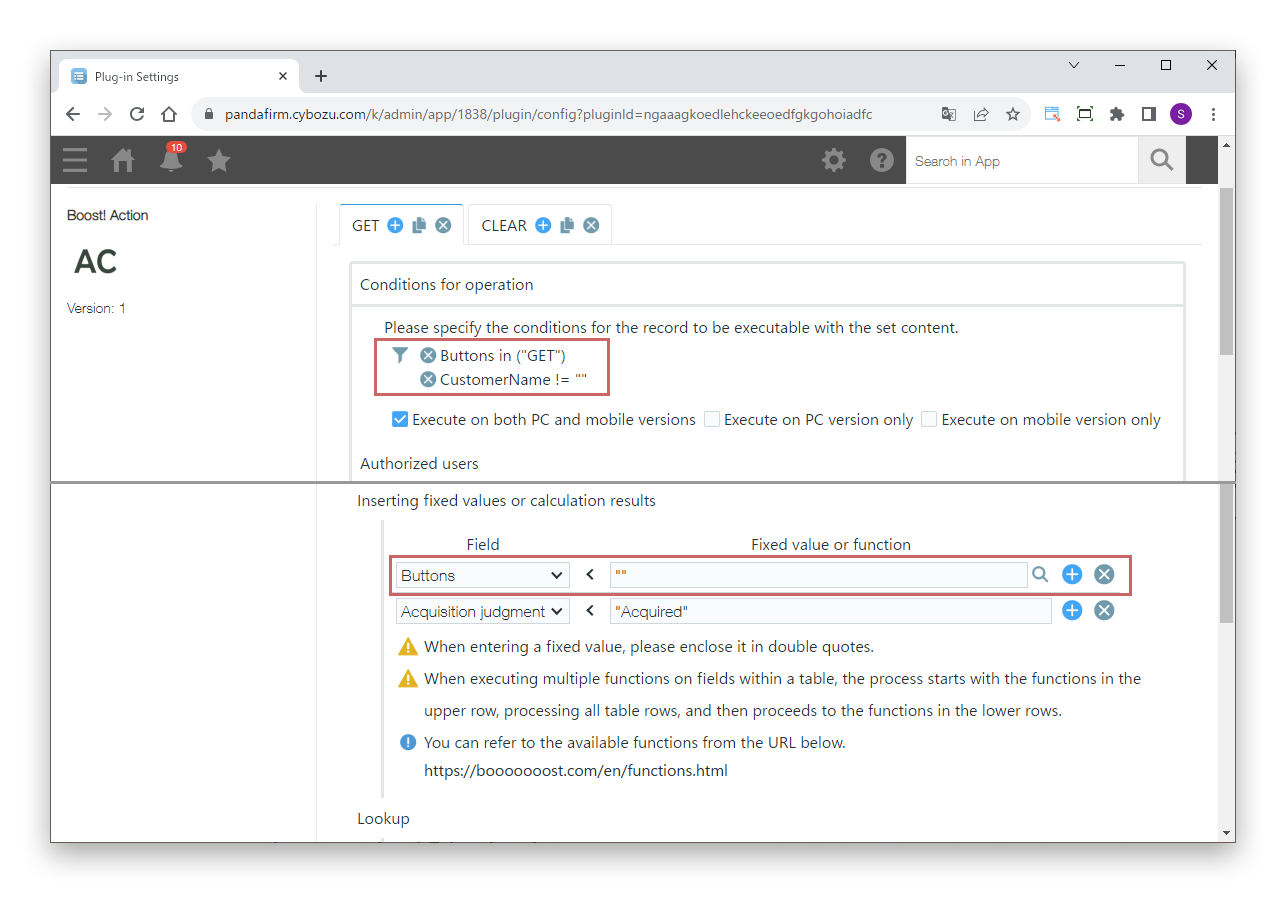
First, specify the conditions under which the process runs.
Settings
- Conditions for operation
- Specify the conditions of the records to process.
- Authorized users
- To allow execution based on the logged-in user, or the departments and groups the user belongs to, in addition to the conditions for operation, specify who is allowed.
- Action Available Event
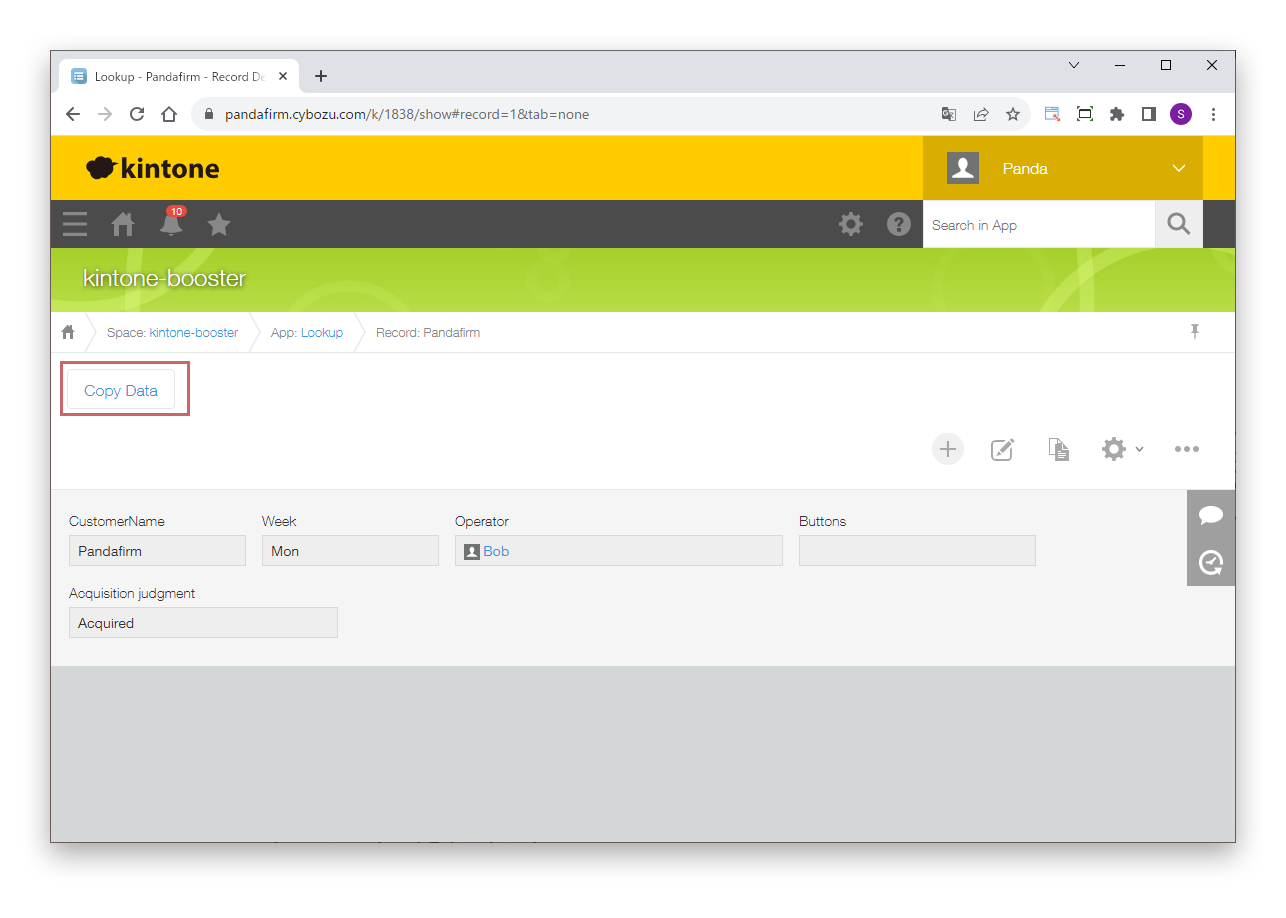
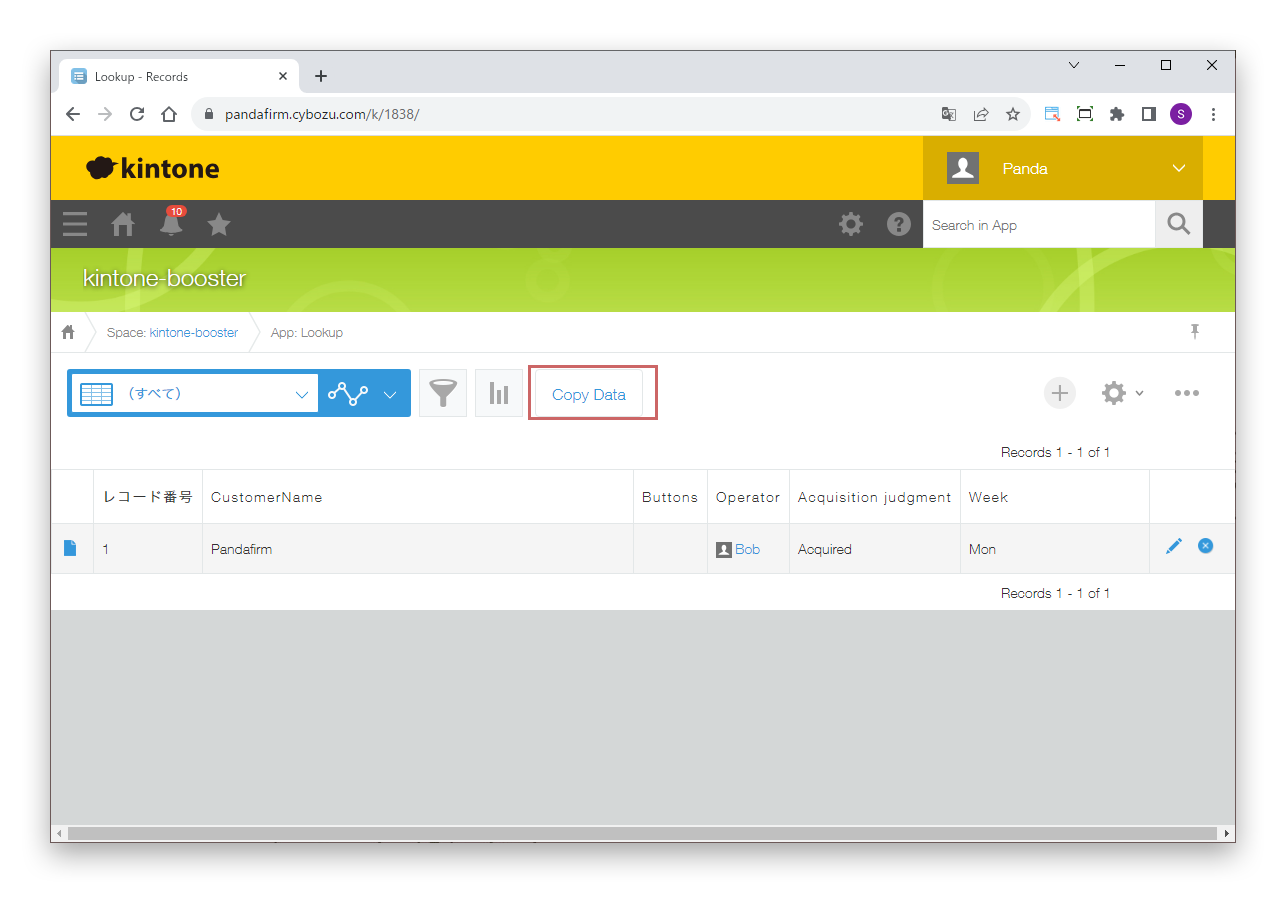
- Specify the event that runs the process (After Field Value Change, After Record Creation Shown, After Record Edit Shown, After Record Reuse Shown, Process Action, Clicking the button on the record detail page, or Bulk Execution from List View).
For details on the injector, see the Boost! Injector page.