Boost!
Specify the conditions
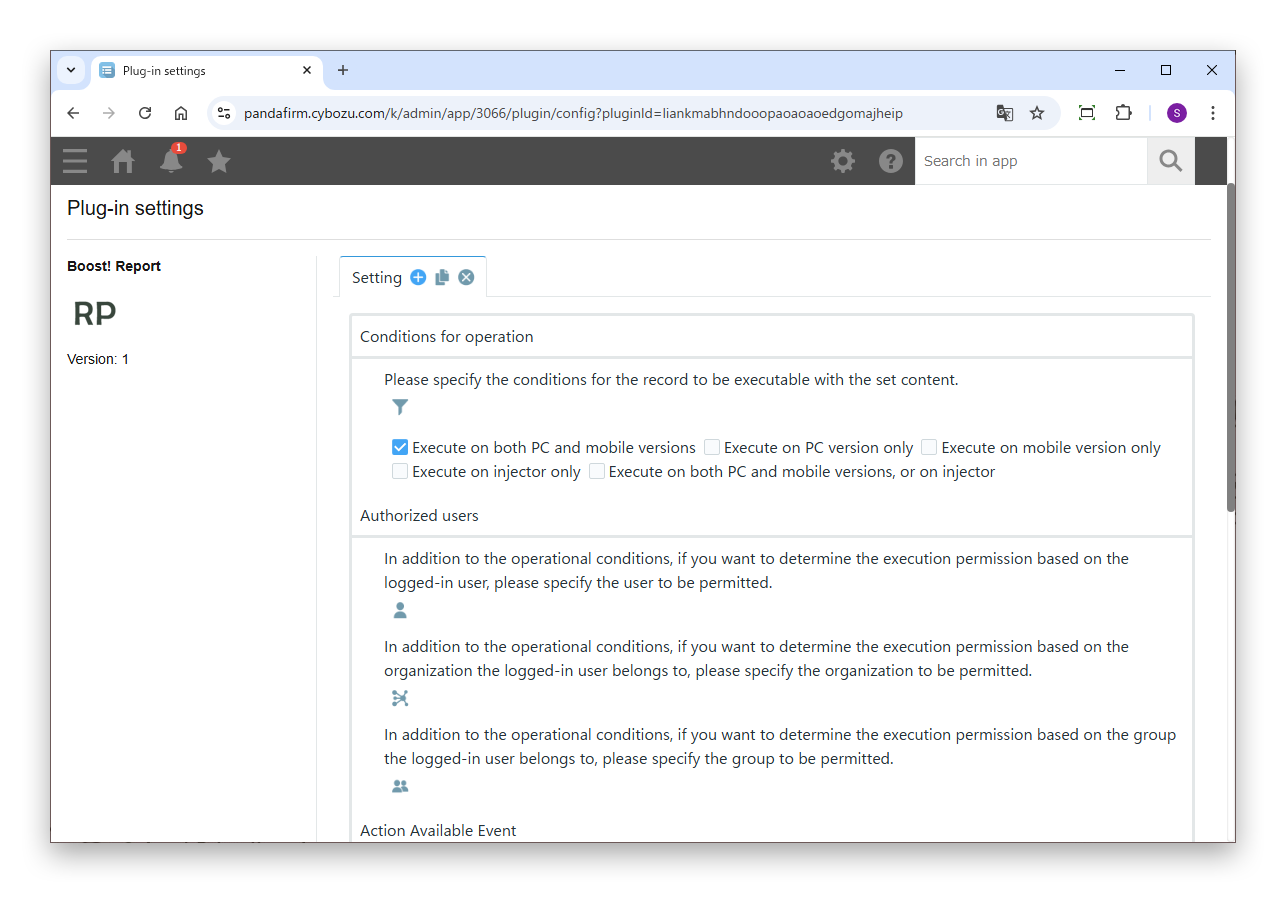
First, specify the conditions under which the process runs.
Settings
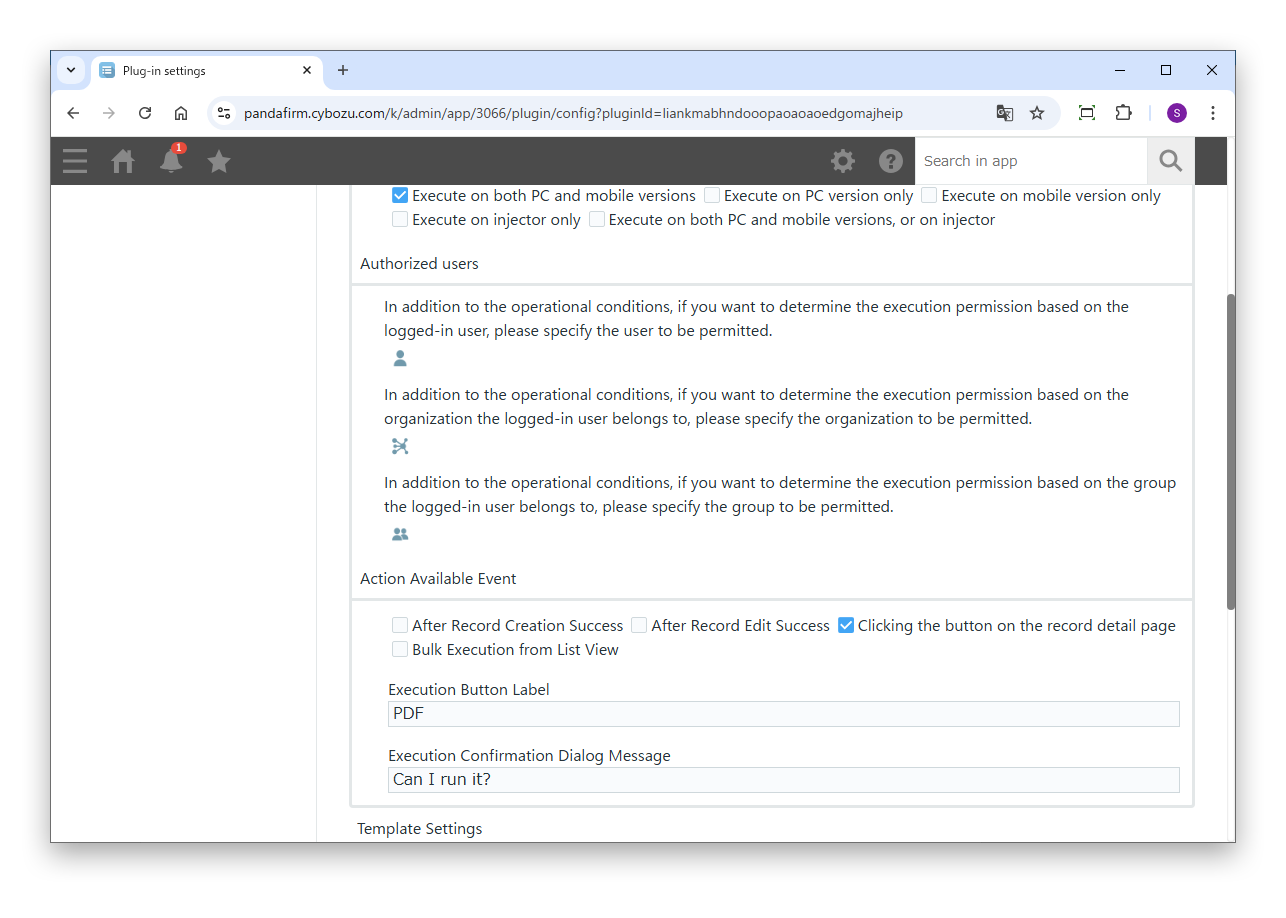
- Conditions for operation
- Specify the conditions of the records to process.
- Authorized users
- To allow execution based on the logged-in user, or the departments and groups the user belongs to, in addition to the conditions for operation, specify who is allowed.
- Action Available Event
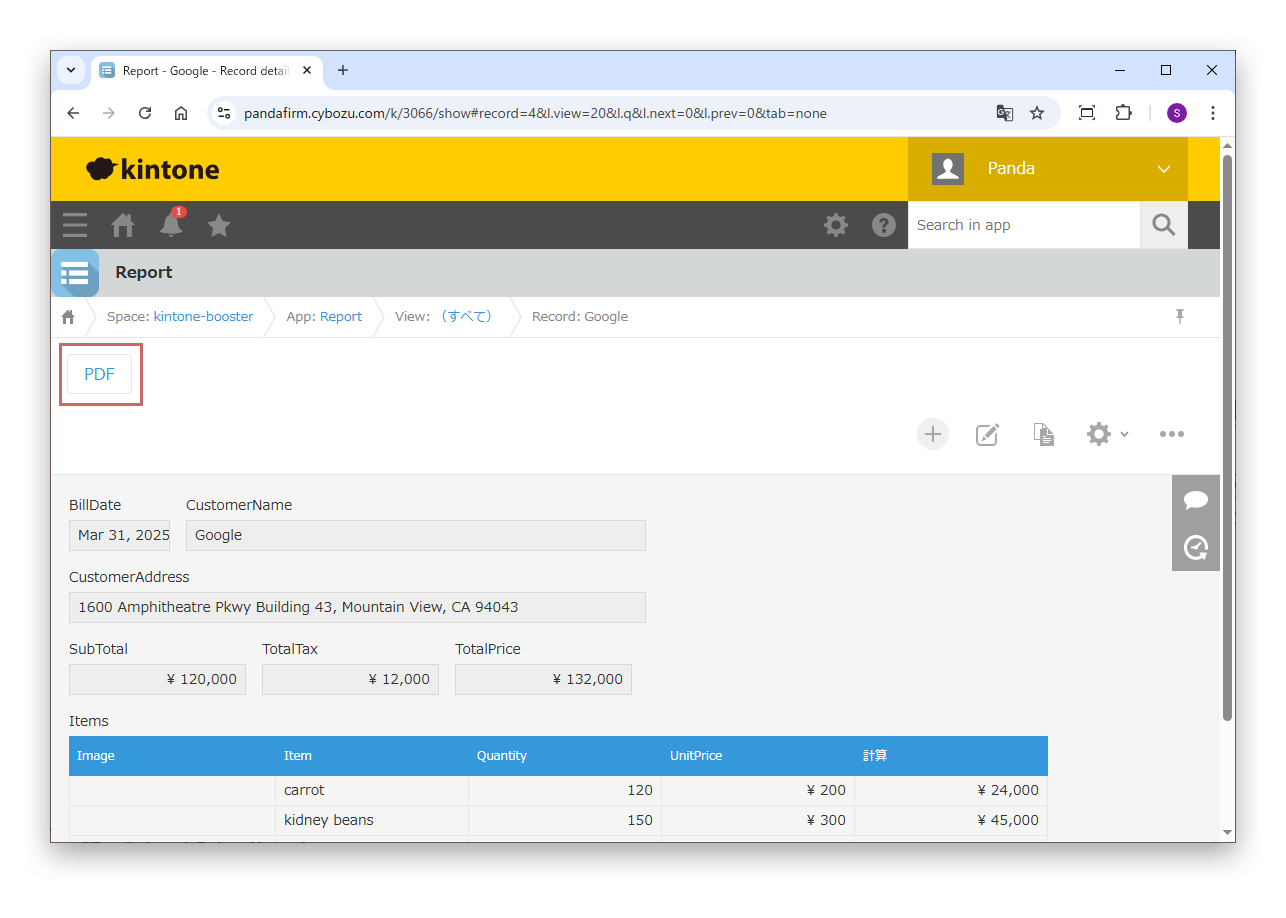
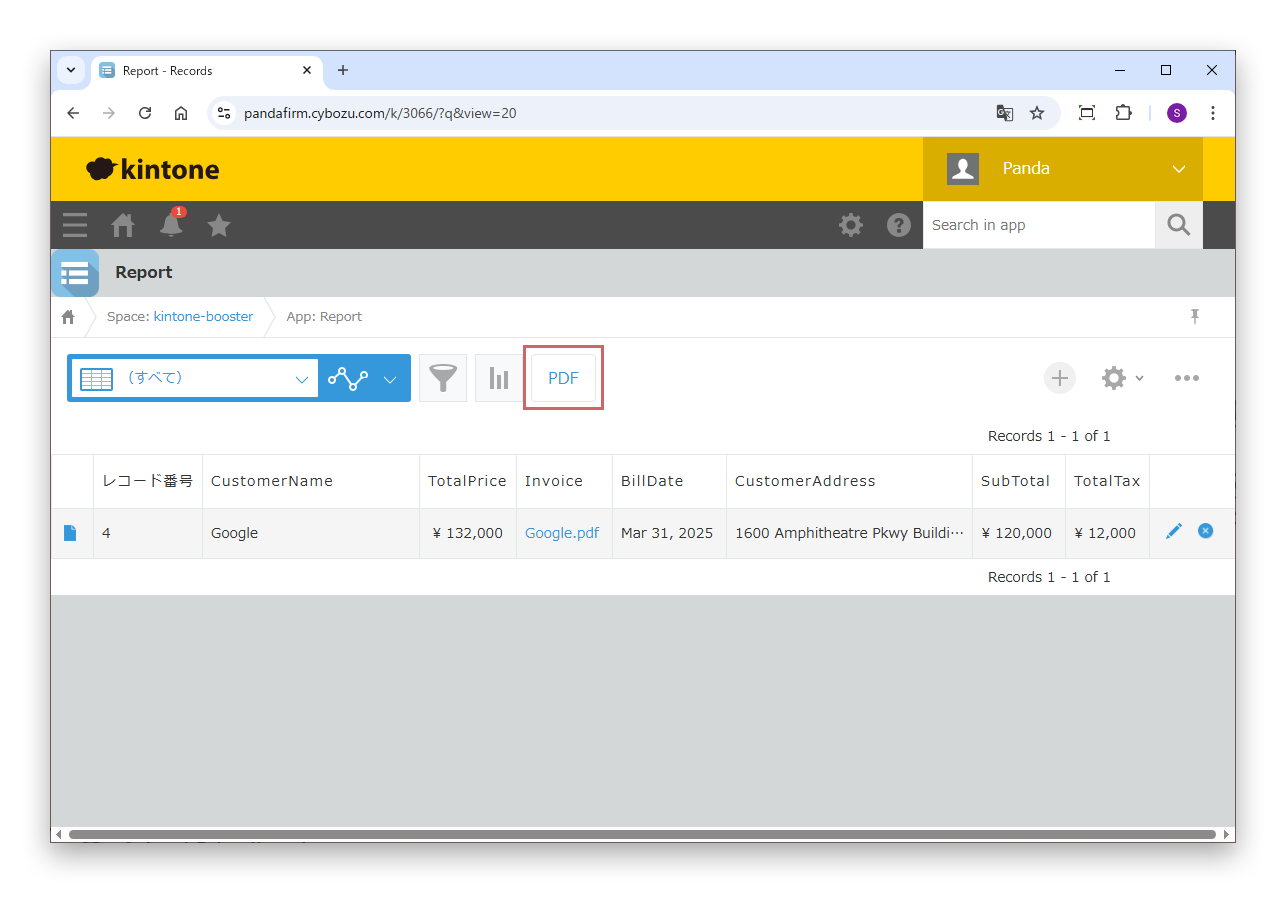
- Specify the event on which the process runs (after a record is saved successfully on the add screen, after a record is saved successfully on the edit screen, a button click on the detail screen, or bulk execution from the list view).
For details on the injector, see the Boost! Injector page.