Boost!
Specify the conditions
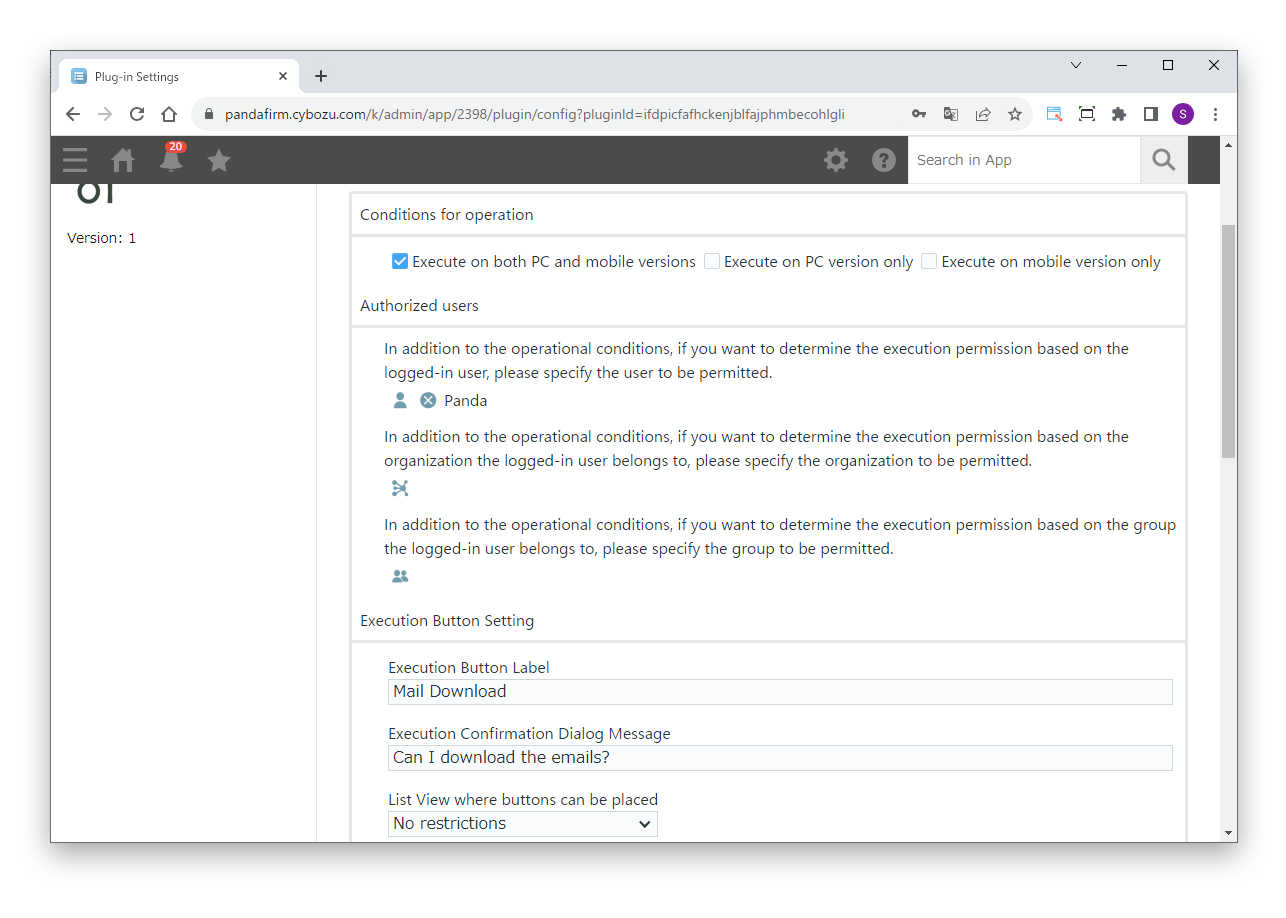
First, specify the users who can run the plugin and the execute button.
Settings
- Authorized users
- To allow execution based on the logged-in user, or the departments and groups the user belongs to, specify who is allowed.
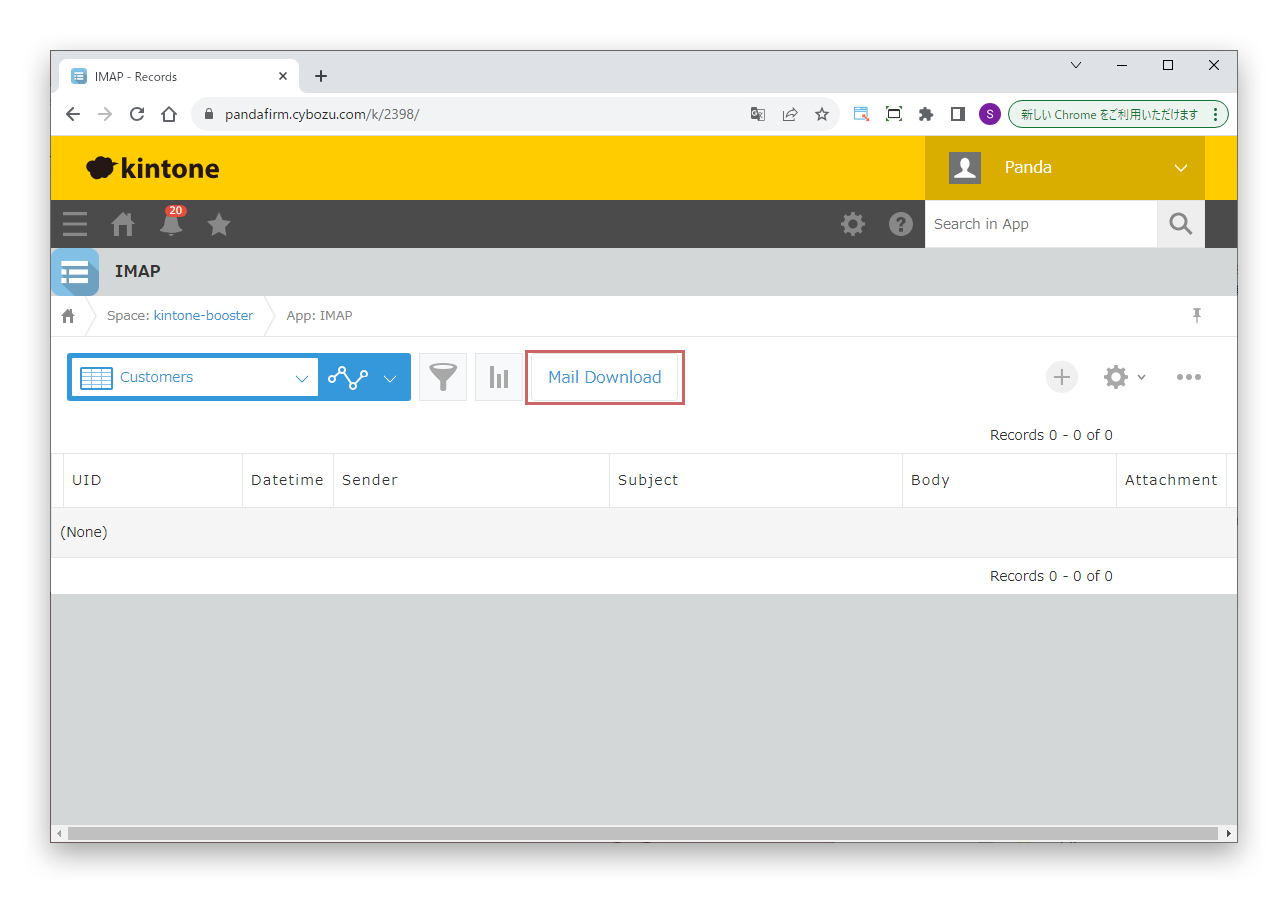
- Execute Button Label
- Enter the label of the button that imports email.
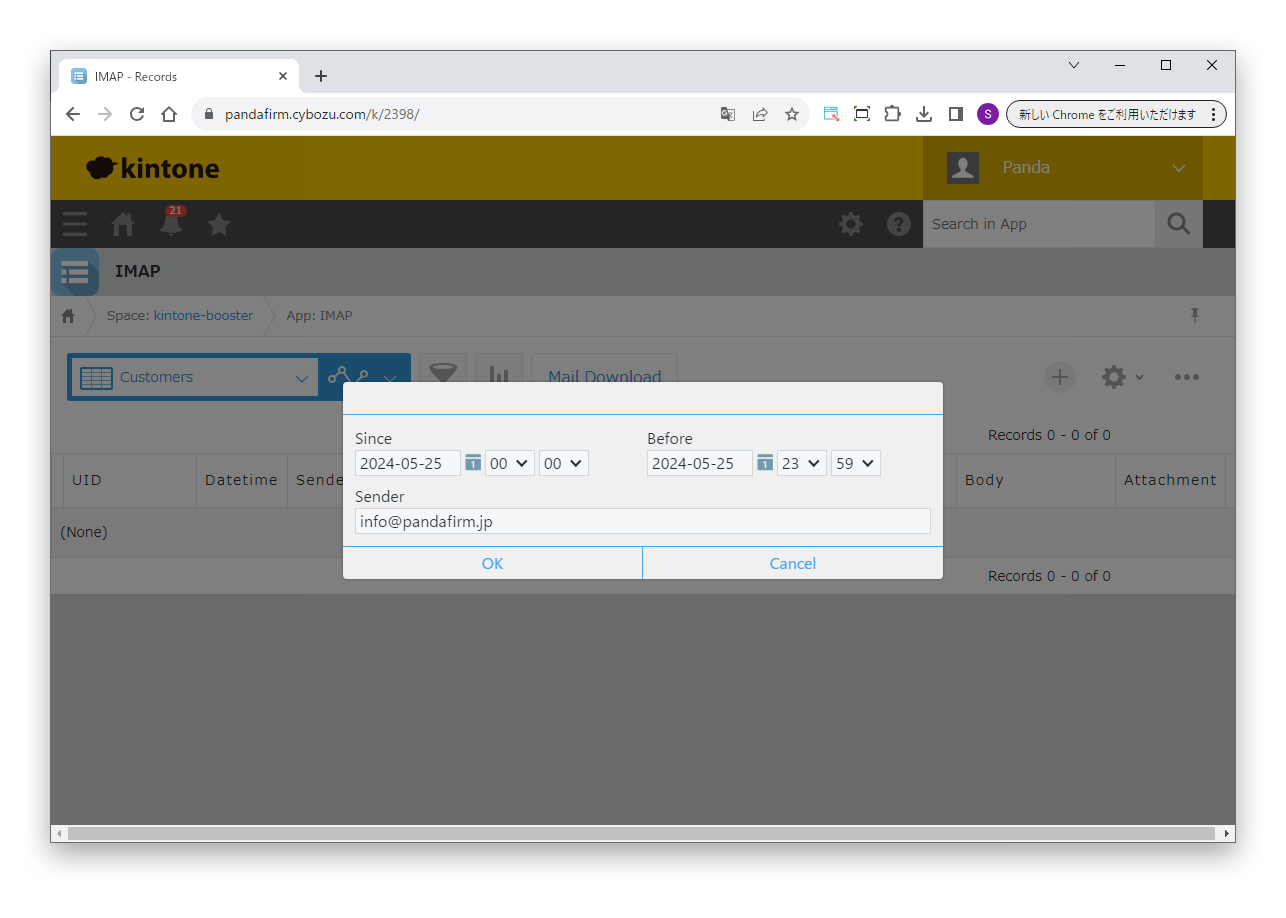
- Execution Confirmation Dialog Message
- Enter the message shown before the import runs.
- List View where buttons can be placed
- Specify the views in which the execute button is shown.